ProntoNetLC User Manual
100
Line Disconnected: Line 1/2 has been disconnected unexpectedly,
manually disconnected or both.
General: In internal hardware error was detected by the software.
System Power Down: This new alarm allows the user to know if the unit
was turn off and the time that remained in that condition.
V.4.2 Monitoring Alarms
When one of the selected alarms is detected, the alarms window is highlighted.
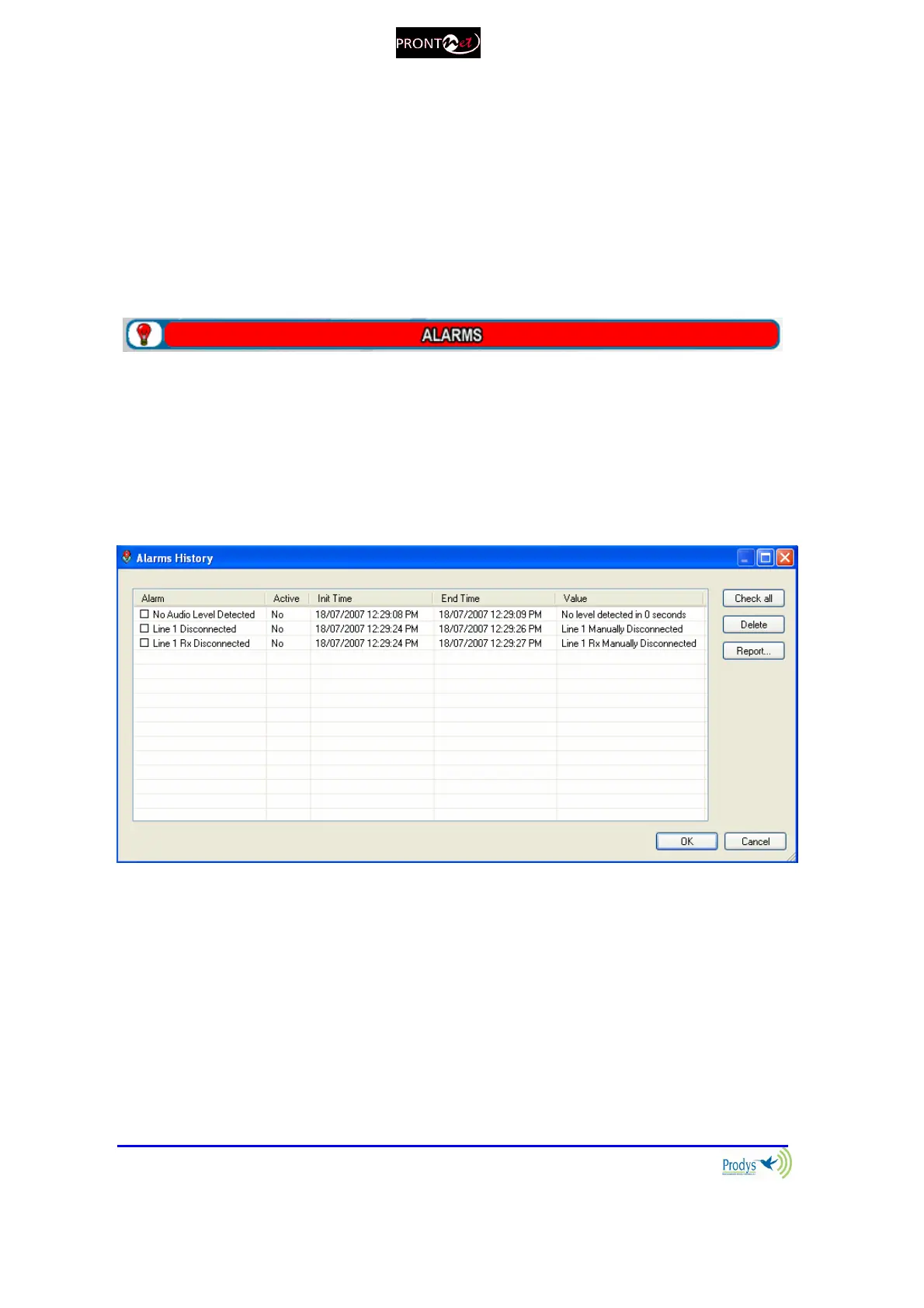
V.4.3 Alarms History
Alarms are saved on the non volatile memory of the ProntoNetLC. It means that
it is possible to know what happened on the past even if the unit was
disconnected of the network. The alarms history can be showed by clicking over
the lamp or over “History” option in the alarm selection dialogue.
An historical report of alarms in html allowing preview and print is available.



 To Next Page