ProntoNetLC User Manual
90
V.1.5 Phone Book
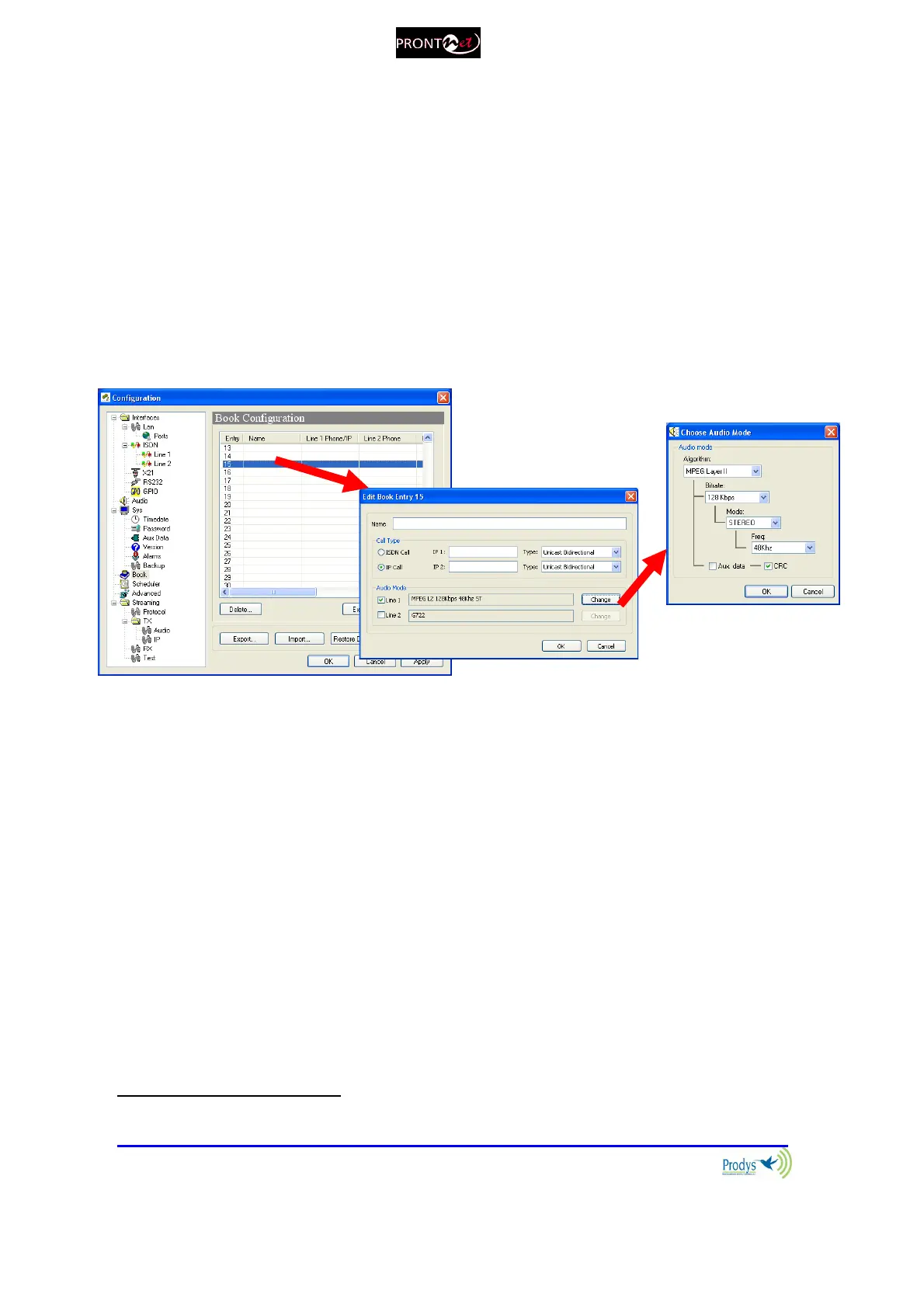
When the BOOK option is selected, the phone book window is showed on the
right side. The Phone Book records the user name and an IP address. There are
up to 64 indexes
27
.
The proceeding to edit a phone book index is as follows:
1. To select one index by clicking on its area.
2. To type a name.
3. To enter the IP address.
4. To configure the encoder is optional. In case of that it is not entered, the
unit will proceed to call in the current encoder configuration.
It is possible to Export / Import the Book in XML format. It is also possible to
create an html report allowing the user to preview and print the information.
27
Before version 5.2.1, the number of available entries was 32.



 To Next Page