ProntoNetLC User Manual
89
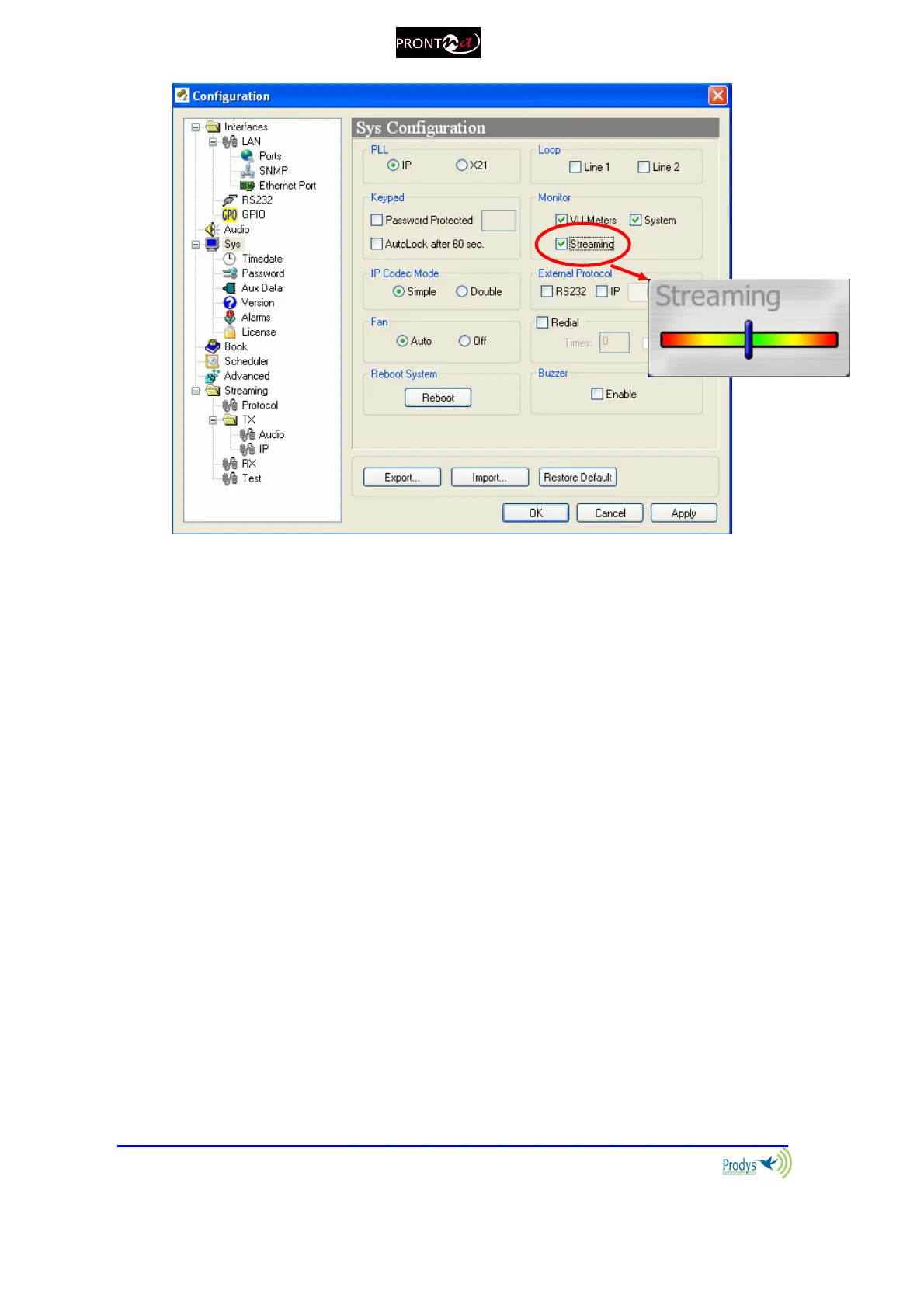
That indication represents the instant decoder buffer occupation.
When indication is green or even yellow means the streaming is working fine.
Depending on the algorithm, the variation will be quicker or slower but always
should be going up and down from yellow to the center (green).
If the bar moves towards the red area, it means that it is getting closer to
buffer overflow (red right) or buffer underflow (red left). Of course, if you have
buffer overflow or underflow you will have a cut in the audio. If the indication
goes to red for an instant, usually doesn't affect the streaming, but of course, if
you have a constant red indication you are having problems with the streaming.
Buffer underflow might be caused by lost packets or because the clock of the AD
converter at the transmitter side which runs slower than the DA converter at the
receiver side.
Buffer overflow might be caused by the opposite scheme: The clock at the
transmitter side is running quicker than the clock at the receiver side.
Prodys PPL adjustment mechanism is aimed at dealing with this clock jitter and
thus to compensate for this variation and guarantee proper audio over IP.



 To Next Page