ProntoNetLC User Manual
136
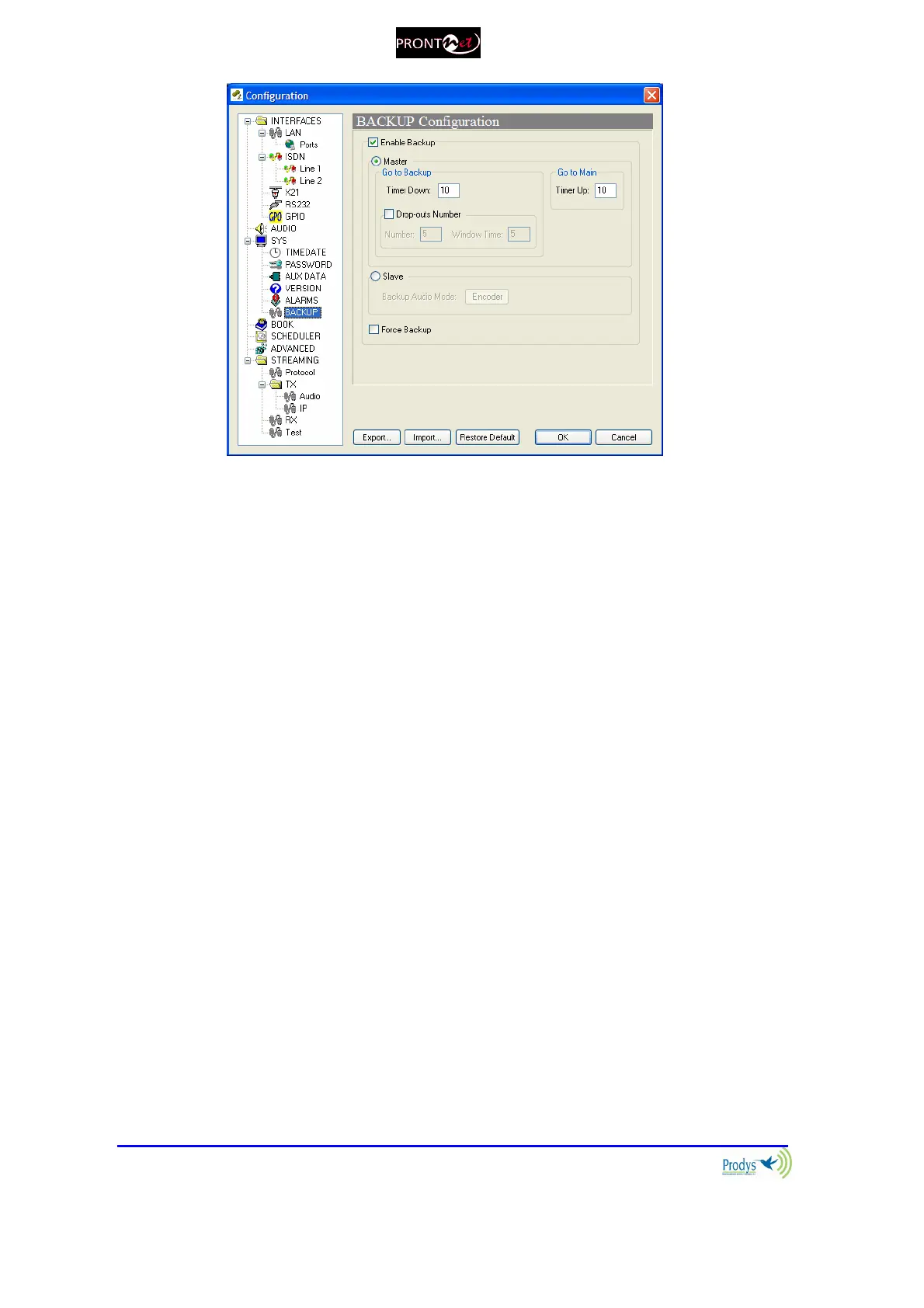
When the audio synchronism has been lost during the programmed time by the
user (TIMER-DOWN), or there have been as many drop-outs as defined by the
user within the “window time”, the unit will be configured in backup mode
according the encoding configuration stored in the index 1 of the phone book.
Once it has been configured, the codec will proceed to call to the programmed
numbers in the same index the number of calls ( one or two B channels) will
depend on the mode that the user has chosen (64 o 128 Kbps) when the unit
starts working in backup mode.
ProntoNetLC will try the connection as many times as it will be necessary until
the connection will be established or until it decides that the main line has been
recovered. If the backup is disabled during the calling process or when the ISDN
communication is connected, the unit will proceed to work at IP or X21 mode
independently if the main line is recovered or not.
While the unit is working in backup mode, the unit is monitoring the main line in
order to decide if the line has been recovered or not. If the audio synchronism is
detected in the received audio by the main line, the programmed countdown in
the TIMER-UP starts. If the countdown finishes, ProntoNetLC goes to IP or X21
mode again and therefore leaving the backup mode after ending the
communication by the ISDN line.
In order to avoid the entry of unwanted calls, ProntoNetLC terminal adapter
allows the programming of call filters (BACKUP-TA_CNUM).



 To Next Page