ProntoNetLC User Manual
156
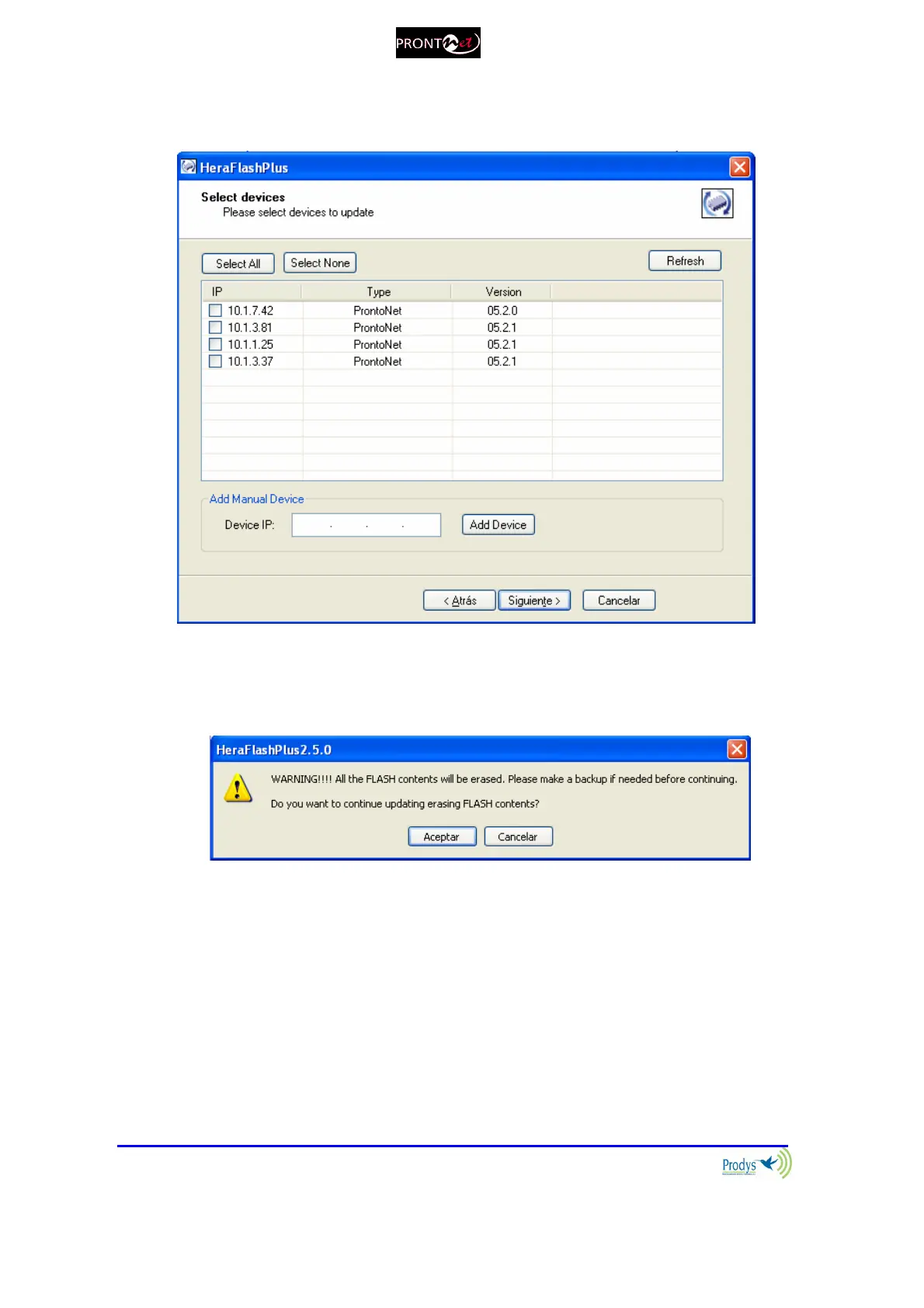
3. All the units connected to the computer’s network will be detected
automatically. Select which units will be upgraded.
Press next to start the update process. You will see a warning message
telling you that all the contents of the Flash will be erased and that you
must back-up this data BEFORE updating the device.
By clicking on next, the upgrading process will start.



 To Next Page