ProntoNetLC User Manual
72
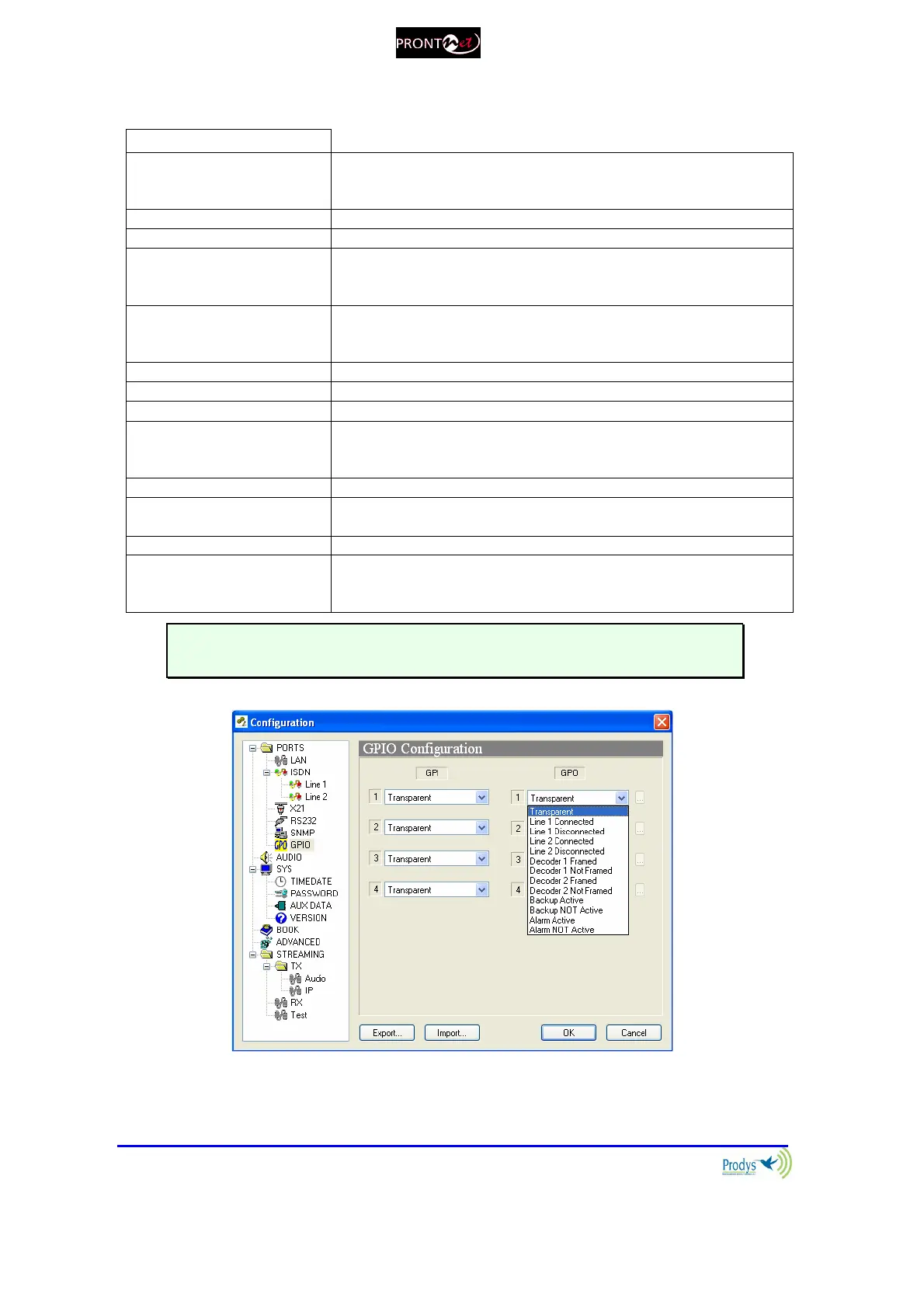
OUTPUTS
Transparent Under this configuration, the state of the output will be the same
as the corresponding input of the ProntoNetLC connected on the
other end.
Line 1 Connected The output will be activated when the line 1 is connected.
Line 1 Disconnected The output will be activated when the line 1 is disconnected.
Line 2 Connected The output will be activated when the line 2 is connected. It is
only useful when the ProntoNetLC is working in ISDN mode as a
DUAL CODEC.
Line 2 Disconnected The output will be activated when the line 2 is disconnected. It is
only useful when the ProntoNetLC is working in ISDN mode as a
DUAL CODEC.
Decoder 1 Framed The output will be activated when the Decoder 1 is Framed.
Decoder 1 NOT framed The output will be activated when the Decoder 1 is NOT Framed.
Decoder 2 Framed The output will be activated when the Decoder 2 is Framed.
Decoder 2 NOT framed The output will be activated when the Decoder 2 is NOT Framed.
It is only useful when the ProntoNetLC is working in ISDN mode
as a DUAL CODEC.
Alarm Active The output will be activated when one Alarm is activated.
Alarm NOT Active
The output will be activated when there are NOT Alarms
activated.
DTMF detected DTMF is detected by the Decoder.
Line 1/2 Status Line Disconnected: GPO set to ‘0’.
Line Connected: GPO set to ‘1’.
Trying/receiving a call: GPO blinking (1 second period).
Transparent configuration only works with audio algorithms that support
ancillary data and have been previously activated.
When a GPO is configured to monitor alarms (“Alarm active”), it is possible to
select which alarms will enable this output.



 To Next Page