ProntoNetLC User Manual
76
A L L K E A Y P A D
U N L O C K L E D
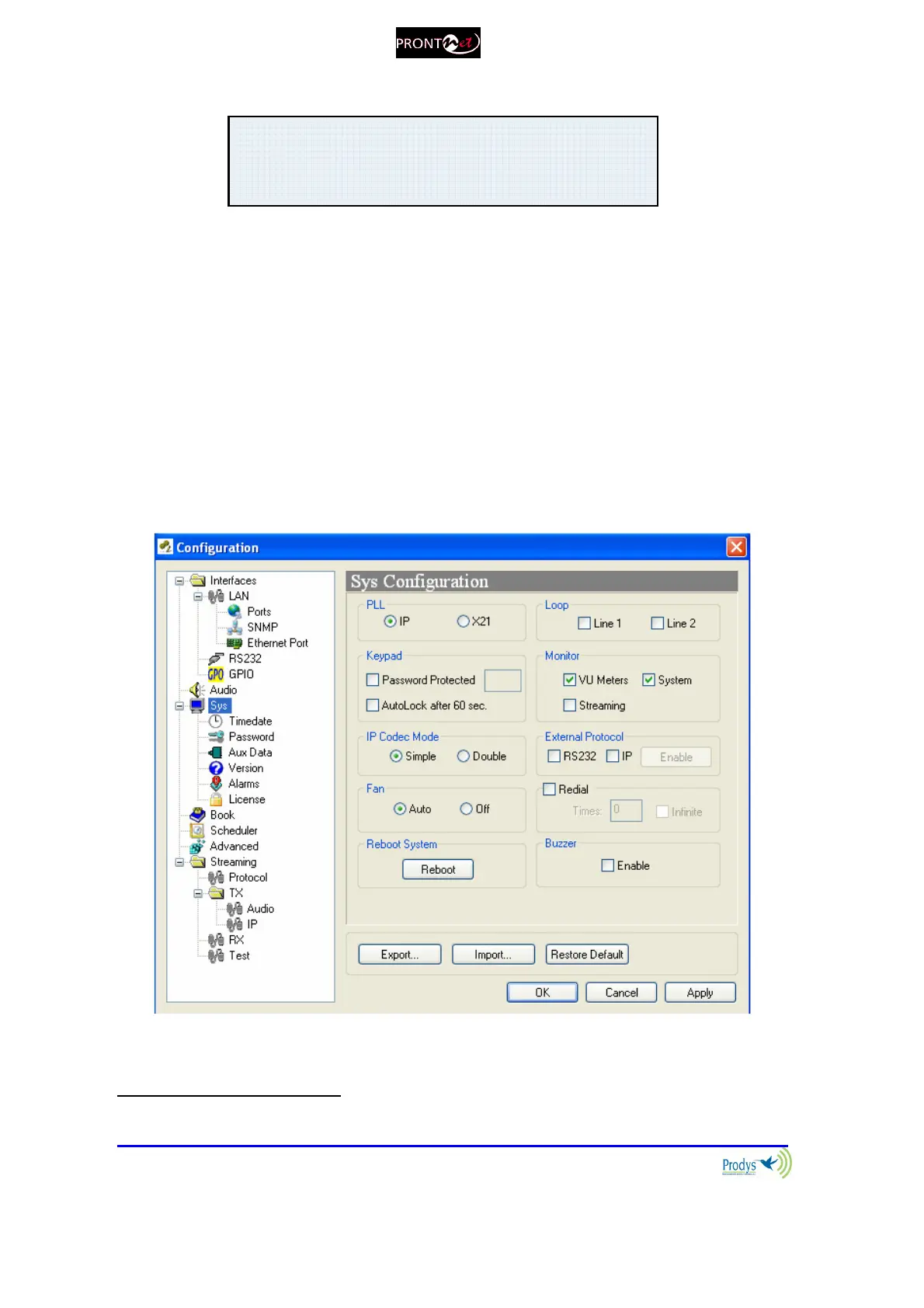
Monitor: This option allows the user to hide or display additional information
on the main window:
- VU meters: Indicates audio levels.
- System: Monitor voltages, temperatures, and fan operation.
- Streaming: Shows clock-sync algorithm operation and Buffer
Occupation Buffer (Real Time Network Analyzer)
26
. This
algorithm comes into scene when receiving audio over IP. This
display is active when the audio data is "framed" - Under
normal circumstances the indicator should be in the middle
Green area.
Reboot System: Use this option to reset remotely a unit.
2626
For more information please read chapter VI.6.7– Prodys Proprietary Protocol v2



 To Next Page