ProntoNetLC User Manual
87
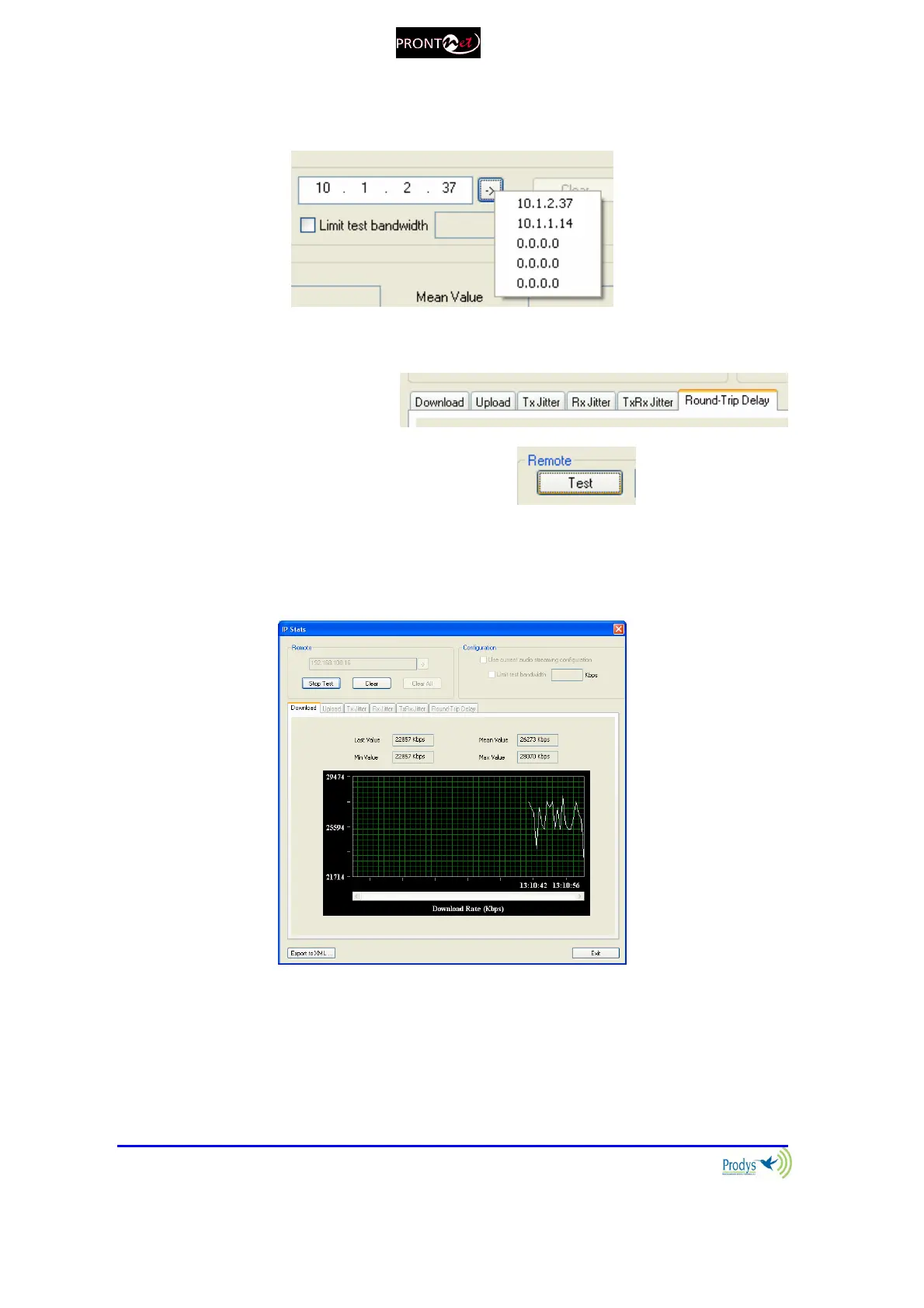
1.- First of all the user must enter the IP address of the remote Prodys IP codec.
This dialog stores the last used IP addresses.
2.- Select the test you wish to perform.
3.- To run the test just press the test button:
4.- The values will be shown in a graph, as well as the max, min, last, and
mean(avg) values: The dialog will show the values:
4.- Press "STOP" to stop the test or "CLEAR" to reset the readings.
5.- The user can limit the bandwidth used by the test tool:



 To Next Page