EIP Protocol PLX32-EIP-MBTCP-UA ♦ Multi-Protocol Gateway
User Manual
Page 50 of 156 ProSoft Technology, Inc.
March 8, 2018
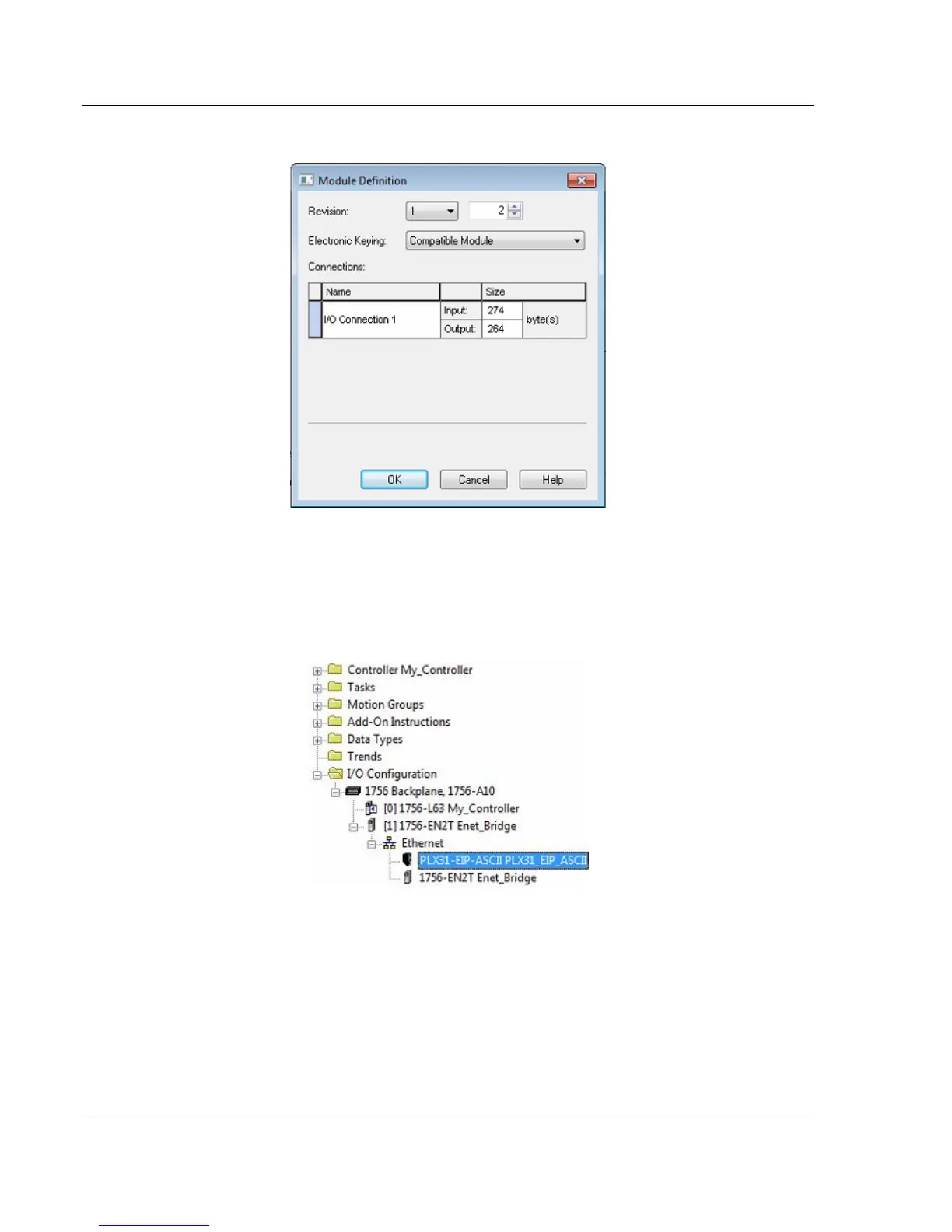
9 In the Module Definition dialog box, enter the I/O connections.
10 You can add up to eight I/O connections. The I/O connections have a fixed
size of 496 bytes of input data and 496 bytes of output data. When finished
click OK.
11 In the Module Properties dialog box, click the CONNECTION tab to configure
each I/O connection with its own RPI time. When finished, click OK. The new
gateway appears in the Controller Organizer under the EtherNet/IP bridge.



 To Next Page