5-30
VIBXPERT II 05.2012
Measurement tasks
DC measurements
For the following measurement tasks, the DC component in the signal
can be recorded in addition:
- Time waveform with the measuring quantity set to vibration dis-
placement or user-defined*.
- Spectrumwiththemeasuringquantitysettovibrationdisplace-
ment or user-defined*.
- Phase with the vibration displacement measuring quantity .
- Coastdown, amplitude/phase with the measuring quantity set to
vibration displacement or user-defined*.
- Orbit (unfiltered), with the measuring quantity set to vibration
displacement or user-defined*.
- Time waveform recorder, with vibration displacement measuring
quantity.
Application examples
The DC component in the time waveform can be evaluated when pro-
cess parameters or distances are measured.
When a 2-channel coastdown curve is measured with the vibration dis-
placement measuring quantity, the shaft centerline plot during runup
or coastdown in a machine with journal bearings can be calculated
fromtheDCcomponentofthesignal(seep.5-12).
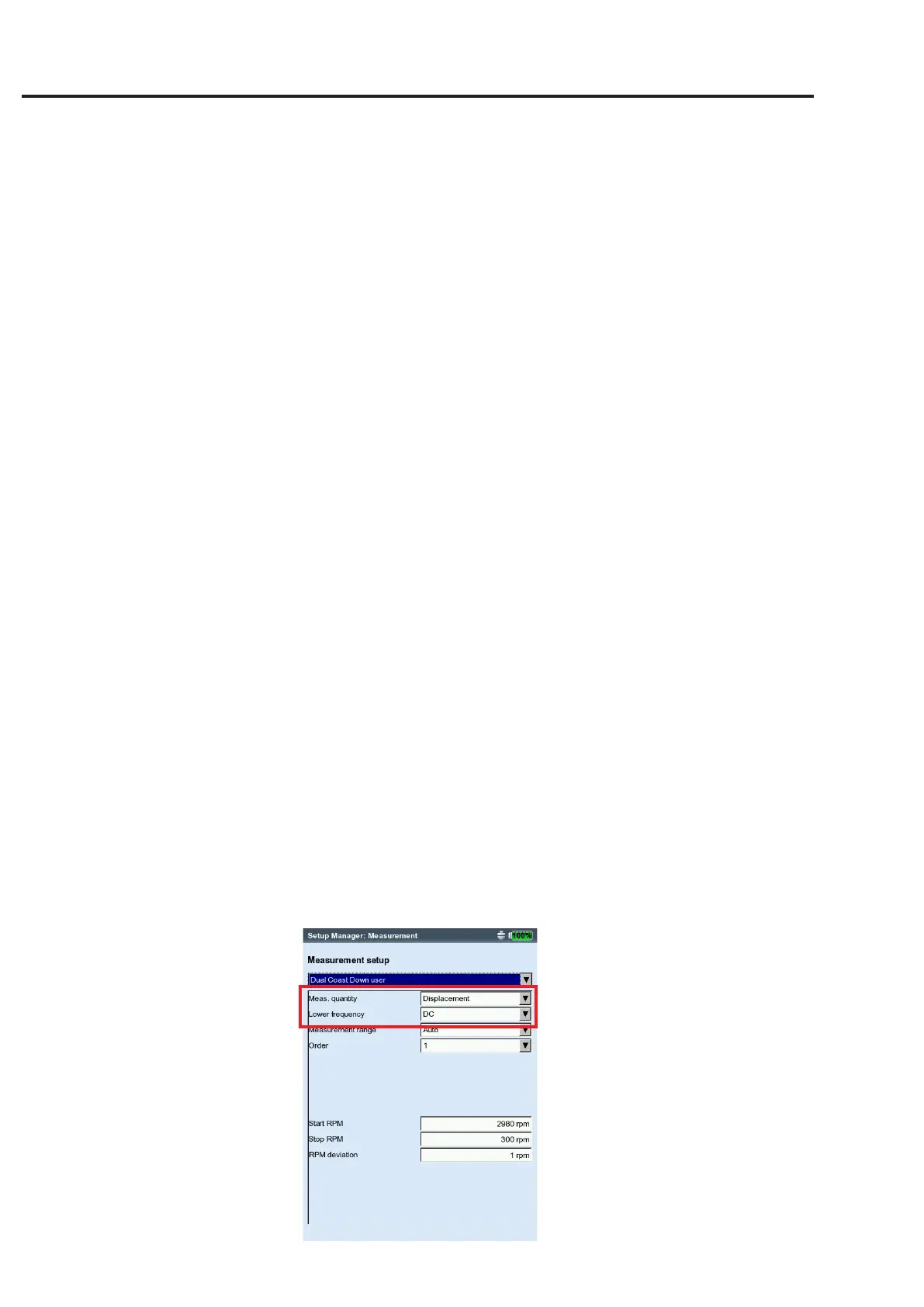
Setting up a measurement task for measuring the DC components
You can activate a DC measurement in the measurement setup using
the'Lowerfrequency=DC'parameter(seep.3-21/3-23).Youmust
also set up the 'Vibration displacement' or 'User-defined' measuring
quantity and assign a suitable sensor.
Setting up a DC measurement
Measuring quantity = 'Displacement'
or 'User'
Lower frequency = 'DC'
* see page 5-19



 To Next Page
 Loading...


