Communications Configuration Configuration
58 CubiScan 125
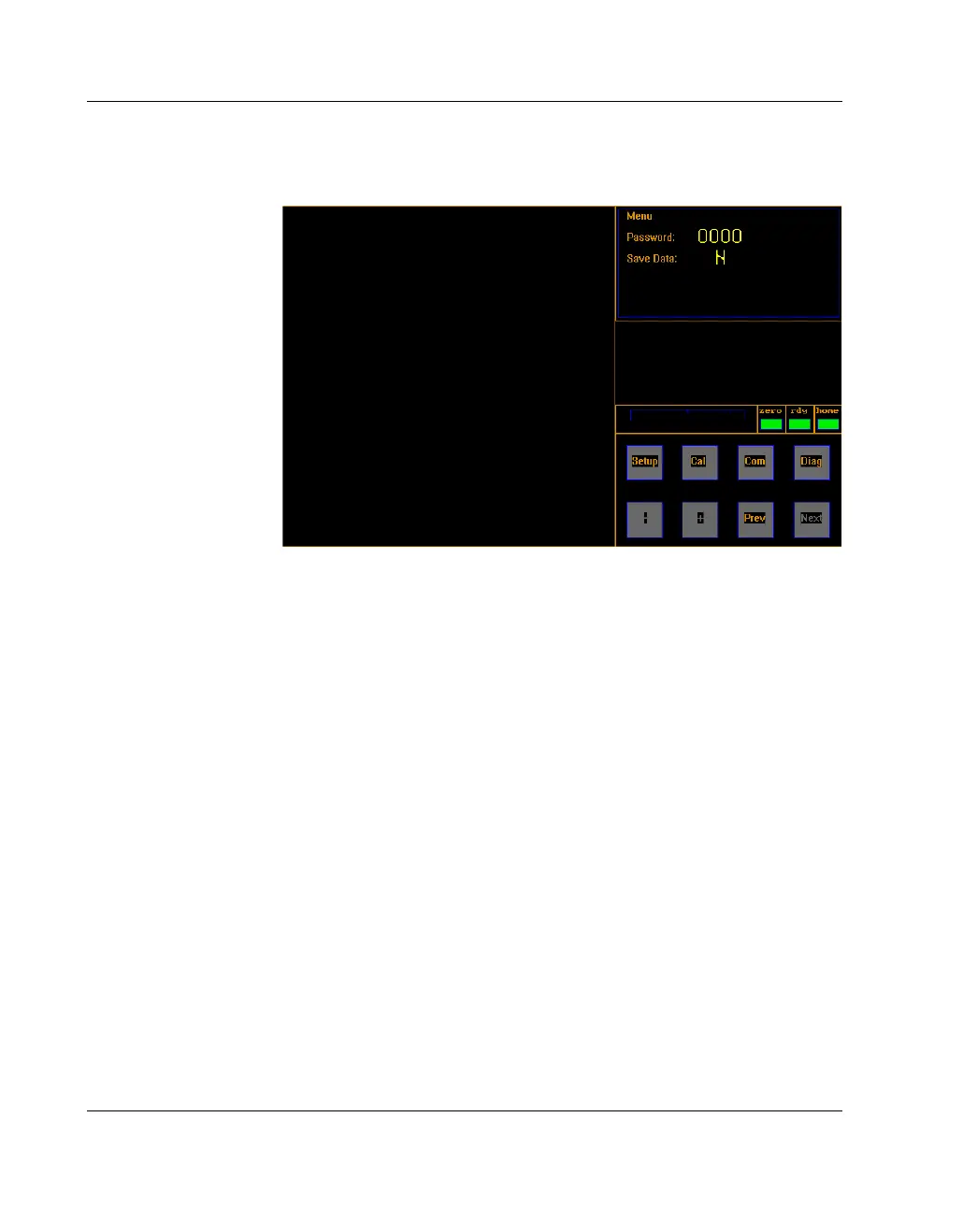
8. When you are finished, tap [Prev] until you return to the menu
screen.
9. To save any changes, tap
N at the “Save Data” field. The “N”
will turn green.
10. Tap
[+] to change the “N” to “Y” and save the configuration.
11. Power off and then power back on the CubiScan 125. The
changes are not recognized by the system until it is powered off
and back on.
Figure 37
Menu



 To Next Page