VisualMotion 9 Troubleshooting Guide VisualMotion Tools for Diagnosing 2-7
DOK-VISMOT-VM*-09VRS**-WA02-EN-P
Drive Overview…
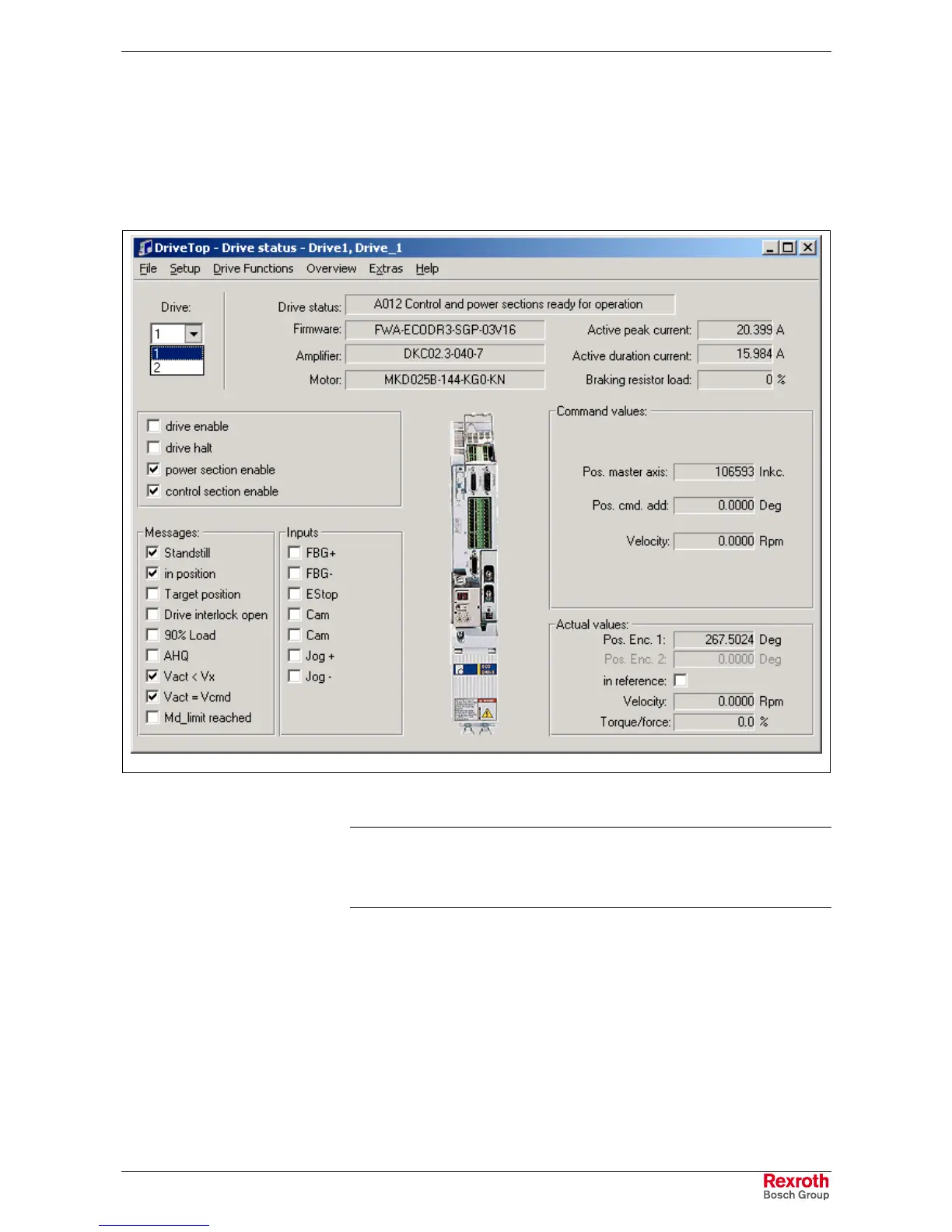
Selecting Drive Overview from the Commission menu opens the
DriveTop drive selection window. Select the desired drive and click on
the Overview button to launch the DriveTop drive status window.
This window displays drive status as well as active and current values for
the selected drive.
DriveStatus_DriveTop.tif
Fig. 2-9: DriveTop Drive Status
Note: If the drive controller connected to the VisualMotion system
experiences an error, the user can obtain drive status
information from the Drive Status message displayed within
DriveTop.



 To Next Page