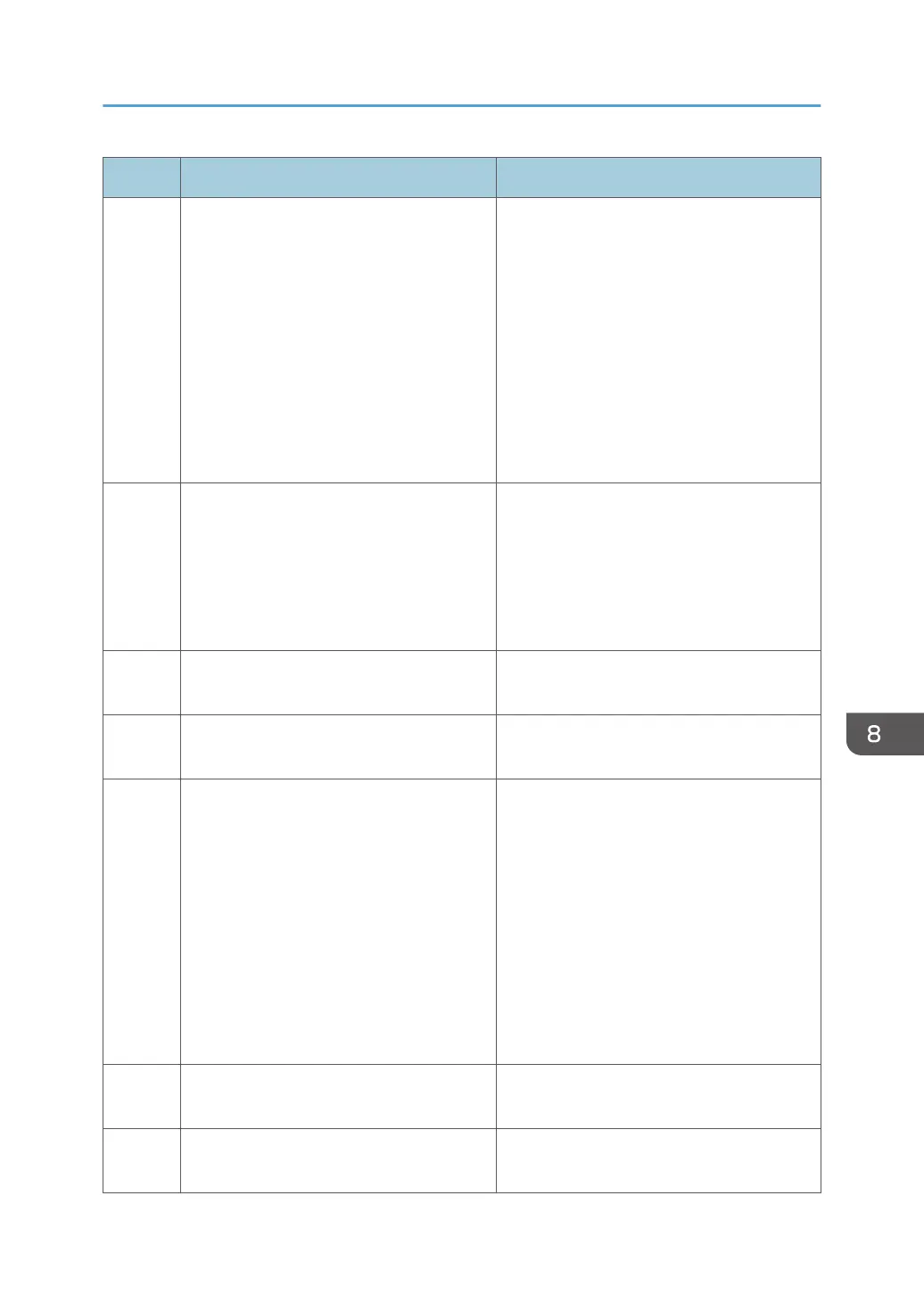
Code Cause Solution
100 Device authentication has failed. Check whether the following settings of the
device access account are correct:
• User name and/or password of Device
Administrator
• Community name if SNMPv1/v2
protocol is used
• User name and password if SNMPv3
protocol is used
See page 59 "Configuring Access
Accounts".
101 Parameters for other devices are invalid. Settings not supported by the target device
are specified, or settings are incorrect.
Check the settings.
If the parameters indicate a backup file,
check the specified password matches that
of the backup file.
102 The device password policy has been
violated.
Set a password that complies with the
device password policy.
106 The support range (value) has been
exceeded.
Set a value within the support range (value).
107 You do not have the privileges to perform
this operation.
Check whether the following settings of the
device access account are correct:
• User name and password of Device
Administrator
• Community name if SNMPv1/v2
protocol is used
• User name and password if SNMP v3
protocol is used
See page 59 "Configuring Access
Accounts".
108 The setting target is different. The target device does not support the set
function. Check the target device.
109 The authentication method for the device
and the template is not the same.
Check the authentication methods for the
device and the template.
Troubleshooting
111



 To Next Page