Item name Description
List area Indicates the added device as a list.
Properties area Indicates the [Main Properties], [@Remote Properties], and
[Access Accounts].
For details the Device Properties, see page 42 "Checking Device
Properties".
[Broadcast] tab
Tasks of discovery by broadcast appear in a list.
Broadcast tasks can be configured using the [Discovery Range (Broadcast)], [Access Accounts], and
[General] tabs.
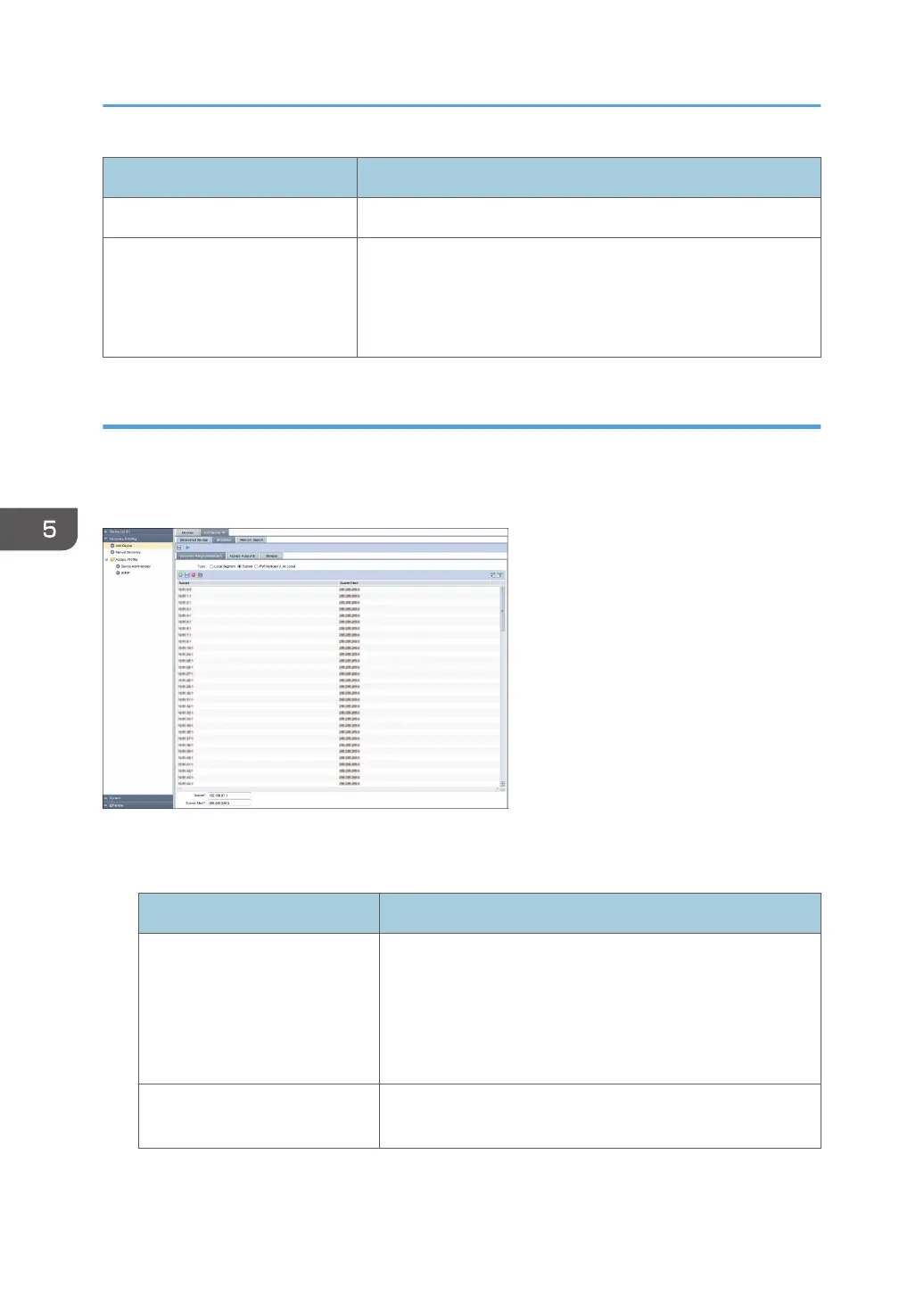
[Discovery Range (Broadcast)] tab
Set the target range of discovery by broadcast.
Item name Description
Type In the [Discovery Range (Broadcast)] setting, you can specify
the following settings for the local segment, subnet, and IPv6
multicast (link-local):
• Subnet
• Subnet Mask
Subnet Enter the subnet address of the broadcast. An IPv4 address
can be specified.
5. Discovery and Polling
52



 To Next Page