Item Description
IP Address An IP address for the USB 2.0 interface (Maintenance port).
Subnet Mask A subnet mask for the USB 2.0 interface (Maintenance port).
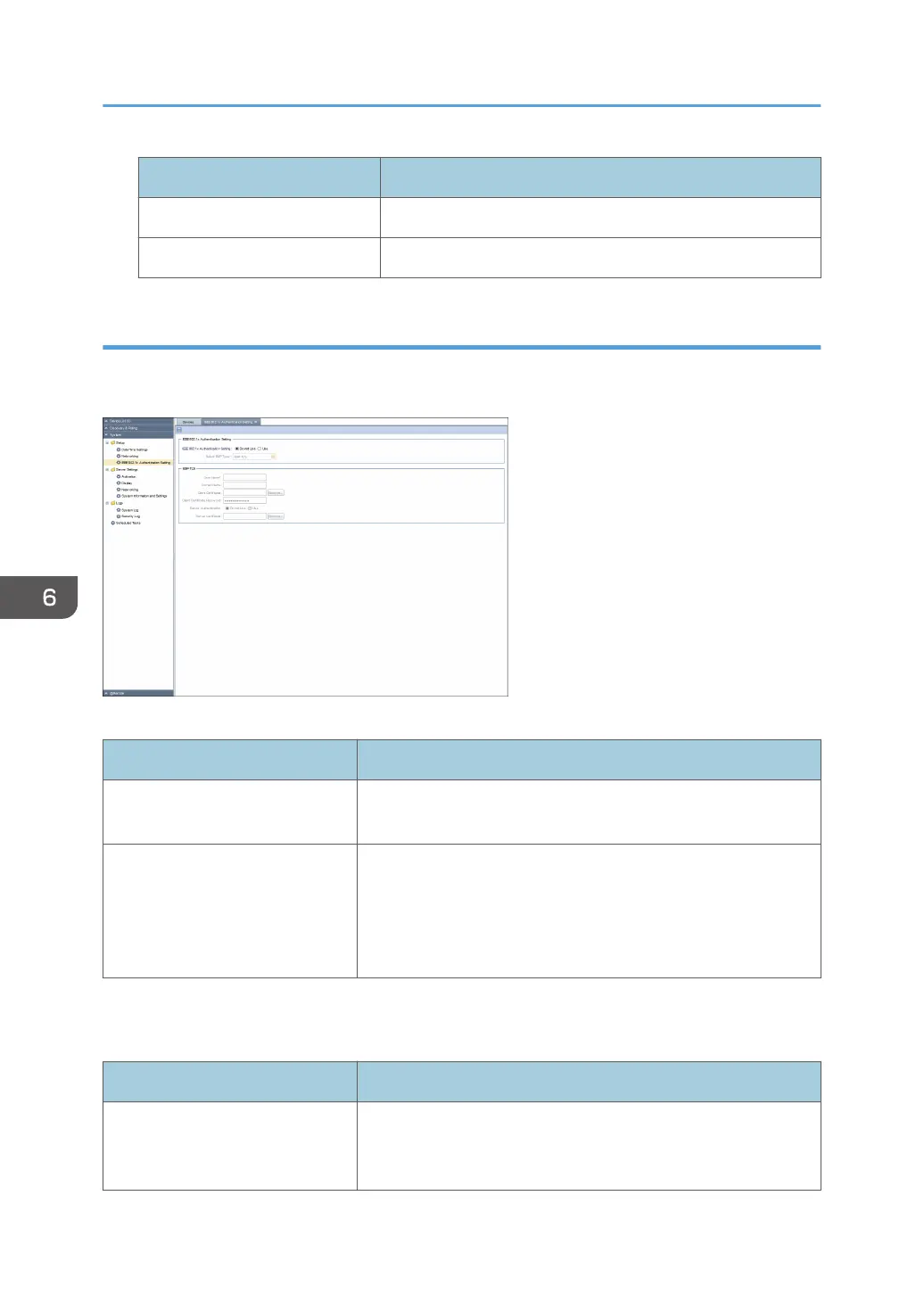
IEEE 802.1x Authentication Setting
You can specify the setting for IEEE 802.1x authentication. To display the settings screen, click [System] -
[Setup] and [IEEE 802.1x Authentication Setting].
IEEE 802.1x Authentication Setting
Item Description
IEEE 802.1x Authentication
Setting
Set whether to enable IEEE 802.1x authentication.
Select EAP Type Authentication type can select the following item:
• EAP-TLS
• PEAP
• EAP-TTLS
The item selected in [Select EAP Type] appears as follows:
EAP-TLS
Item Description
User Name The login user name for the authentication server. Use 1 to 96
characters (ASCII characters). You cannot use " (double
quotation) and ' (single quotation) marks.
6. System
70



 To Next Page