Technical Bulletin PAGE: 1/2
Reissued:12-Feb-14
RTB Reissue
The items in bold italics were corrected or added.
Subject: Image problem in size reduction mode
Prepared by: Takeshi Toriumi
From: 1st tech Service Sect, MFP/Printer Tech Service
Mechanical
Paper path
Product Safety
Electrical
Transmit/receive
Other ( )
Service manual revision
Retrofit information
Tier 2
SYMPTOM
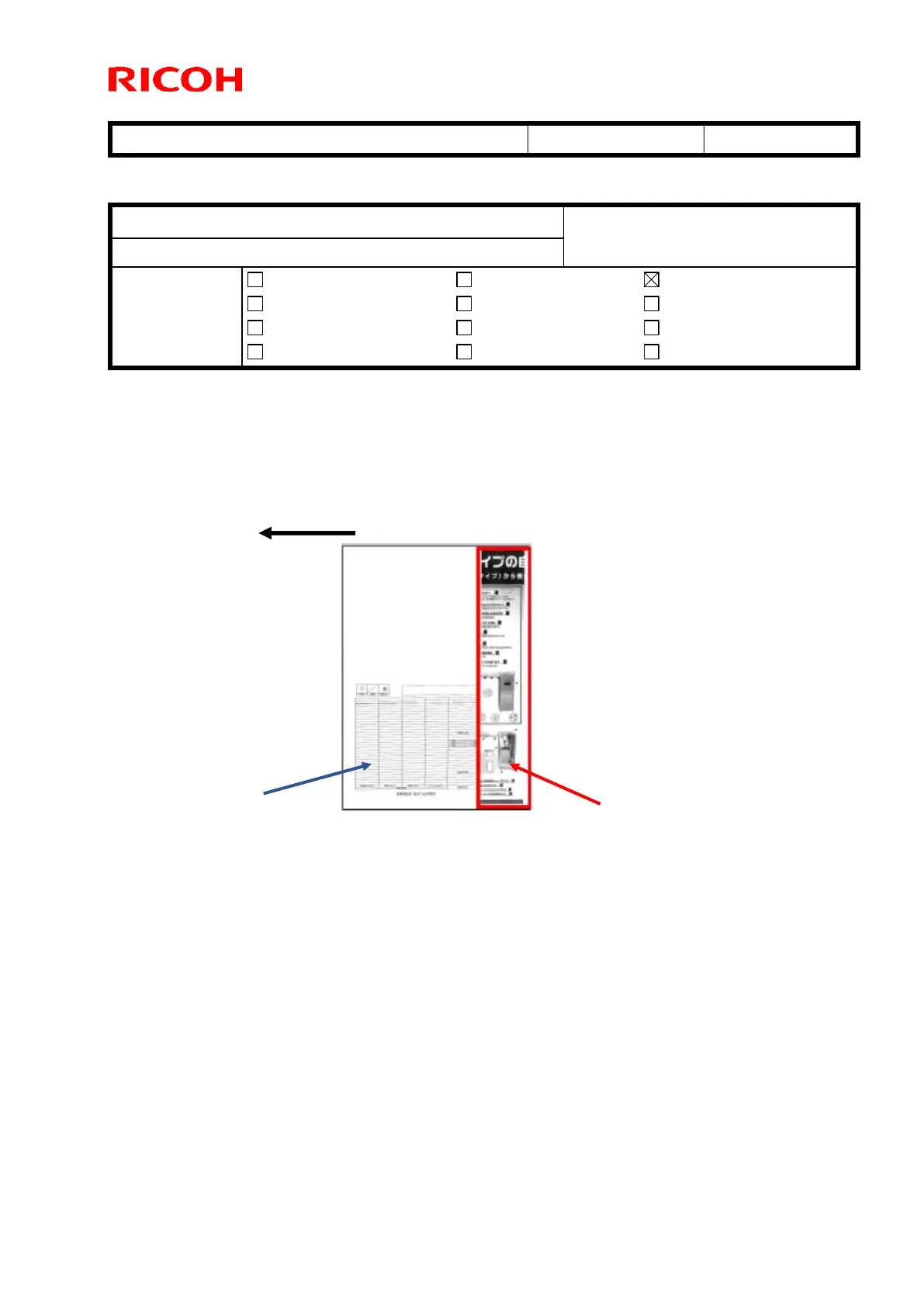
The trailing 5mm of the image printed in the previous job [A] appears on the first page of the following job
(superimposed over the image [B])
Note: This occurs on the MP C8002 only.
Conditions:
The symptom occurs when all of following conditions are met.
1. Copy job
2. Reduction of 70% or smaller
3. B/W or color
Note: The symptom does not occur when Auto Color is selected.
4. Manual Paper Select is selected, or Auto Paper Select/Auto Reduce is selected and the feed
directions for the original and paper are the same
5. Combine or Magazine is not selected



 To Next Page