Technical Bulletin PAGE: 1/2
Service Manual Correction
The replacement procedure for the left/right tandem trays was missing in the field service
manual.
Add the following replacement procedure to your field service manual in this section:
4. Replacement and Adjustment > Tandem Tray (Pg. 779)
Left Tandem Tray / Right Tandem Tray
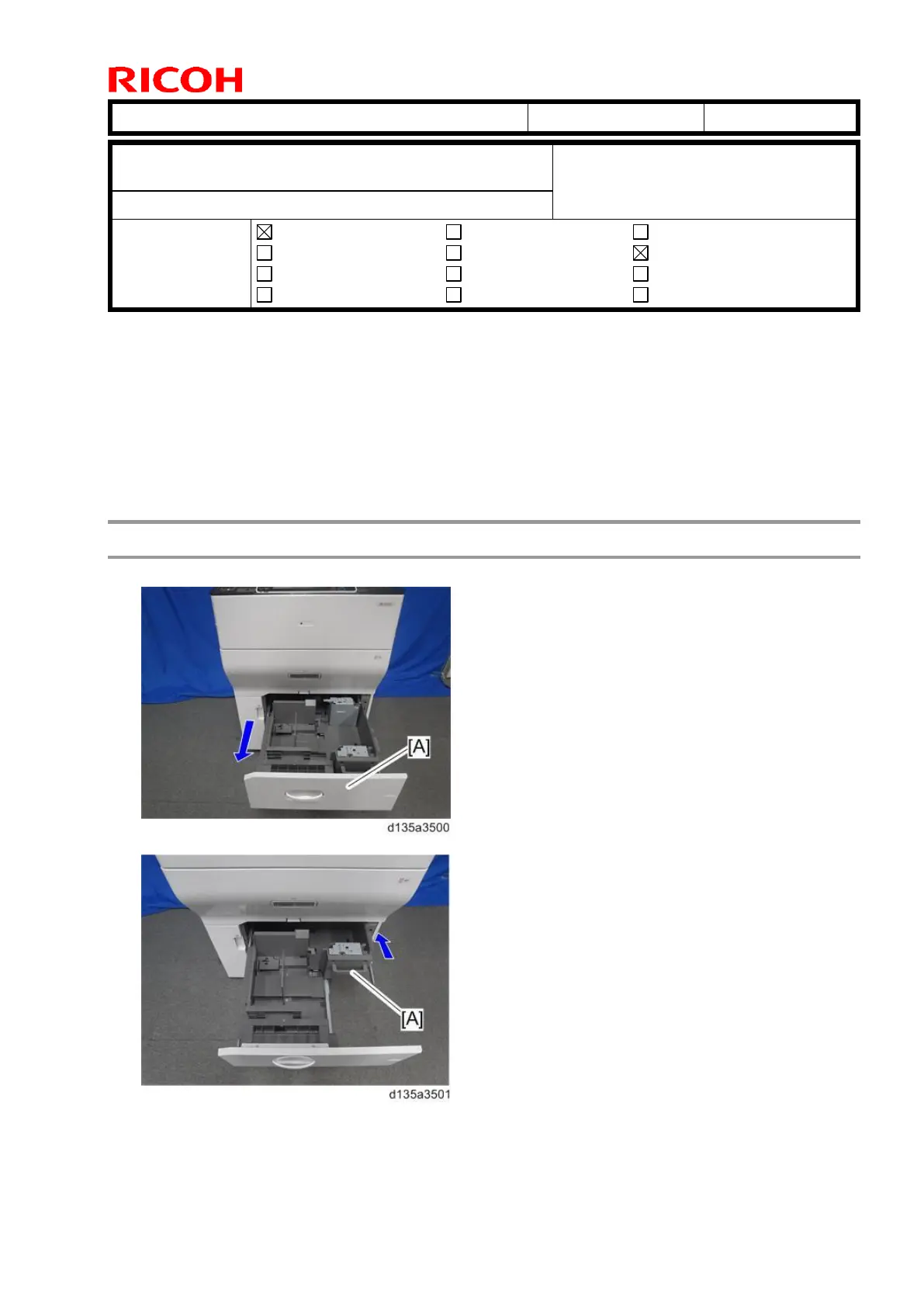
1. Pull out paper tray 1 [A].
2. Push the right tandem tray [A] into the machine.
Subject: Manual Correction: Left tandem tray / right tandem
tray replacement procedure
From: PP Tech Service Dept., 1st PP Tech Service Sect.
Mechanical
Paper path
Product Safety
Electrical
Transmit/receive
Other ( )
Service manual revision
Retrofit information
Tier 2



 To Next Page