Technical Bulletin PAGE: 2/2
Model: Charis-C1 office (D135)
Solution
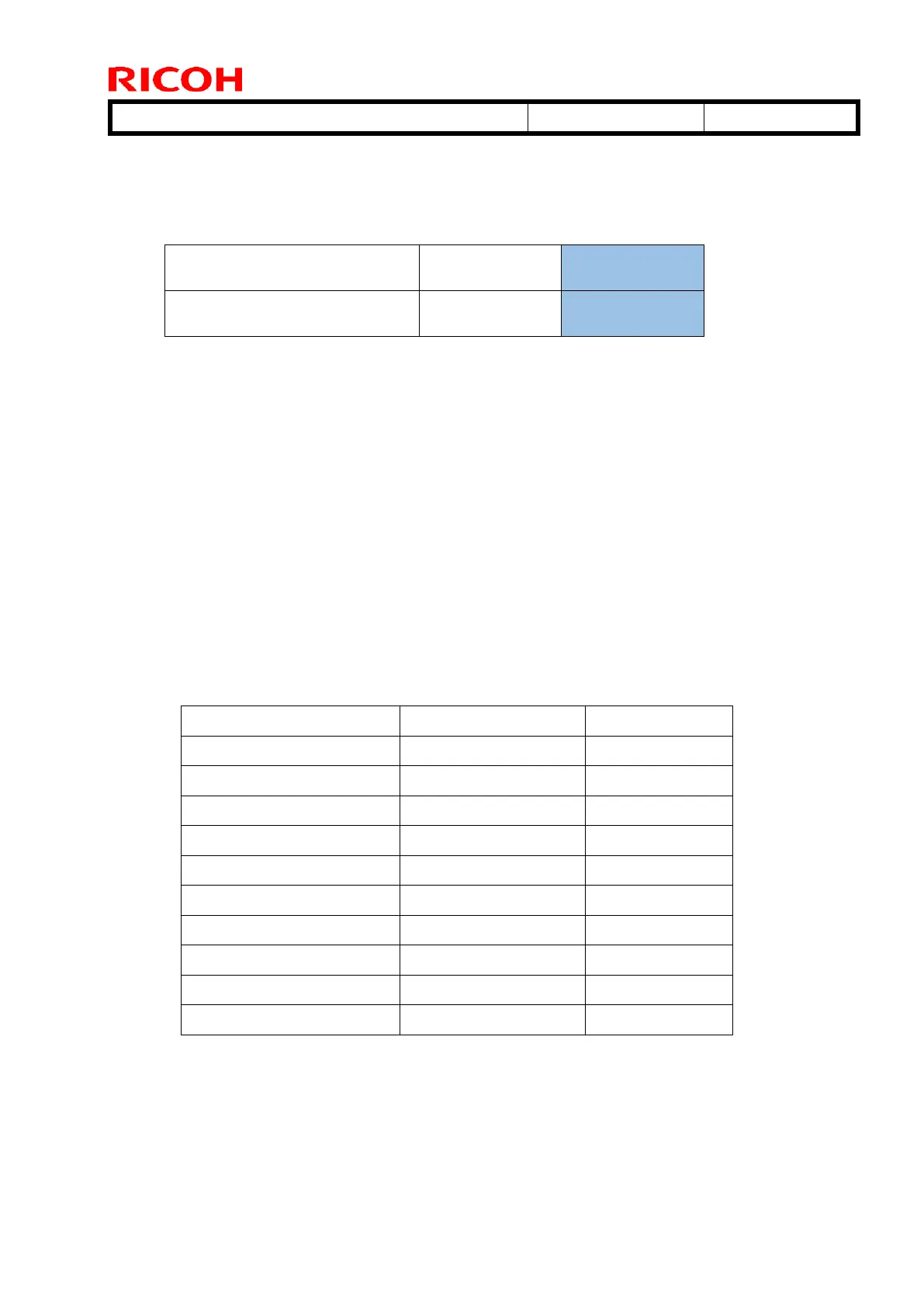
Enter the SP mode and modify the environment coefficient set for Environment
Coefficients 7 and 8 as shown below.
SP2-225-038
Environment Coefficient 7
SP2-225-039
Environment Coefficient 8
* 1.90 is the default environment coefficient set for Environment Coefficient 9.
IMPORTANT
If you are not sure whether the uneven density problem you are trying to resolve is
“Banding at 2~3mm intervals” or not, do the following procedure.
A) Set SP2-225-032~041 to “1.50”, and print the job that had the problem.
B) Set SP2-225-032~041 to “1.63”, and print the job that had the problem.
C) Set SP2-225-032~041 to “1.76”, and print the job that had the problem.
If the problem does not occur in condition A, but occurs either in conditions B or C, the
problem is judged to be Banding at 2~3mm intervals.
IMPORTANT: DO NOT print more than 10 pages with the above modified SP setting. Make sure to set
each SP back to the default after the test.
Side effect
Increased lubricant consumption



 To Next Page