Technical Bulletin PAGE: 6/8
Reissued:19-May-14
NOTE:
While copying the logs to the SD card, the LED next to the SD card slot is
blinking, and goes off when the download is completed. If you want to stop
copying the logs to the SD card, you need to turn the main switch off and on. You
can restart copying the logs from step 2.
The approximate time it takes to transfer the debug log is as follows. Transfer
time may be affected by the type or format of the SD card. (It is recommended
that you format the SD card using the Panasonic SD Formatter (freeware)).
•
Controller debug log (GW debug log): 2 - 20 minutes
•
Engine debug log: 2 minutes
•
Operation panel debug log: 2 - 20 minutes
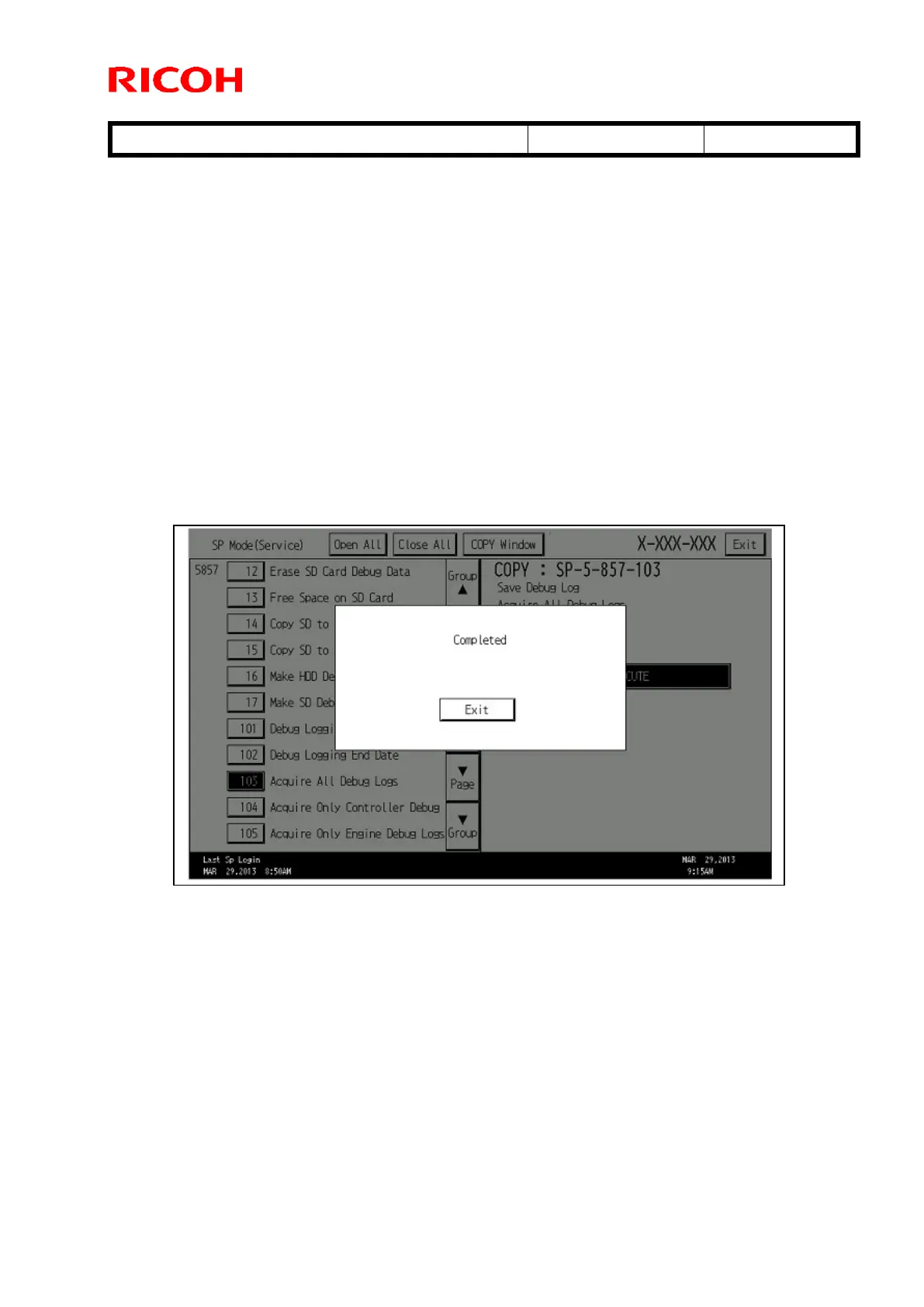
6) When the copying is completed, the following message is displayed. Confirm that the
LED next to the SD card slot went off and remove the SD card.
7) Confirm all log files and SMC data are properly copied to the SD card using a PC, and
send it with a problem report to your technical support team.



 To Next Page