Technical Bulletin PAGE: 3/4
Reissued:1-Oct-14
Model: Model CH-C1 (Office/Pro)
For the field:
Replace the duplex inverter motor unit.
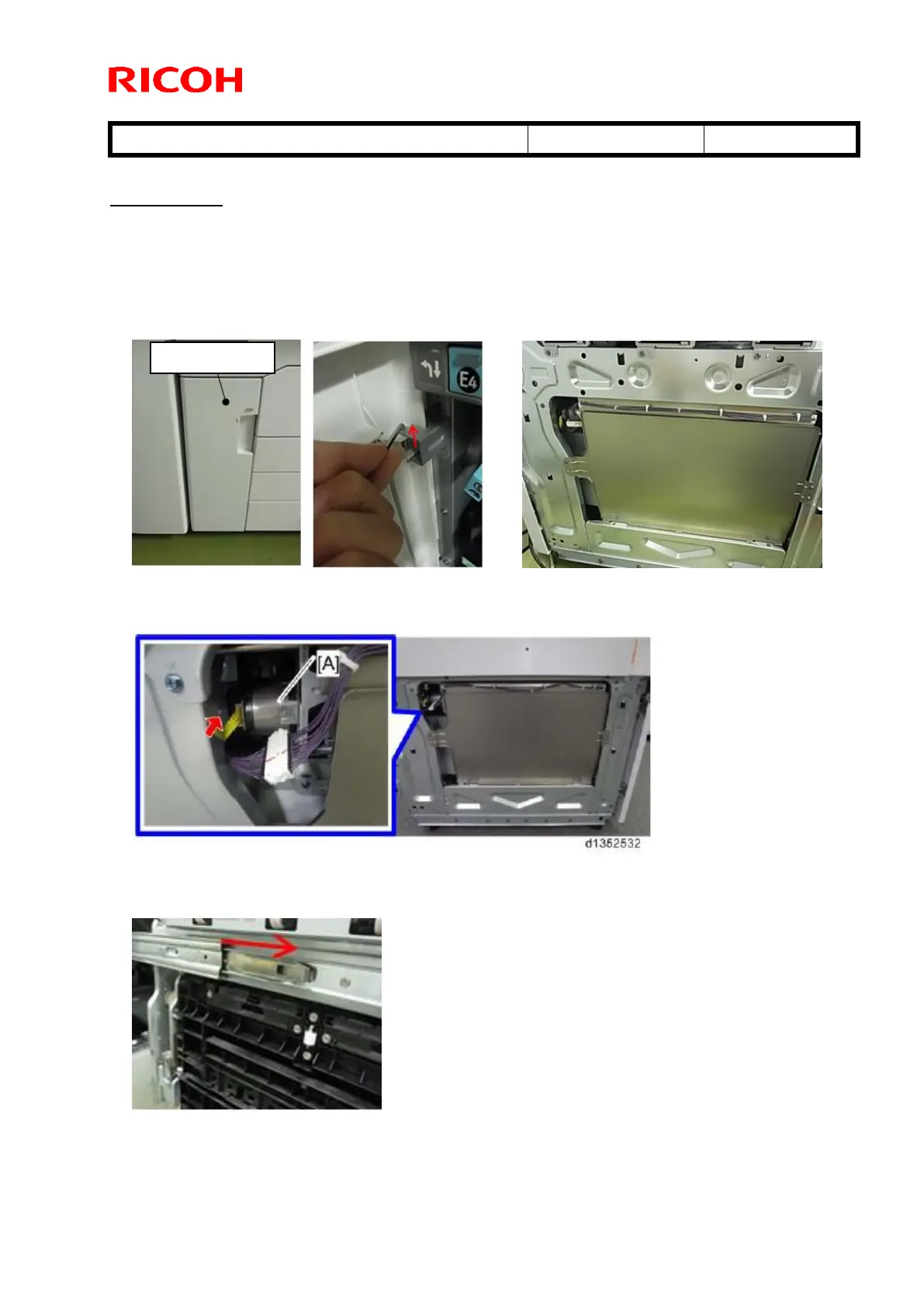
How to replace the duplex inverter motor unit
1. Remove the lower left cover and left cover.
2. Disconnect the yellow harness from the duplex inverter motor [A].
3. Release the slide rail stopper and fully pull out the drawer unit.



 To Next Page