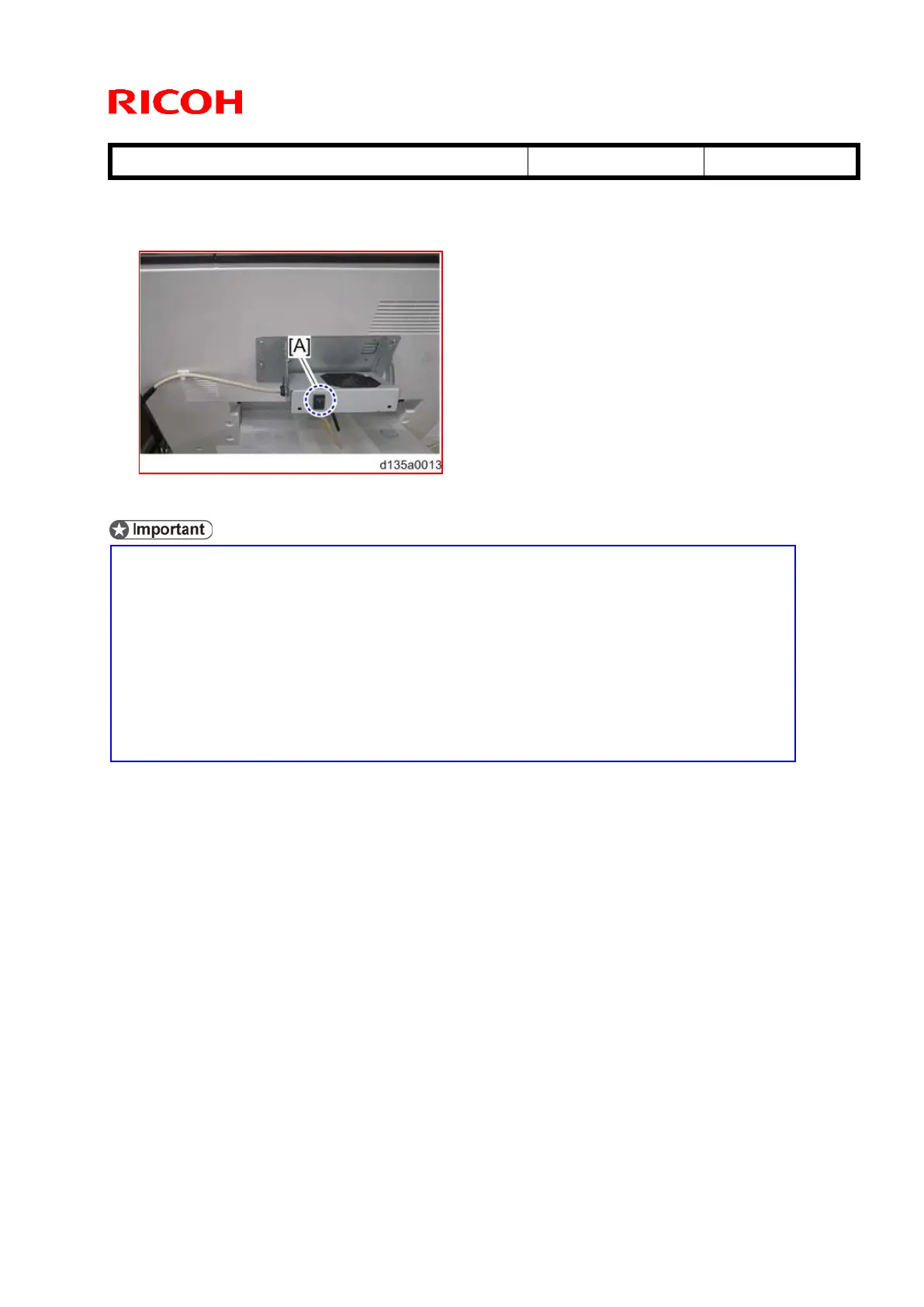
34. Turn on the power switch [A] of the cooling fan.
This is because the cooling fan prevents blockage (sheets of paper sticking
together during duplex jobs due to wet toner). The cooling fan stops
automatically when the print job is complete.
If the customer points out the noise made by the fan, or thin paper types tend
to fall off the copy tray due to airflow from the fan, advise the customer to turn
the cooling fan OFF as necessary.
If blockage still occurs when the cooling fan is ON, position the fan at a 90
degree angle (see RTB #RD135067, “Image Quality Troubleshooting: Toner
Flaking Off”).



 To Next Page