Parameter inputs
At some of the inputs you do not apply any signals. You configure the relevant block values instead. Examples:
Par (Parameter):
This input will not be connected. Here, you set the relevant block parameters (times, on/off thresholds etc.).
No (Cam):
This input will not be connected. Here, you configure the time patterns.
P (Priority):
This is an open input. Here, you define priorities and specify whether a message is to be acknowledged in
RUN.
6.4.2 Time response
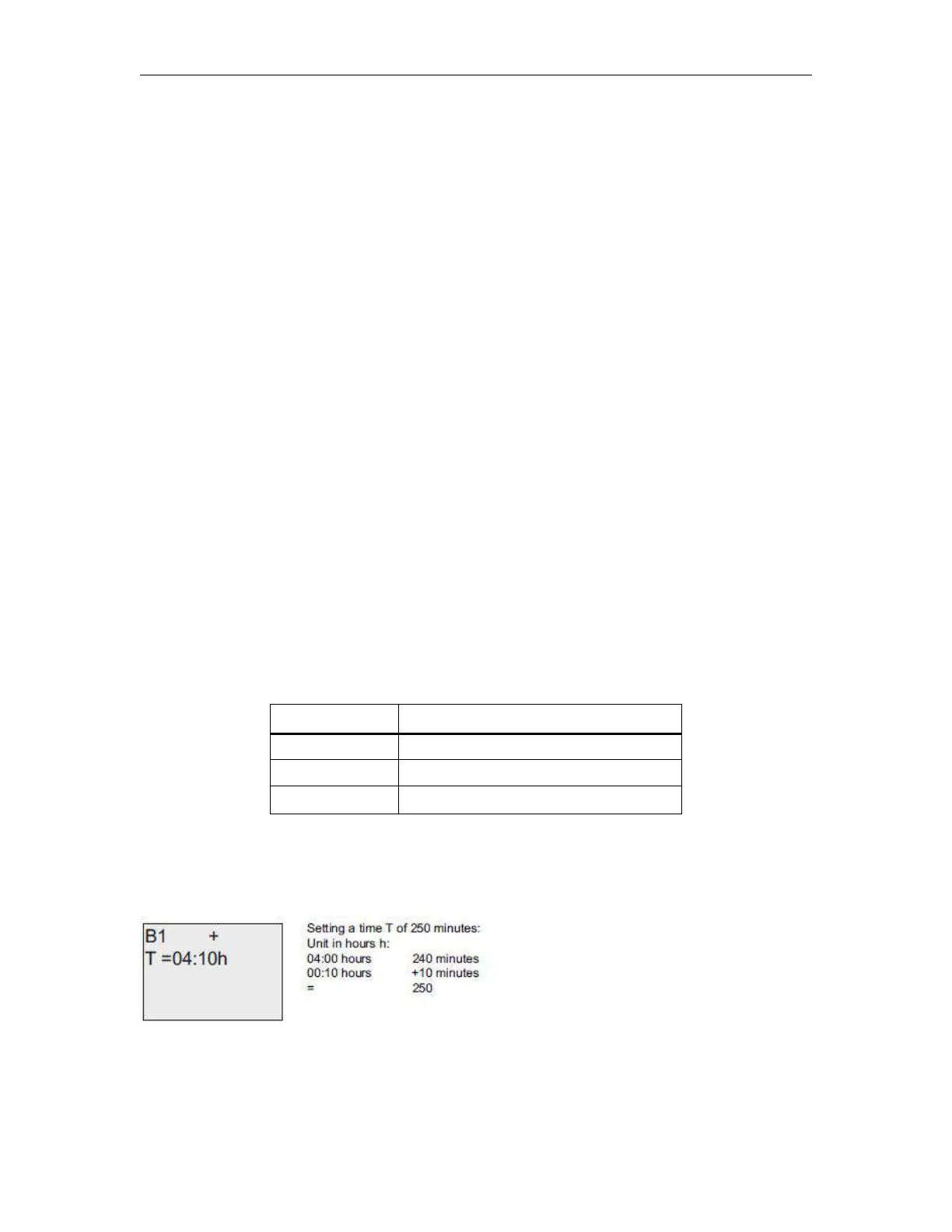
Parameter T
In some of the SFs it is possible to configure a time value T. When you preset this time, note that your input
values are based on the time base set:
Accuracy of T
Because of slight tolerances in the characteristics of electronic components, the set time T may deviate. The
x-Messenger has a maximum tolerance of ± 0.02 %.



 To Next Page