Description of the function
When En = 1, the current time increases.
When En = 0, the current time counting pauses.
When En = 1 and Lap = 0, the output AQ outputs the value of the current elapsed time.
When En = 1 and Lap = 1, the current time continue increasing, but the output AQ outputs the value of the
Lap time.
When En = 0 and Lap =1, the output AQ outputs the value of the Lap time.
When En = 0 and Lap = 0, the output AQ outputs the value of the latest current time.
When R = 1, both the current time and the Lap time are reset.
6.5.48 Cam Control
Short description
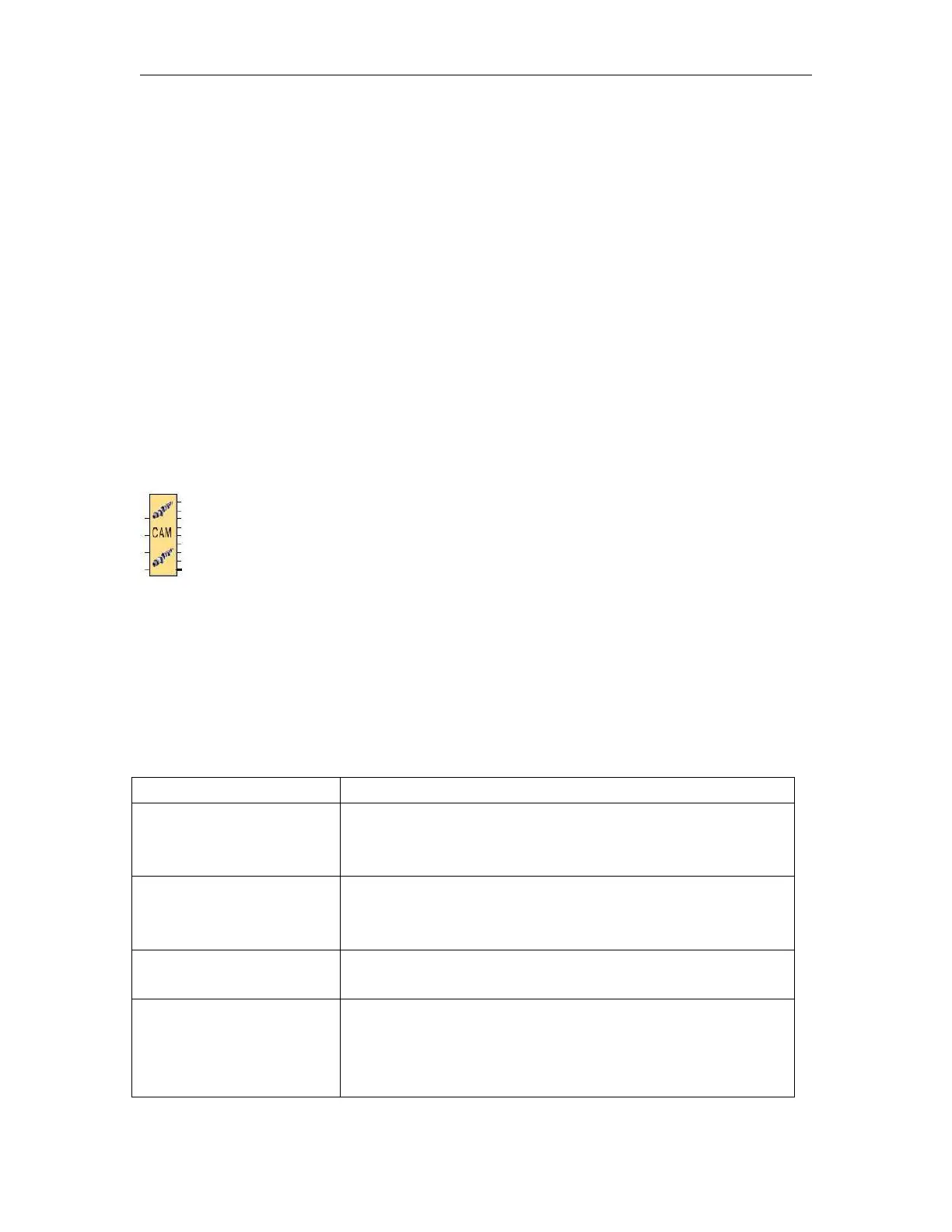
The cam programmer function Cam Control is used to control a set of 8 built-in cam wheels.
On its 8 outputs (representing the 8 wheels), the function provides the state corresponding to the current
position of the shaft wheels.The cam configuration can be set for each position, output state is
adjustable.Once the maximum value has been reached, the cam restarts from its initial position (output
returns to 0).
MOVE FORWARD is the input which is used to control cam progress; it
moves one step forward at each rising edge (digital status is changed
from 0 to 1).
MOVE BACKWARD is the input which is used to control backward cam
movement; it moves one step backward at each rising edge (digital
status is changed from 0 to 1).
RESET (initialization): When this input is active, the cam is replaced to
its initial position: the POSITION output will be forced to 0.
Output Output1..
............
............
Output8
The status of the 8 outputs is corresponding to the current position of
the shaft (representing the 8 wheels).



 To Next Page