7.5 How to Configure the wifi module by the eSmsConfig.exe
If the WIFI module is worked on the STA mode, but it is disconnected with any router and the LAN port is also
closed, so, the web configuration would be disabled, now you need configure the WIFI module via the
program port by eSmsConfig.exe.
Hardware requirement:
Program cable :ELC-RS232 cable, ELC-USB cable.
Steps:
1. Connect the programming cables to the program port
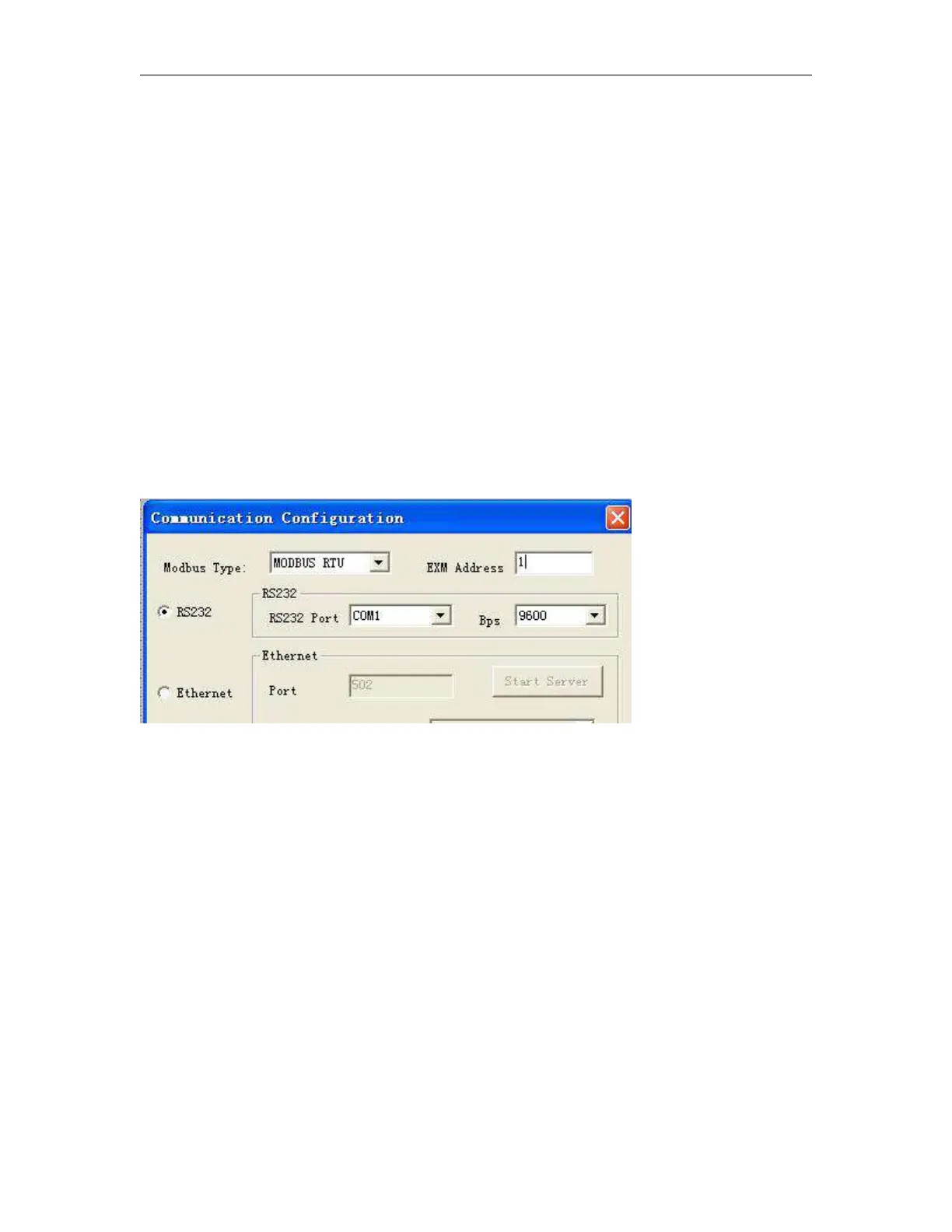
2. Open the eSmsconfig.exe and establish the communication with WIFI CPU.
Note:
1. Only the RS232 option available for the wifi parameters setting.
3. Click the menu “Tools-> wifi



 To Next Page