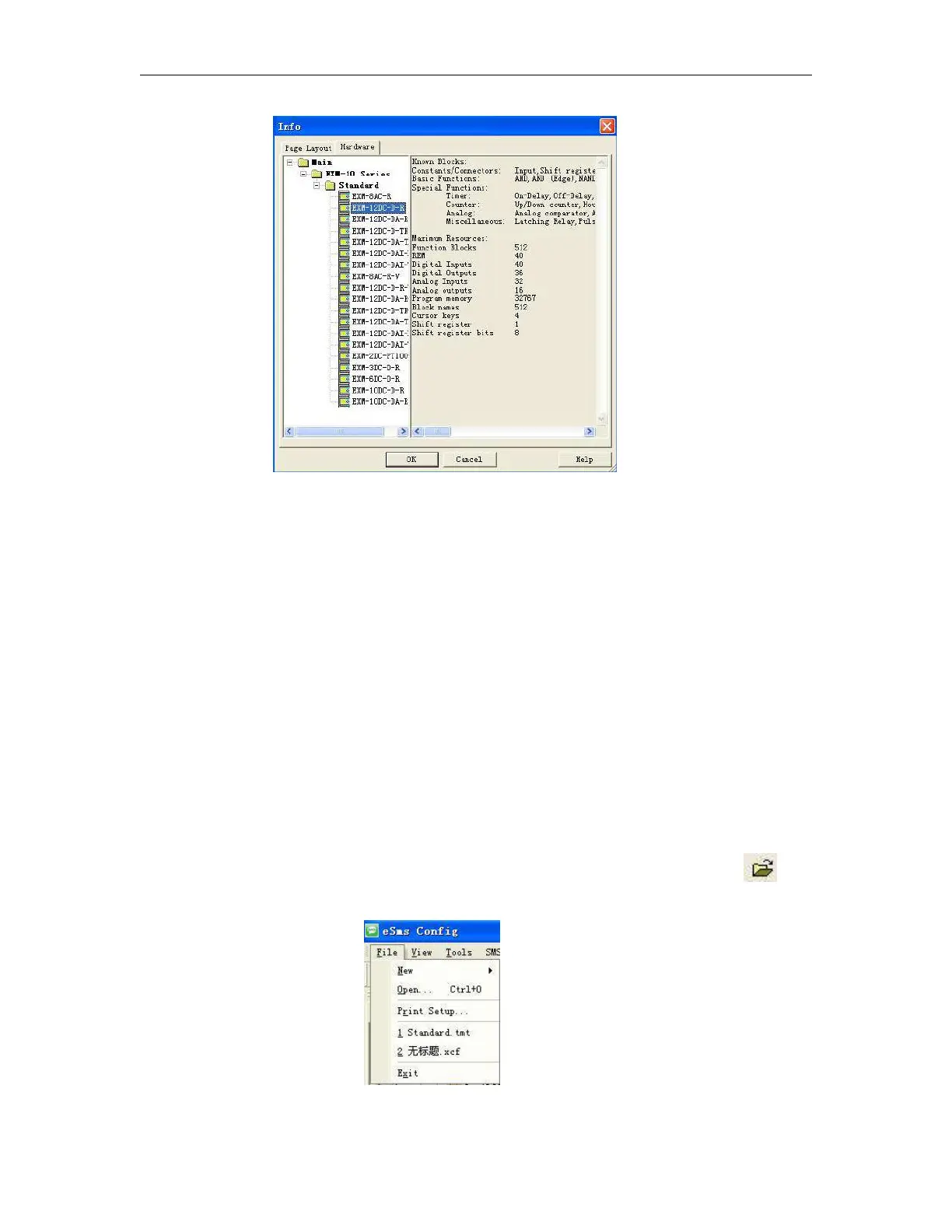
Fig.7. 9.2 Hardware type selection
Page layout set and hardware selection before programming
In the Page Layout tab, you can specify how and on how many pages to print your circuit program. You can
preview the pagination in this tab. If you choose more than one program page, the page breaks are indicated
by white lines on the programming interface.
The hardware type selection is also needed be done before programming. The available elements
are showing in the right area in the above figure.
6.9.1.2 Open Existed Document
Operation Method:
1. To open a document, click ‘Open’ option of menu ‘File’ once with left button of mouse ,or click once
in toolbar, shortcut key ‘Ctrl+O’ also can be used. As shown in Fig 11.3:
Fig7. 9.3 Open Existed Document



 To Next Page