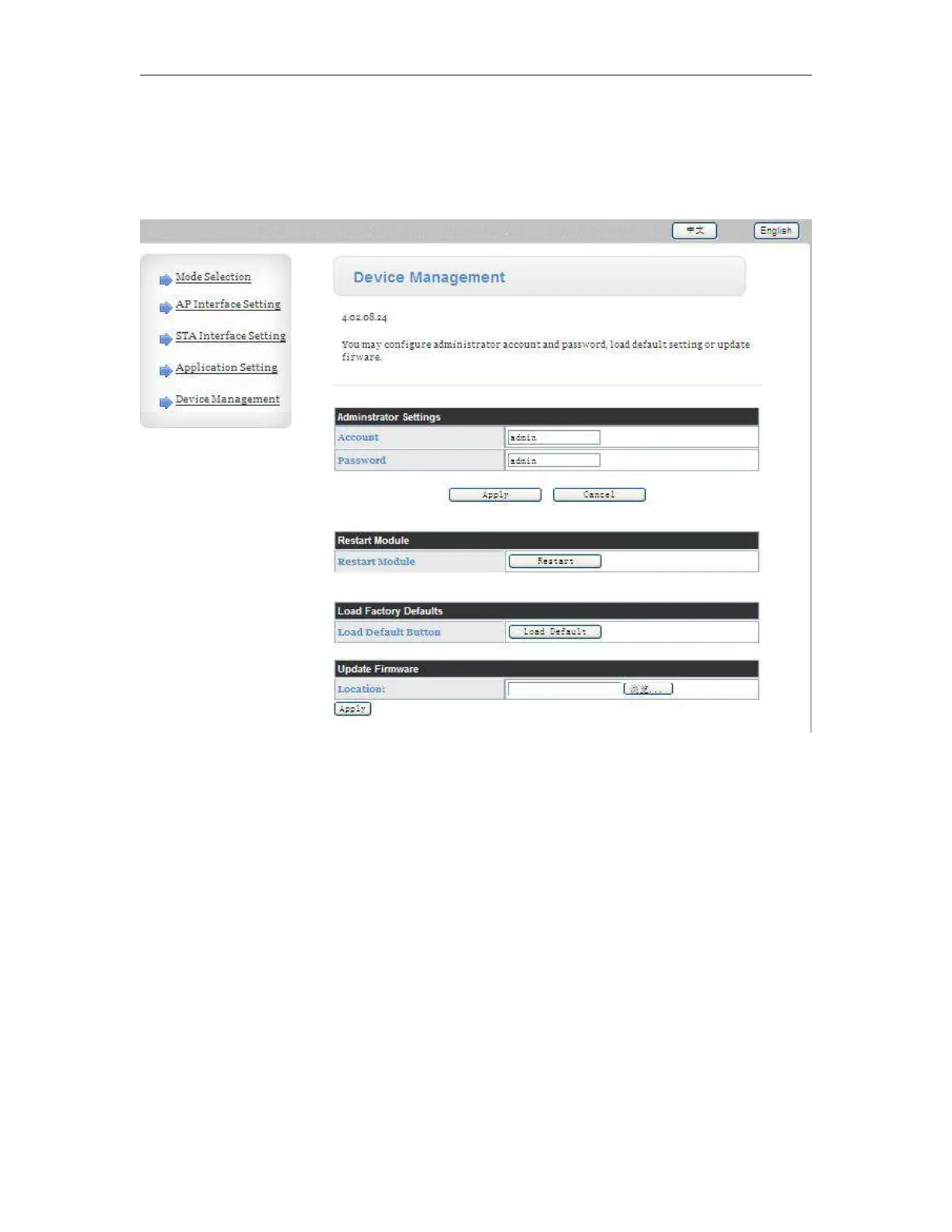
Device Management Page
This page use to manage HF-A11 module general setting, such as administrator setting, restart
module button, restore factory default setting button, and update firmware through webpage.
Notes:
If you click the “Load Default” button, you must change the baud rates to 9600, otherwise the the
HF-A11 module cannot establish communication with EXM WIFI CPU.
7.3 10/100M Ethernet Interface
HF-A11 modules provide one 10/100M Ethernet PHY layer interface for data transmission or user
configuration.
Close module’s Ethernet port function can reduce the power consumption. The default setting for
HF-A11 is close Ethernet port function, but you can open the Ethernet port in the configuration of



 To Next Page