3.3.6 How to establish the communication between new Ethernet CPUs?
We can make the Ethernet connection based on the TCP connection or UDP connection. We can see the
communication with 2 steps operation.
Step 1: Configure and create the connection(TCP pr UDP)
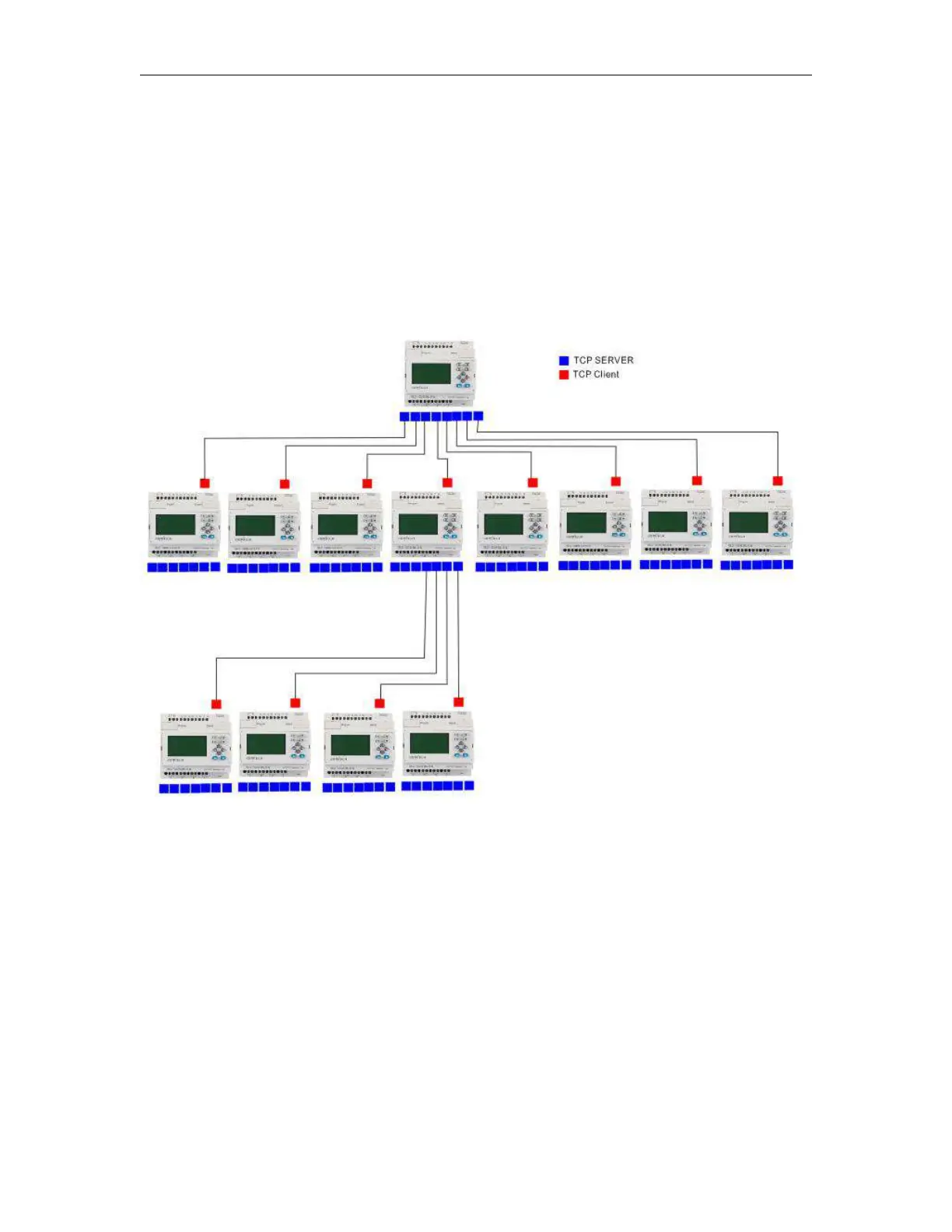
Each CPU has 8 TCP connections, it can be work both tcp server and tcp client, so a lot of CPUs can be
connected in a network. Regarding to how to configure the connection, we will explain in following chapter.
Step2 : Programming and make the data transmission
We need use the function block “Modbus read and write” function block is the master CPU. The TCP server or
the TCP client CPU can work as master or slave. It totally decide by yourself. Following chapters we will use
examples to explain how to create the communication between 2 Ethernet CPUs.
Example1: One master CPU(TCP server) connect with 3 slave CPUs(TCP Clients)
The connection sketch:



 To Next Page