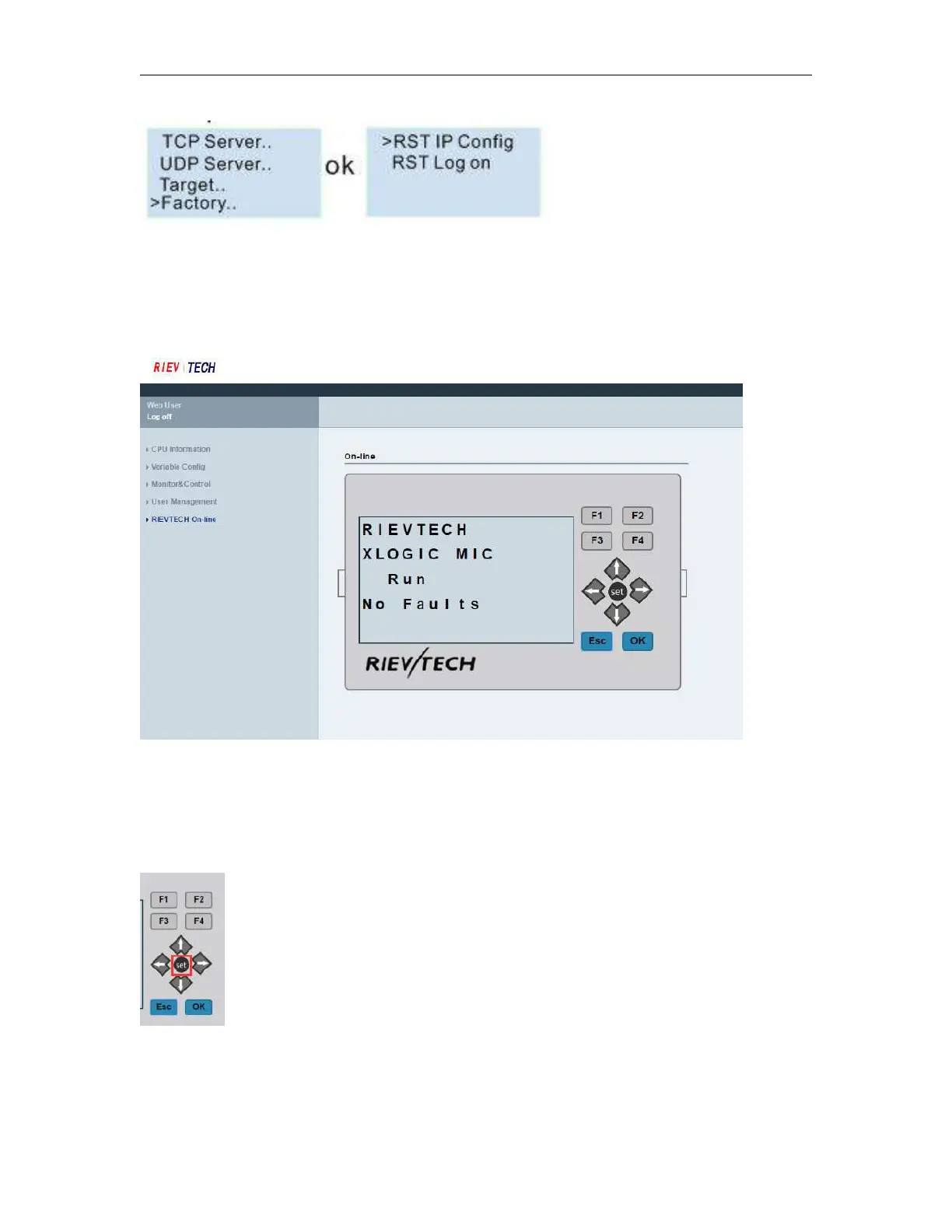
After you reset the log on, the user name and password will be back to the default “admin”.
RIEVTECH On-line
RIEVTECH On-line Interface
You can monitor and operate the LCD panel remotely.
The CPU only can get a trigger from the virtual keys, it cannot get a continuous signal, that means if you press
the OK key for 3 seconds, the CPU cannot know it pressed down 3 seconds, it only get a trigger signal.
So if you want to realize the press ok key for 3 seconds to change the parameters in the text message on the
hardware, you need press the “set” key on the virtual panel.
Press “Set” = Press ok key for 3 seconds when there parameters in the text message need be modified!



 To Next Page