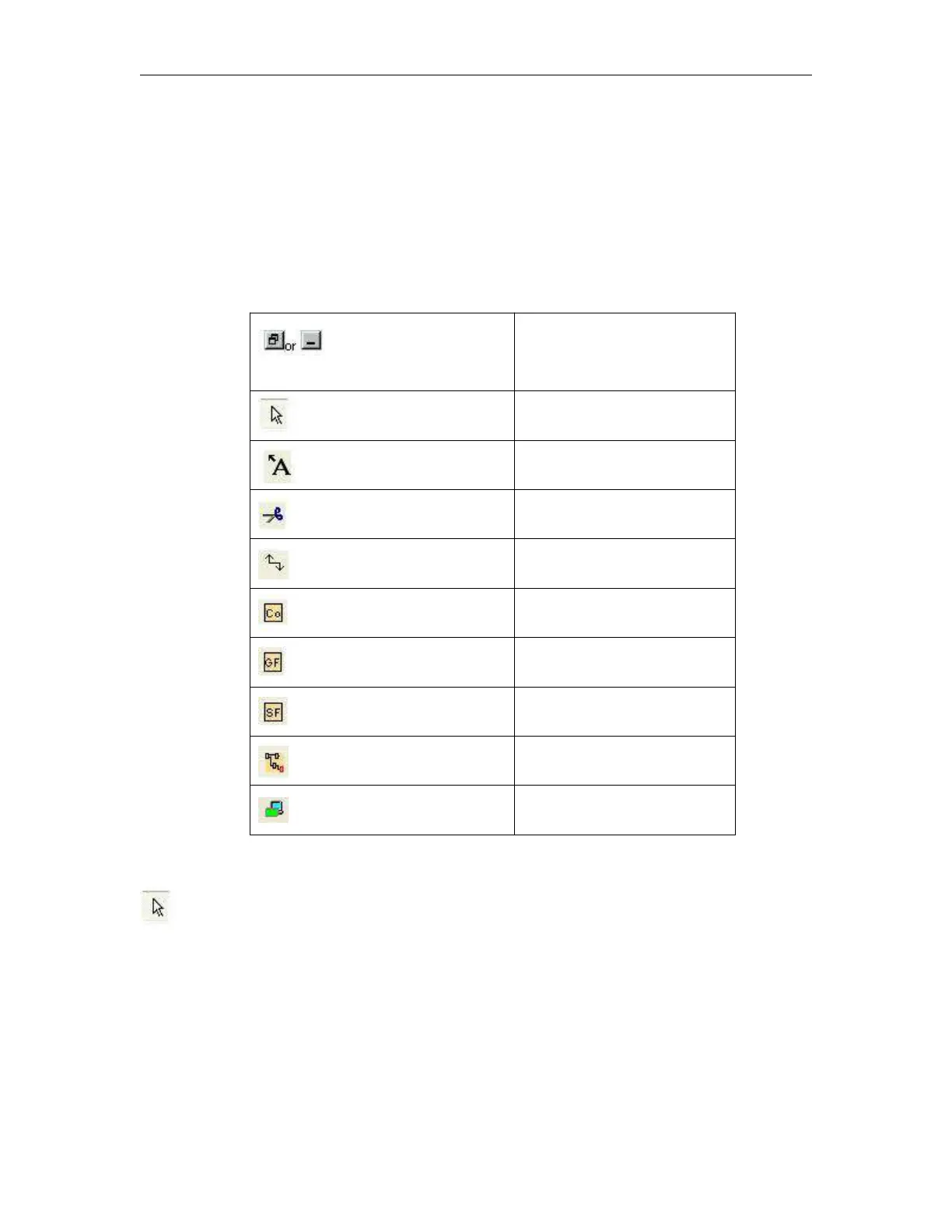
6.8.3 Programming Toolbar
The programming toolbar contains integral icons for creating, editing and testing programs. Each one of
these tools represents a programming mode, in which mouse operations have different effects.
The editing tools are not available as menu commands.
Catalog of the elements of a
circuit program open / close
Selection Tool
You can use the selection tool to select and move blocks, text and connecting lines. You can select objects
individually with a left-click; you can select multiple objects with [Ctrl]+Click, or you can use the mouse as
a "lasso" to surround objects with a rectangle and capture them as a selection.
You can call the selection tool in any other tool by pressing the [ESC] key or by clicking on the icon in the
programming toolbar.
Text Tool



 To Next Page