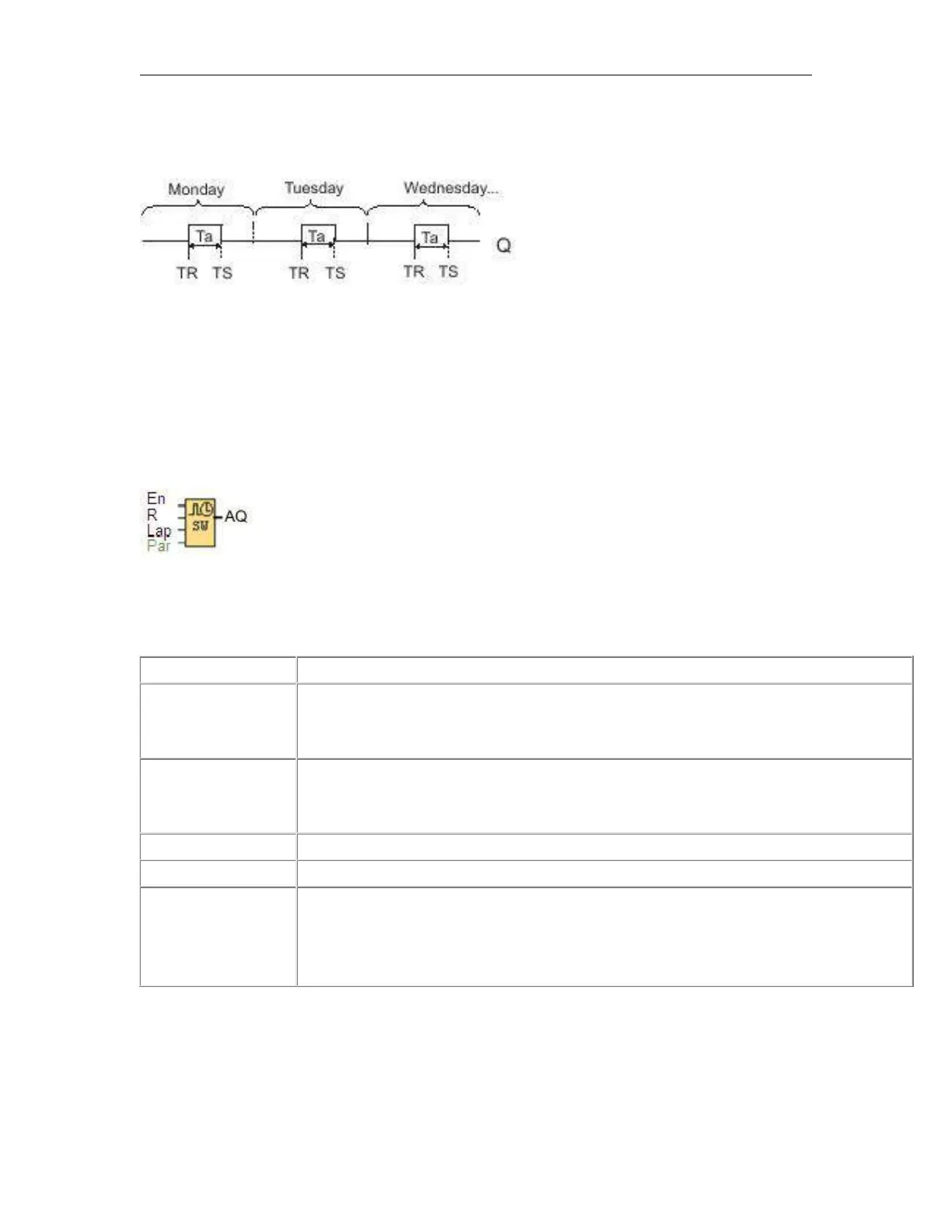
Timing diagram
Description of function
The function calculates the value at the input and sets or resets Q depending on the sunrise time and sunset
time at the configured location and time zone of the module.
6.5.47 Stopwatch
Short description
The stopwatch records the time elapsed since it was enabled.
En (Enable) is the monitoring input. x-Messenger sets the current elapsed time to 0 and begins
counting elapsed time when En transitions from 0 to 1. When En transitions from 1 to 0, the elapsed
time is frozen.
A positive edge (0 to 1 transition) at input Lap pauses the stopwatch, and sets output to lap time.
A negative edge (1 to 0 transition) at input Lap resumes the stopwatch, and set the output to
current elapsed time..
A signal at input R (Reset) clears the current elapsed time and lap time.
Time base for elapsed time, which you can set to hours, minutes, seconds, or 1/100ths of seconds.
The output AQ outputs value of the current elapsed time when it is a negative edge (1 to 0
transition) at the input Lap, and outputs value of the Lap time when it is a positive edge (0 to 1
transition) at the input Lap.
A positive edge (0 to 1 transition) resets the value at output AQ to 0.
Parameters Time base
You can configure the time base for the analog output:



 To Next Page