Either the input R takes priority over input S (i.e. the signal at input S has no effect as long as R = 1), or the
input S takes priority over input R (i.e. the signal at input R has no effect as long as S = 1), depending on your
configuration.
6.5.18 Message text
Short description
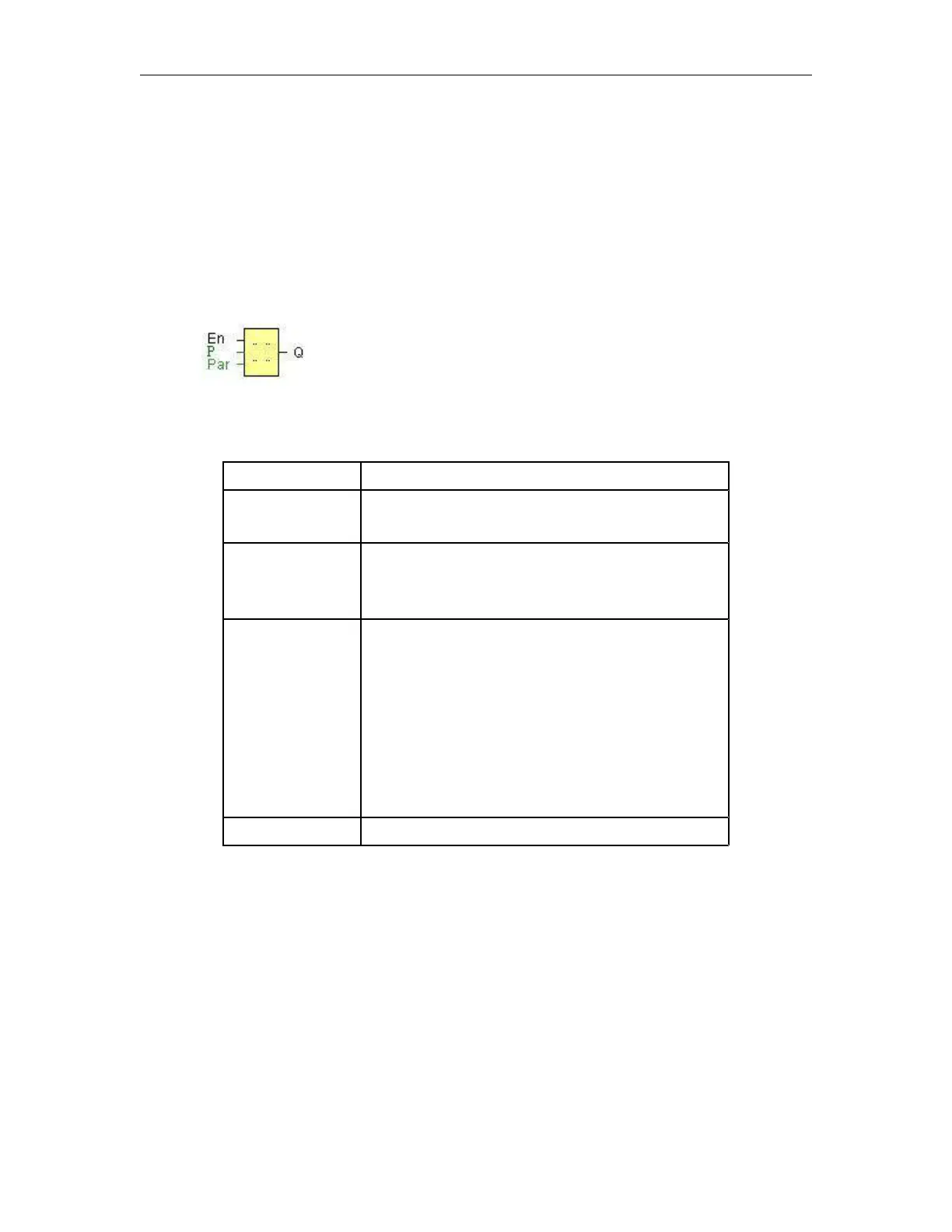
Display parameterized message texts and parameters of other blocks in RUN mode.
A 0 to 1 transition at En (Enable) triggers the output of the
message text.
P is the priority of the message text.
1 is the lowest, 64 is the highest priority.
Quit: Acknowledgement of the message text
Text: Input of the message text
Par: Parameter or actual value of another, already
configured function (see "Visible parameters or
actual values")
Time: Shows the continuously updated time-of-day
Date: Shows the continuously updated date
EnTime: Shows the time of the 0 to 1 transition
EnDate: Shows the 0 to 1 transition of the date
Q remains set as long as the message text is queued.
Description of the function
With a 0 to 1 transition of the signal at input En, the display outputs your configured message text (actual
value, text, TOD, date) in RUN mode.
Acknowledgement disabled (Ack = Off):
The message text is hidden with a 0 to 1 signal transition at input En.
Acknowledgement enabled (Ack = On):
After input En is reset to 0, the message text is displayed until acknowledged by pressing the OK button. The
message text cannot be acknowledged as long as input En is high.
If several message text functions were triggered with En=1, the message with the highest priority (1 =
lowest, 64=highest) is displayed. This also implies that a new message text is only displayed if its priority is



 To Next Page