AF1=2;
AQ02=100;
Q01=1;Q12=0;
F1=1;F2=0;
AM1=10;
REG1=100;
REG100=300;
TEL,B002,1,B002,2,B003,1,B003,5:13851448223;
RTC=89-01-09,01:32:09,0;
Message Parameters:
Start characters: ##** (These 4 characters must be included at the start of your message)
End character: ; (This symbol must be used to terminate each line of your message )
Parameters:
AF1= 2; This is to change the AF value, you can input the different numbers, for example AF=200;
AQ02=100; This is to change the AQ value, you can input the different analog outputs, for example
AQ21=200;
Q01=1;Q12=0; This is to change the the I/O output status, for example Q22=1;
F1=1;F2=0; This is to change the FLAG output status,for example F22=1;
AM1=10; This is to change the AM value, you can input the different numbers, for example AM30=200;
REG1=100;
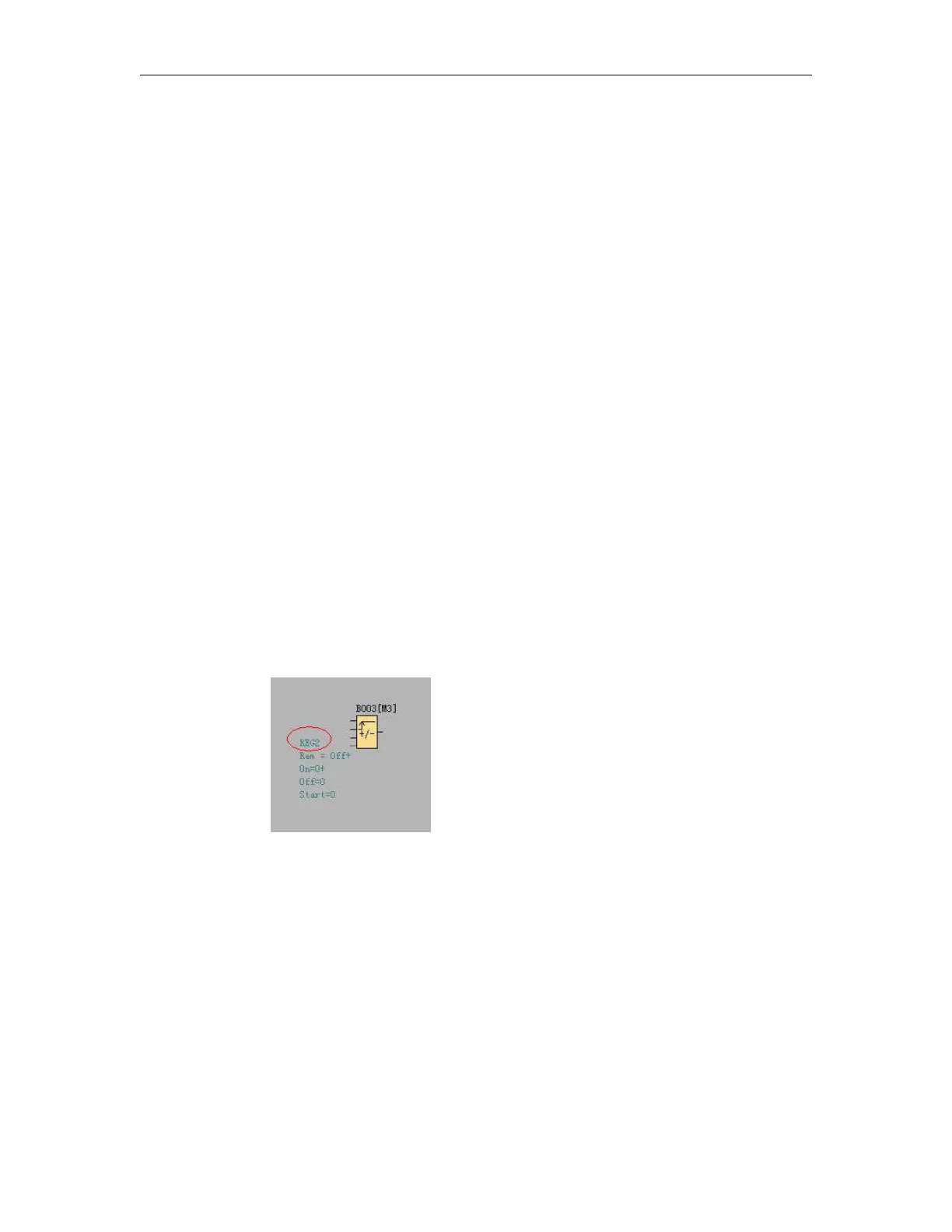
REG100=300; This is to change the REG value, you can input the different numbers, for example
REG2=200; This can be used to change the current value of function blocks, such as counters.
TEL,B002,1:13851448223;
This is to change receiver for the sms message output block.
(Note: This command is only for 2G version unit, it is unavailable for 4G version unit)



 To Next Page