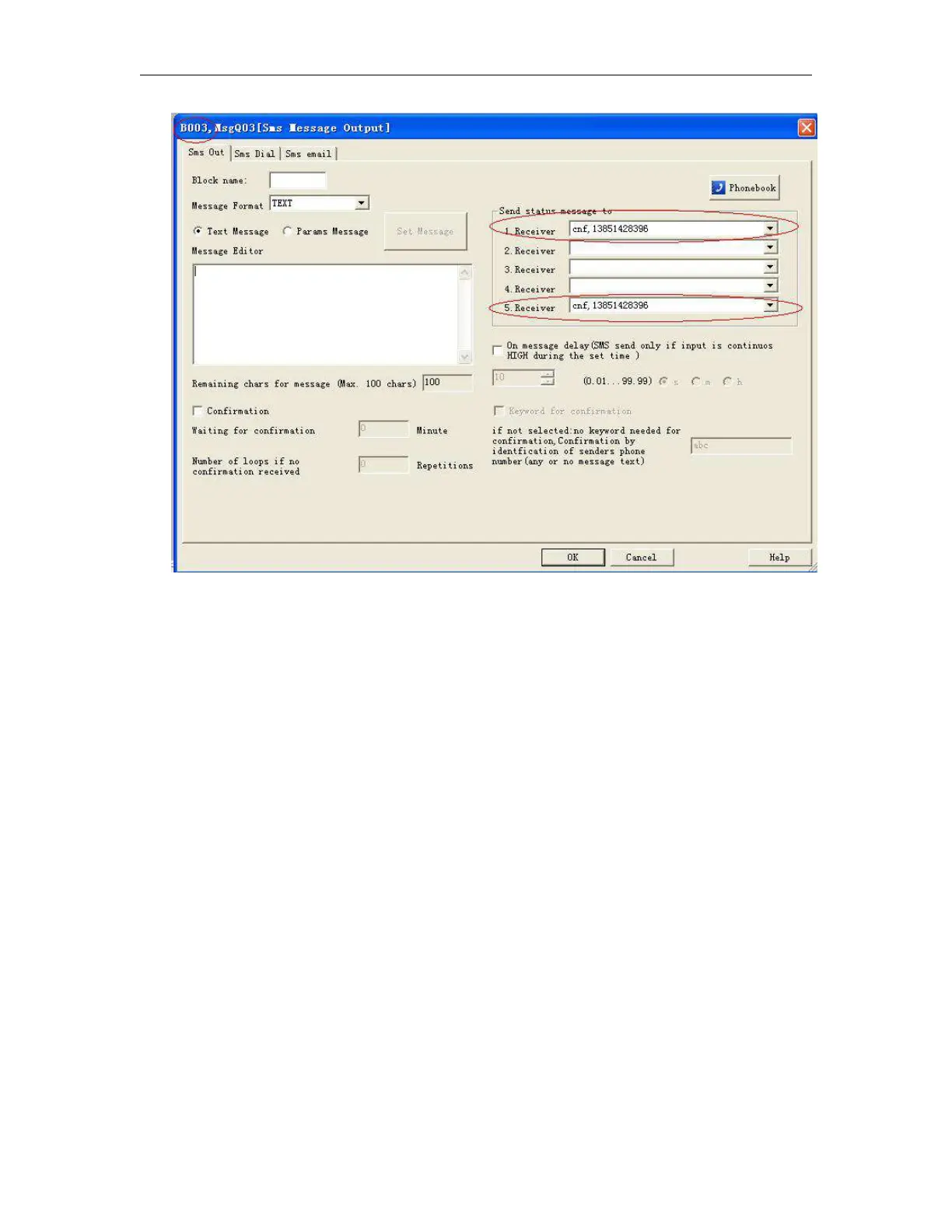
How to modify the all the receiver number of sms message output blocks in the program ?
If you want to modify the receiver number in all the sms message output block, you can edit the short
message format like this:
##**
ALL:TELQ,1:13851448223;
This is to change receiver 1 for all the sms message output block in the program.
TELQ, means the “SMS message output block”
1 means the receiver 1 in the block, this number can be 1 to 5.
13851448223; It is the phone number which will be set into the receiver.
(Note: This command is only for 2G version unit, it is unavailable for 4G version unit)
Modify the telephone number in the sms message input like this:
Edit short message :
##**
Msg,I01,1,I01,2,I01,3,I01,4,I01,5,I02,1,I02,5,I03,2,I03,4,I03,5:10987654321;
And then the phone number in the sms message input shall be changed with 10987654321.



 To Next Page