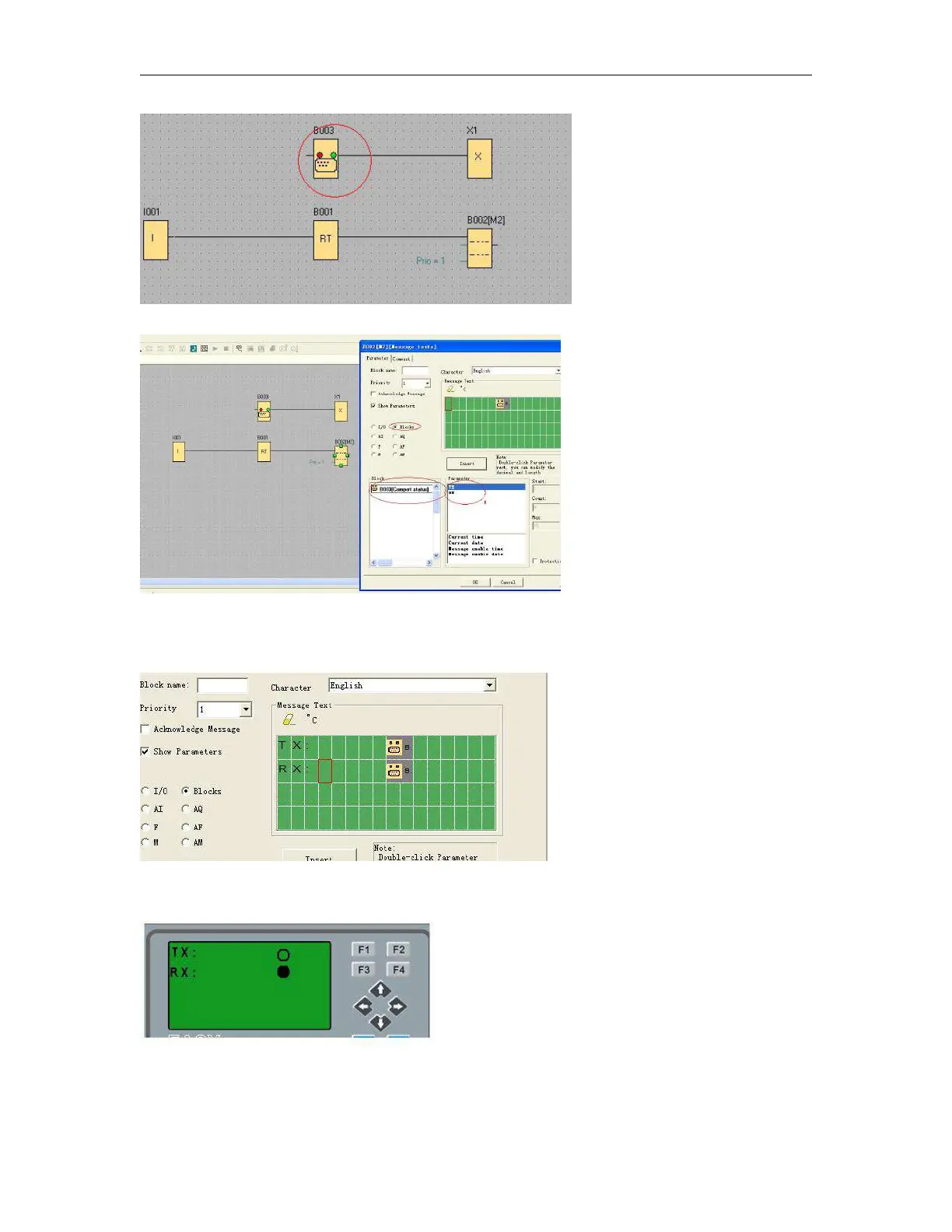
Select “BLOCKS” in the text message property block.
select TX or Rx and insert into the screen.
You can edit the text in the screen, such as TX:,RX:
So, you can view the communication status on the LCD, even if there are no indicators on the
ELC-RS232/ELC-USB/PRO-RS485.



 To Next Page