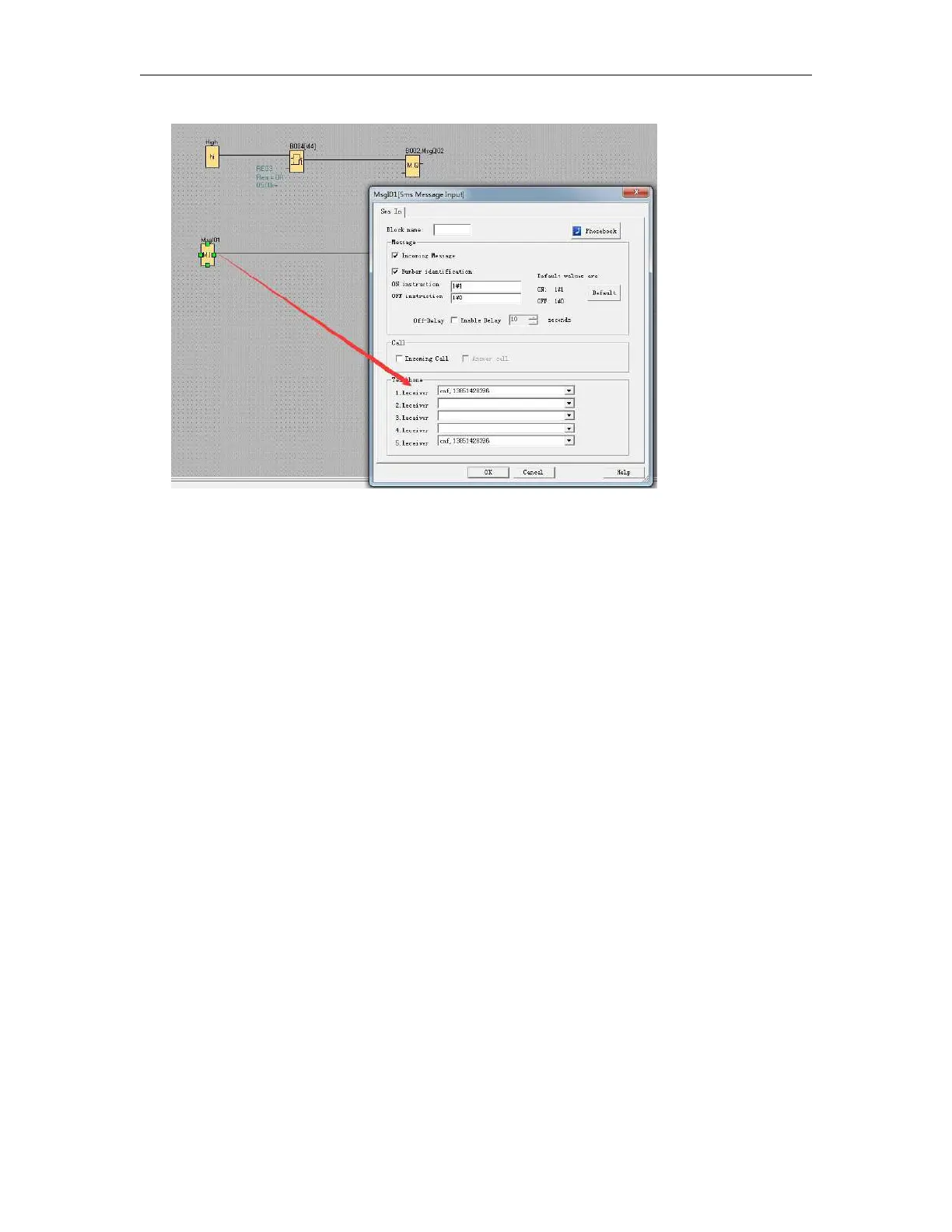
Then we can edit below SMS contents to change the phonebook user1 phone number to “123456789”.
##**PB,cnf,1234∶123456789;
##** Start characters;
PB it means phonebook(includes the phone number and email address)
cnf the user name you used(if you use andy in the phone number, here you need edit with andy)
1234 this is password when you want to change the phone number(if you did not set it in the phone
book, here you can keep it blank or any other characters).
123456789 the phone number which will be set to replace the old one.
; End symbol
You can send above message to change the phone book, and if it is changed successfully or failed, the
EXM will do response with message.
The phonebook will be changed as below, and the phone number in the sms message input and output
block will be changed as well.



 To Next Page