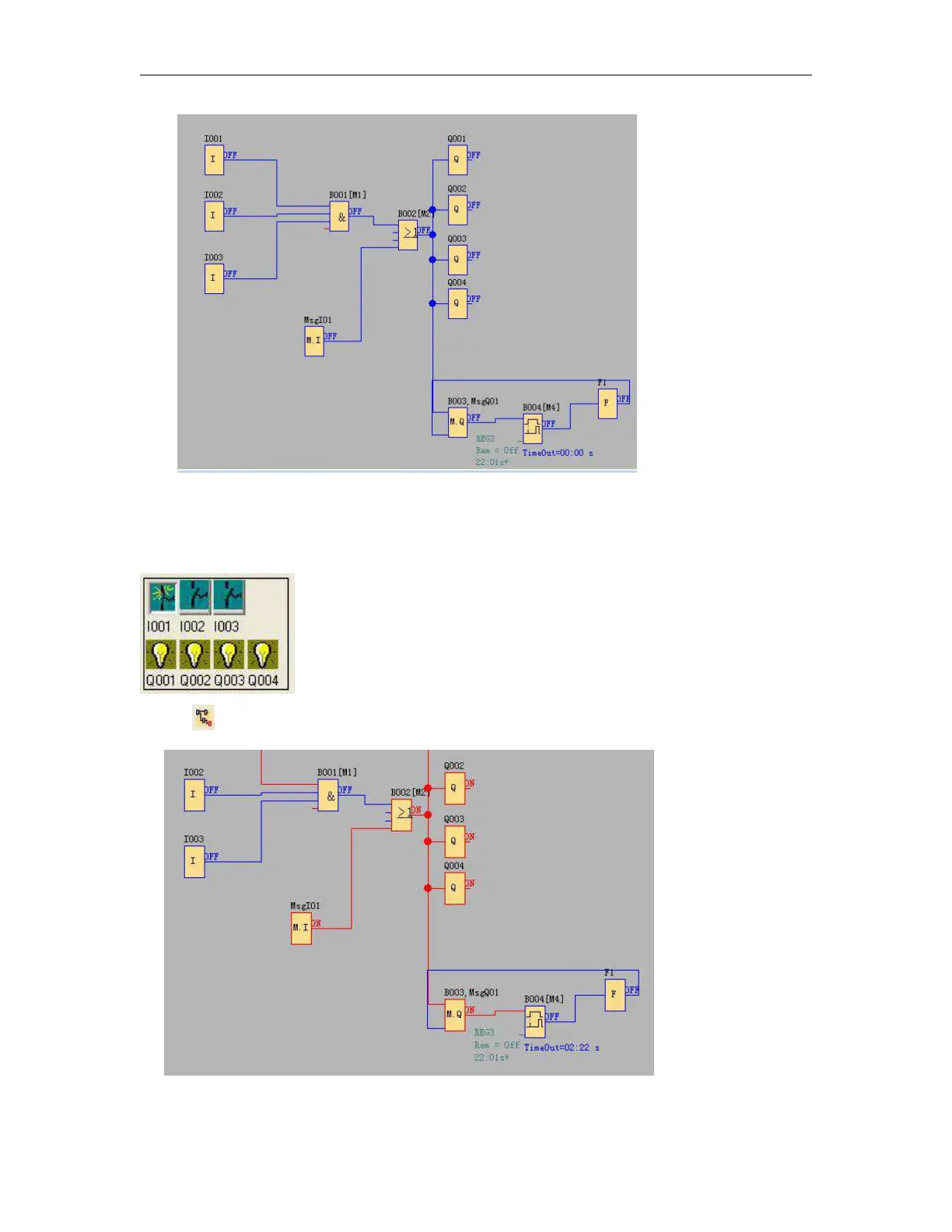
Fig. 7.10.6 Start simulation
2. Click input block with mouse. It can change the state of input, state displays “ON” and “OFF” in the output
point of the module, so you can observe the state of input or output.
3. Click button again, to terminate the operation function of the module.
Fig. 7.10.7 Simulation Operation



 To Next Page