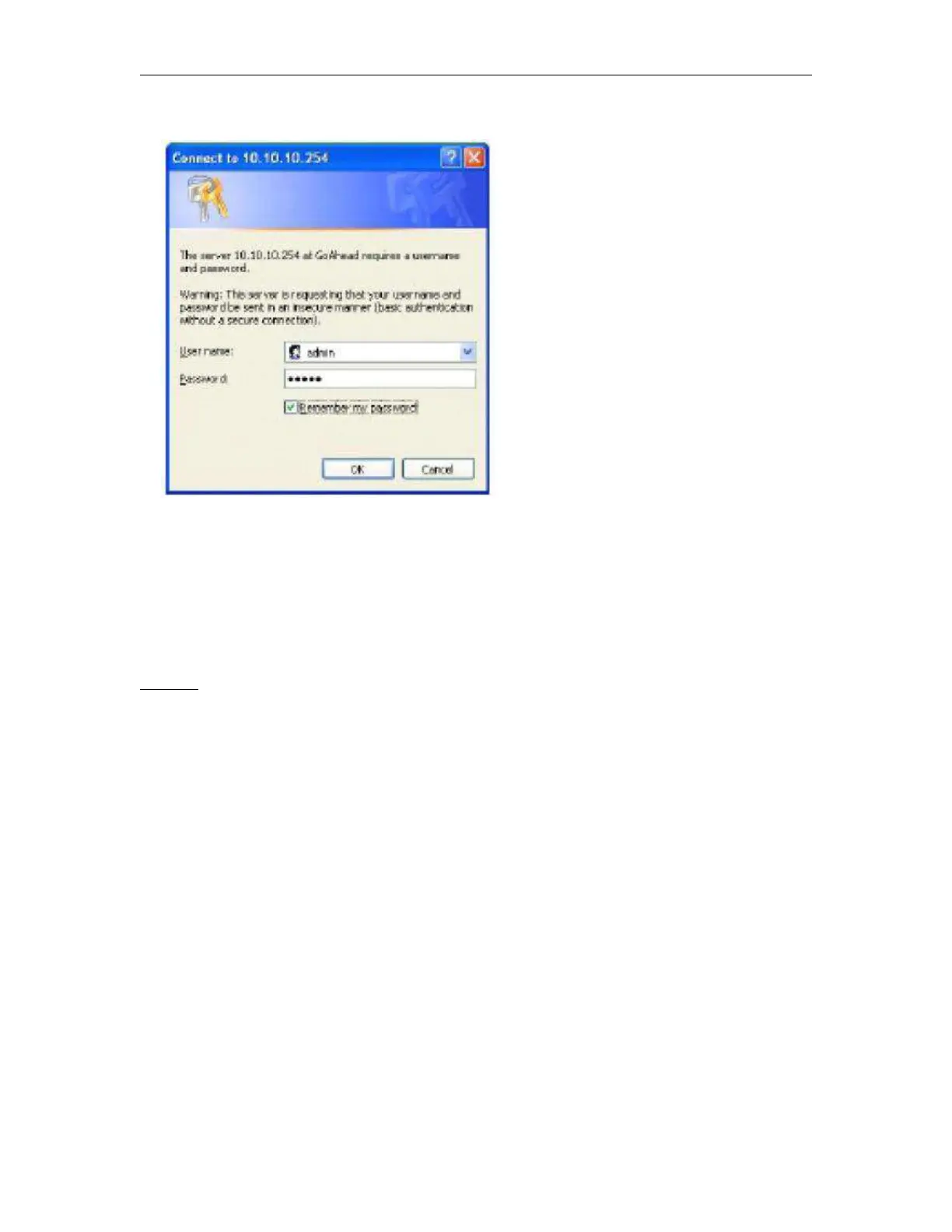
Figure 22. Open Web Management page
The HF-A11 web management page support English and Chinese language. User can select
language environment at the top right corner and click “Apply” button.
The main menu include five pages: “Mode Selection”,” AP Interface Setting”,”STA Interface
Setting”,”Application Setting”, and “Device Management”
Notes:
Default, High-Flying suggests all Web management related operation shall execute at AP mode.
(Even you need configure STA parameters and want module works as STA mode). If user selects
STA mode and still want to configurate the module through Web browser, you have to access the
module through another AP (and get the module IP address through this AP.)
Mode Selection Page



 To Next Page