Step A.
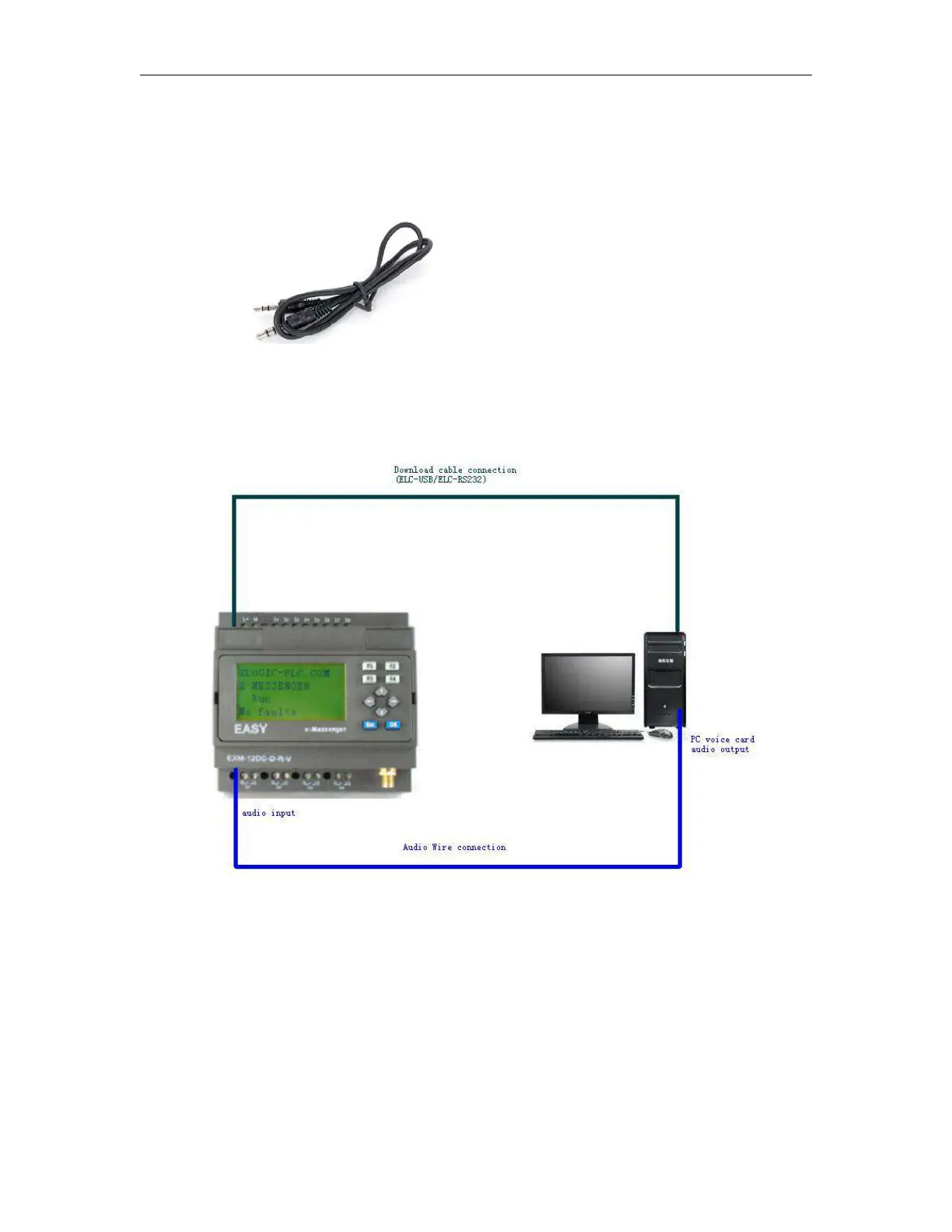
Establish the connection between x-Messenger programming port and the COM port of your PC(RS232/USB)
with the download cable(ELC-USB,ELC-RS232, EXM-USB-B ) and the connection between the audio input
interface of x-Messenger and the audio output interface of your PC with audio wire(see below figure).
Free audio wire accessory, to connect the voice audio input and PC audio output.
Step B. Open the "eSmsConfig" software and establish the communication (Select the correct com port you
are using, and connect to EXM).



 To Next Page