Customizing Initial Settings [Custom Setting Mode]
99
Advanced Features (Printer Machine Side)
3
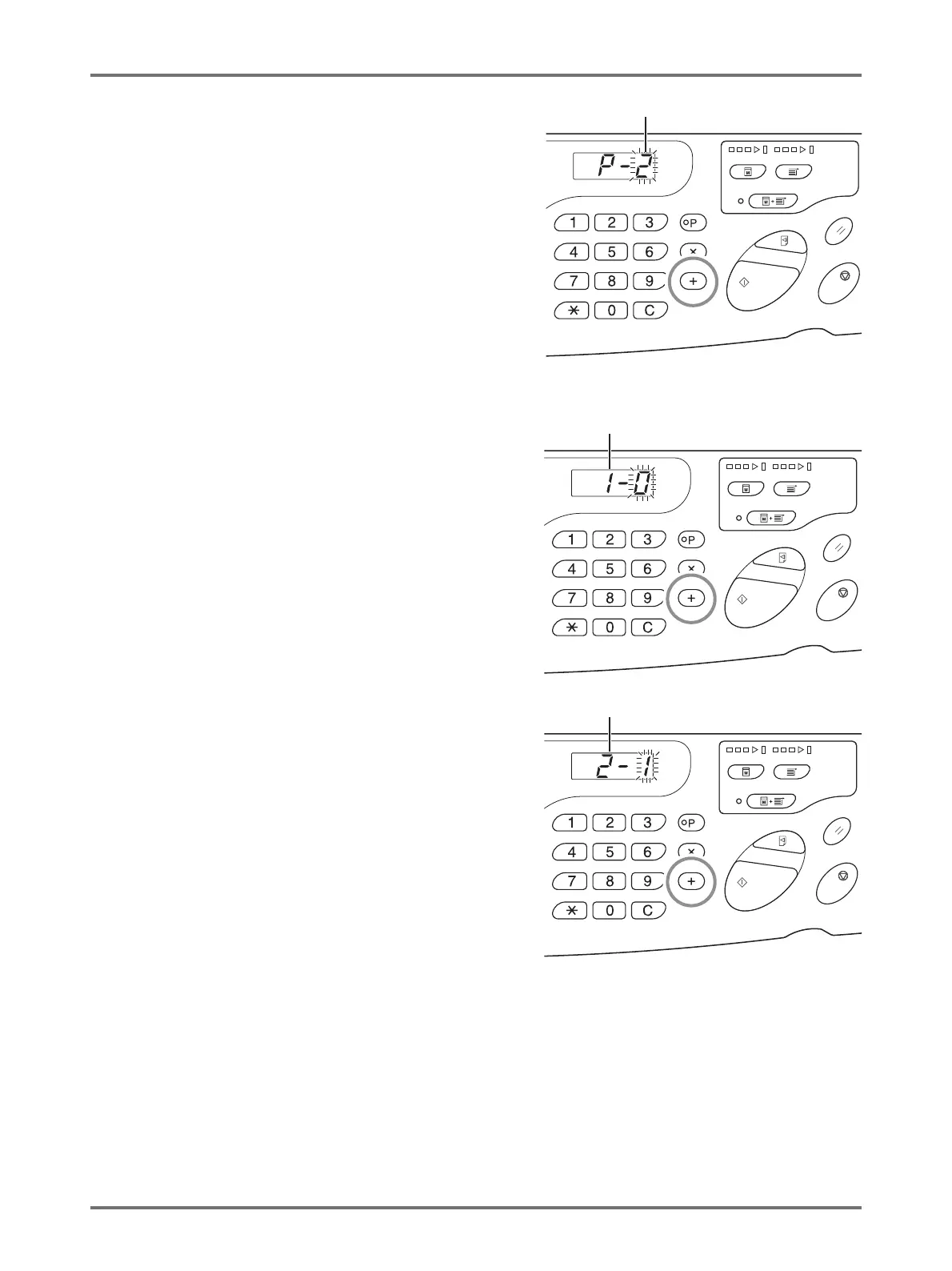
Press the <
+
> key.
Pressing this key allows you to select a paper ejection
adjustment registration number.
The current papaer ejection adjustment registration
number blinks.
4
Enter a paper ejection adjustment
registration number using the Print
Quantity keys.
5
Press the <
+
> key.
The [Separation fan setting input] display appears and
the setting value blinks.
6
Enter a separation fan setting value.
Enter the setting value using the Print Quantity keys.
Setting value; 0 (OFF) to 4
7
Press the <
+
> key.
The [Suction fan setting input] display appears and the
setting value blinks.
8
Enter a suction fan setting value.
Enter the setting value using the Print Quantity keys.
Setting value: 0 to 3 (Four levels) p.101
Paper Ejection Adjustment Registration No.
Separation Fan
Suction Fan



 To Next Page