Customizing Initial Settings [Custom Setting Mode]
100
Advanced Features (Printer Machine Side)
9
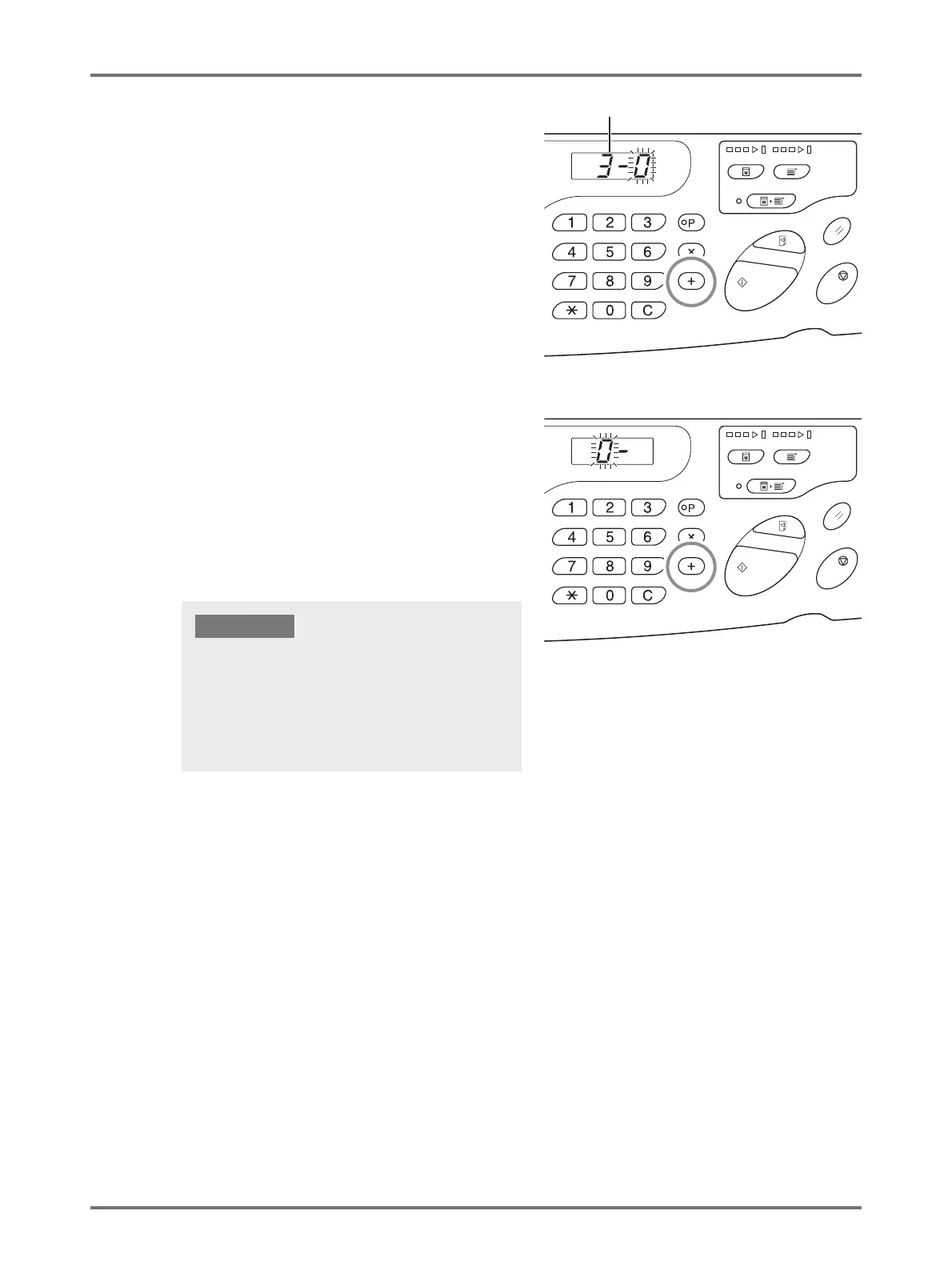
Press the <
+
> key.
The [Air blow setting input] display appears and the
setting value blinks.
10
Enter an air blow setting value.
Enter the setting value using the Print Quantity keys.
0: OFF
1: ON
11
Press the <
+
> key.
Paper ejection adjustment registration is confirmed and
returns to the item number input mode.
Repeat the above procedure from 2 to 11 to register
continuously.
To return to the normal mode, press the <Custom> or
the <Start> key.
Air Blow
• When the <Custom> key is selected before pressing
<+> key, setting contents are deleted and returns to
normal mode.
• When the <Start> key is selected before pressing <+>
key, the registration contents are confirmed and the
mode returns to the normal mode.
IMPORTANT!



 To Next Page