Troubleshooting Tips
137
Troubleshooting
Paper is not smoothly fed from the
Paper Feed Tray. (Skipped paper, or
multiple-sheetfeeding)
The angle of the Stripper Plate may not
be appropriate.
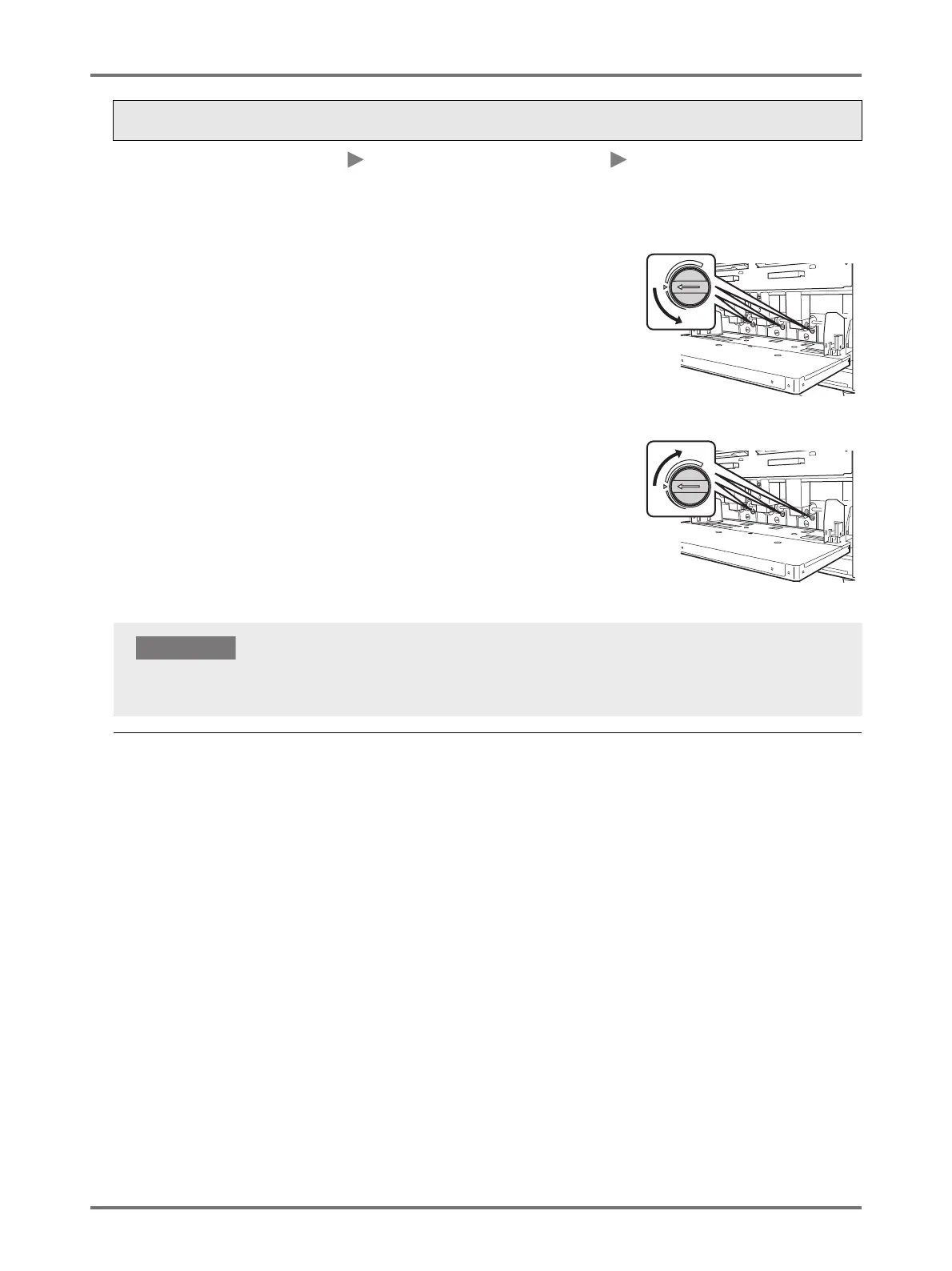
Turn the Stripper Plate Angle
Adjustment Dial to adjust the angle of
the Stripper Plate.
When paper dust tends to be
produced, or the feeding skips
Turn the dial to the left.
When multiple sheets are fed
Turn the dial to the right.
Status Possible cause Action
Before making the adjustment, make sure to remove all paper from the Paper Feed Tray and the tray has lowered to
the bottom.



 To Next Page