Troubleshooting Tips
136
Troubleshooting
Printed copies are not neatly aligned in
the Paper Receiving Tray.
(The indicator is shown frequently.)
The positions of the Receiving Tray
Paper Guides and the Paper Stopper
may not be appropriate.
Adjust the Receiving Tray Paper
Guides and the Paper Stopper to the
size of the paper. Adjust it to be slightly
wider for thick paper.
If you have adjusted the horizontal
position on the Paper Feed Tray, shift
the Receiving Tray Paper Guides in the
same direction.
p.28
The position of the Paper Receiving
Wings may not be appropriate.
Adjust the Paper Receiving Wings to
the size and thickness of the paper.
p.29
Paper is not smoothly fed from the
Paper Feed Tray. (Skipped paper, or
multiple-sheet feeding)
The printing paper may not be
appropriate.
Use the recommended paper.
p.14
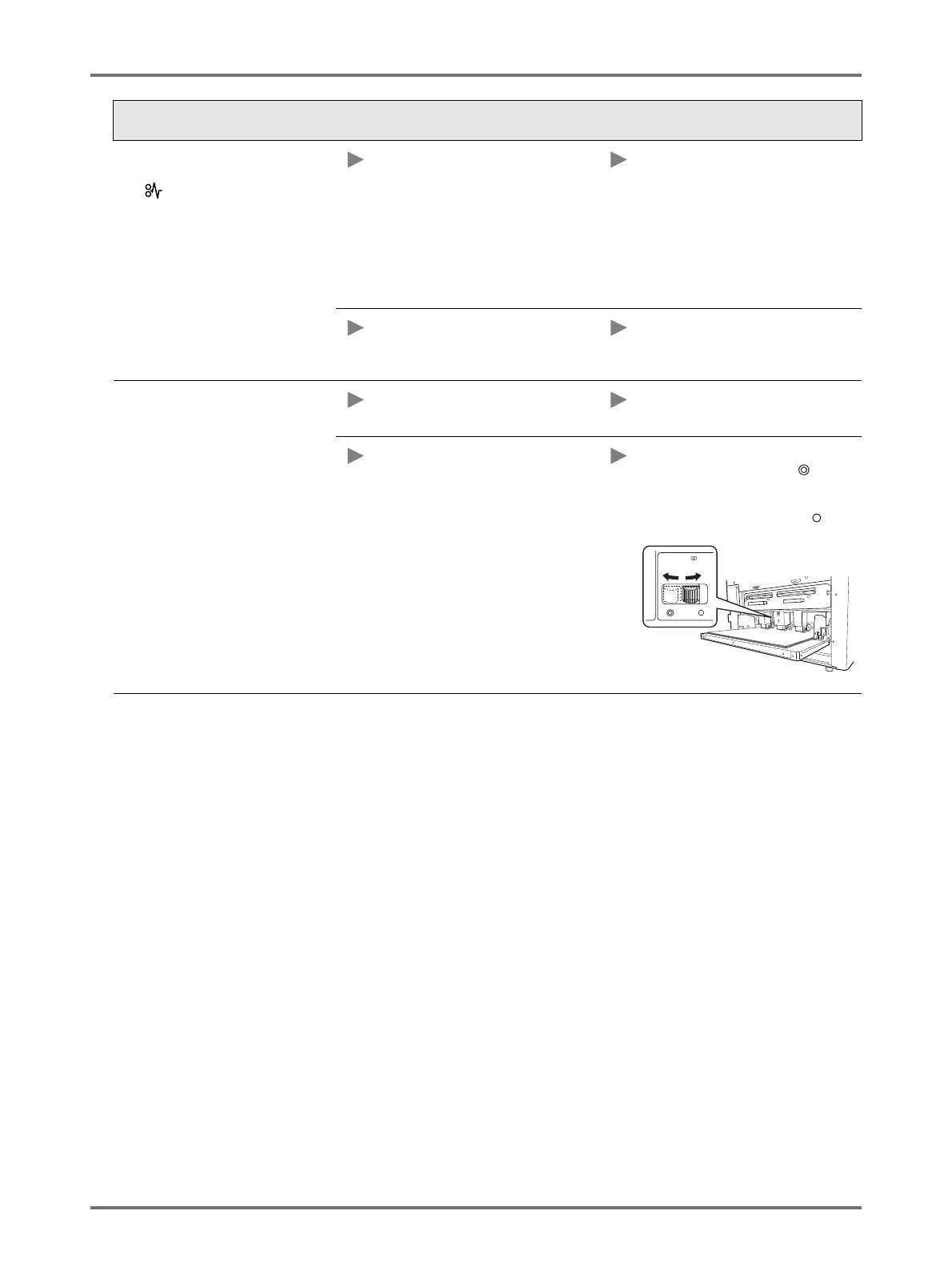
The position of the Paper Feed
Pressure Adjustment Lever may not be
appropriate.
Normally, set the Paper Feed Pressure
Adjustment Lever to the left ( ). When
using paper that may easily be skipped,
set the Paper Feed Pressure
Adjustment Lever to the right ( ).
Status Possible cause Action



 To Next Page