Preparing to Print (Computer Side)
46
Basic Operation
4
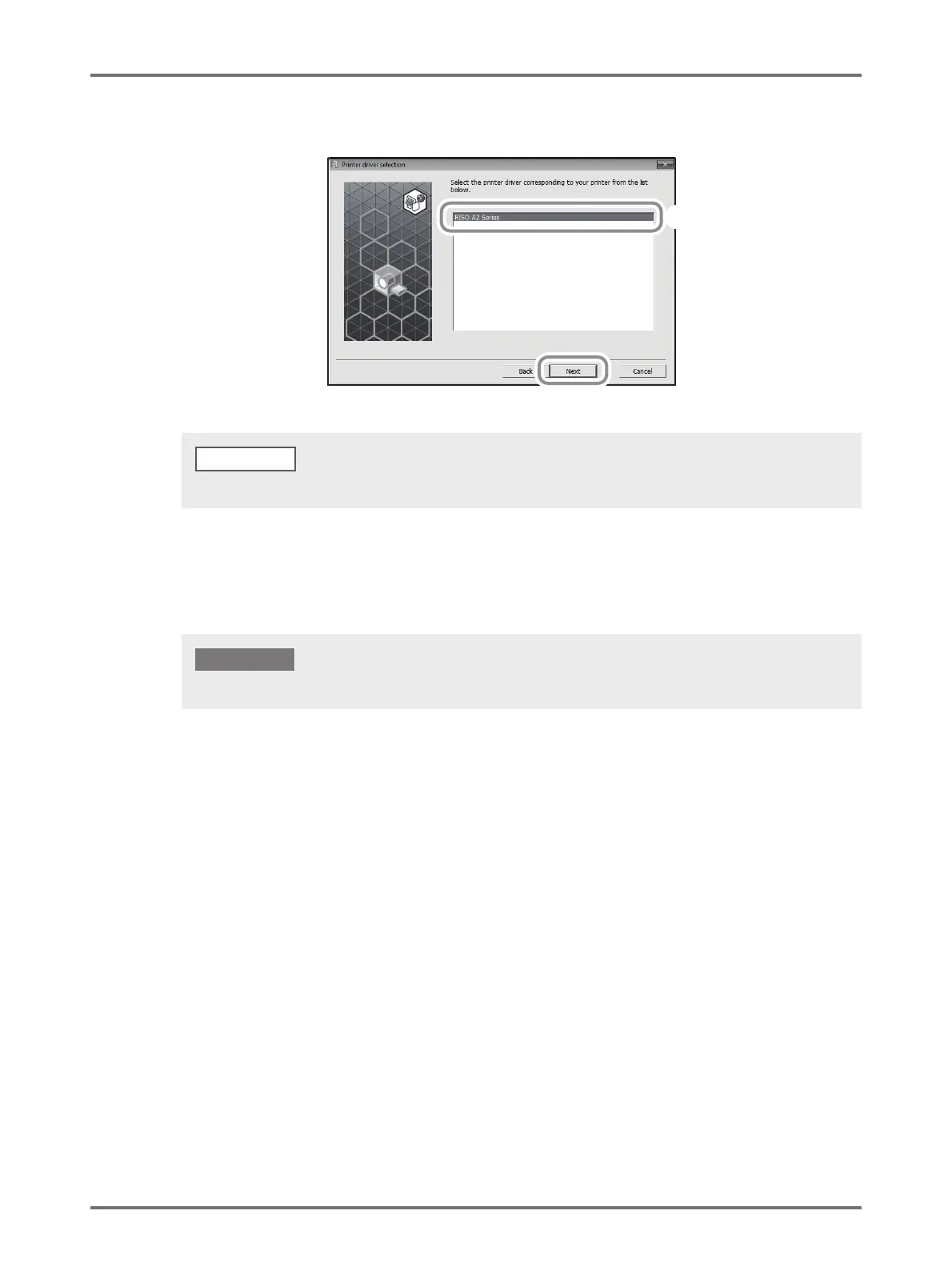
Ensure that [RISO A2 Series] is selected, and then click [Next].
5
Perform Steps 10 to 17 of the "Installation Procedure" on Page 34.
Now you can use the machine.
When the [Procedure of installation] screen appears, click [Next].
Keep the removed CD-ROM at hand.
IMPORTANT!



 To Next Page