Setting the Printing Preferences
58
Functions to be Set Up with the Printer Driver (Computer Side/Driver Side)
(3) Imposition
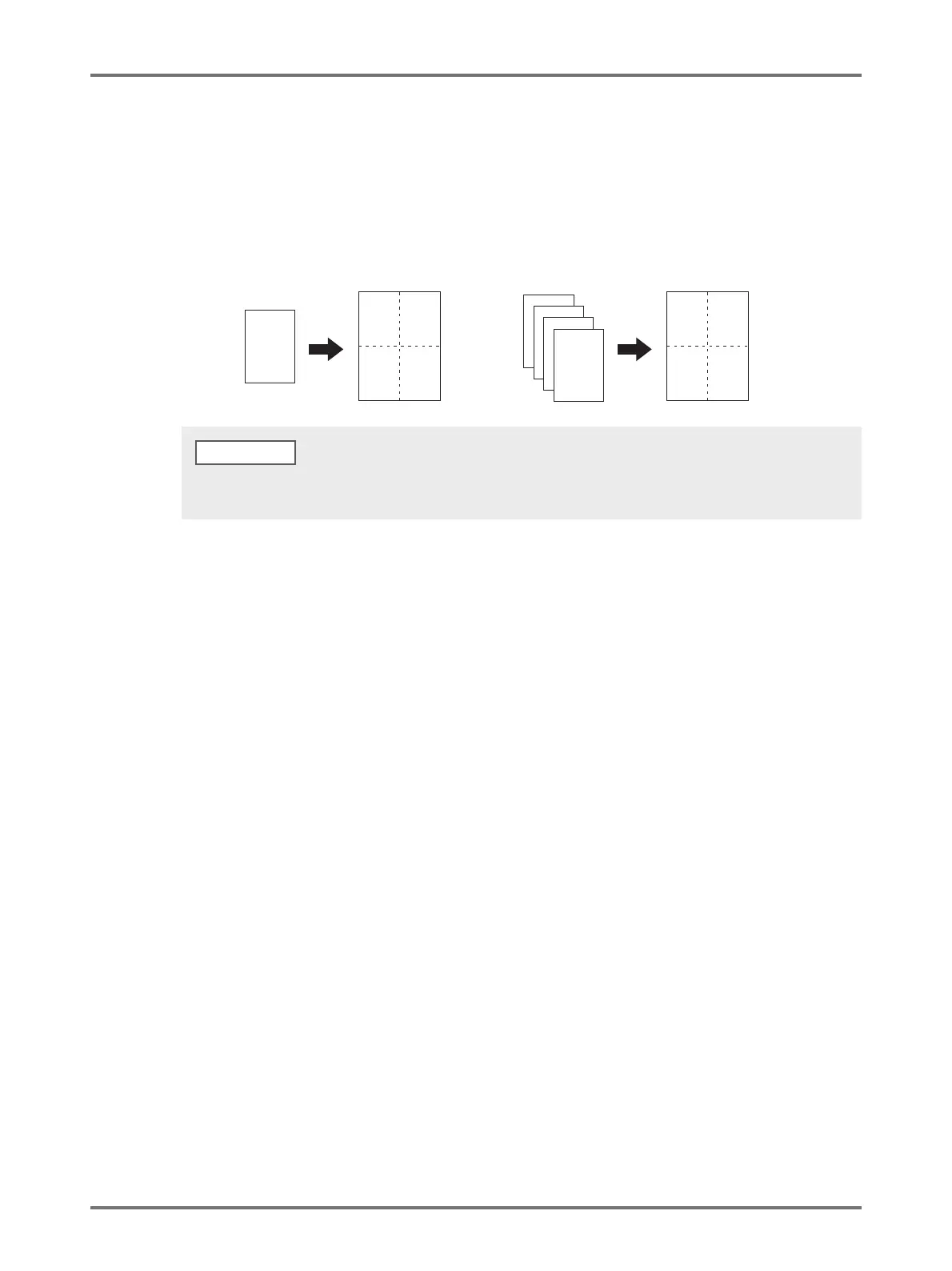
You can impose multiple originals on one page and print them.
[OFF]: Normal printing (one page original par sheet).
[Multi-up]: The same original is imposed multiple times on one sheet of paper.
[Page layout]: Different original pages are imposed on one sheet of paper.
(4) Pages/sheet
Select the pages/sheet.
[2 pages]: Imposes 2 original pages on a sheet.
[4 pages]: Imposes 4 original pages on a sheet.
(5) Layout order
When [Page layout] is selected, select the imposition order.
Page layout (2 pages)
[Left to right (Top to bottom)]: Original pages are imposed from left to right or from top to bottom.
[Right to left (Bottom to top)]: Original pages are imposed from right to left or from bottom to top.
Page layout (4 pages)
[Left top to right]: Original pages are imposed from left top to right.
[Left top to bottom]: Original pages are imposed from left top to bottom.
[Right top to left]: Original pages are imposed from right top to left.
[Right top to bottom]: Original pages are imposed from right top to bottom.
D
C
B
A
AB
CD
A
AA
AA
Multi-up Page layout
• Processing may take longer depending on the performance of the computer (such as CPU, computer memory, etc.).
• When the original size is [Custom] and the output size is [Same as original], [Imposition] cannot be specified.
NOTE



 To Next Page