Setting the Printing Preferences
60
Functions to be Set Up with the Printer Driver (Computer Side/Driver Side)
(8) Job settings
You can name and register the machine settings you often use.
The registered machine settings can be called up later.
1) Enter the machine settings in the [Property] dialog box.
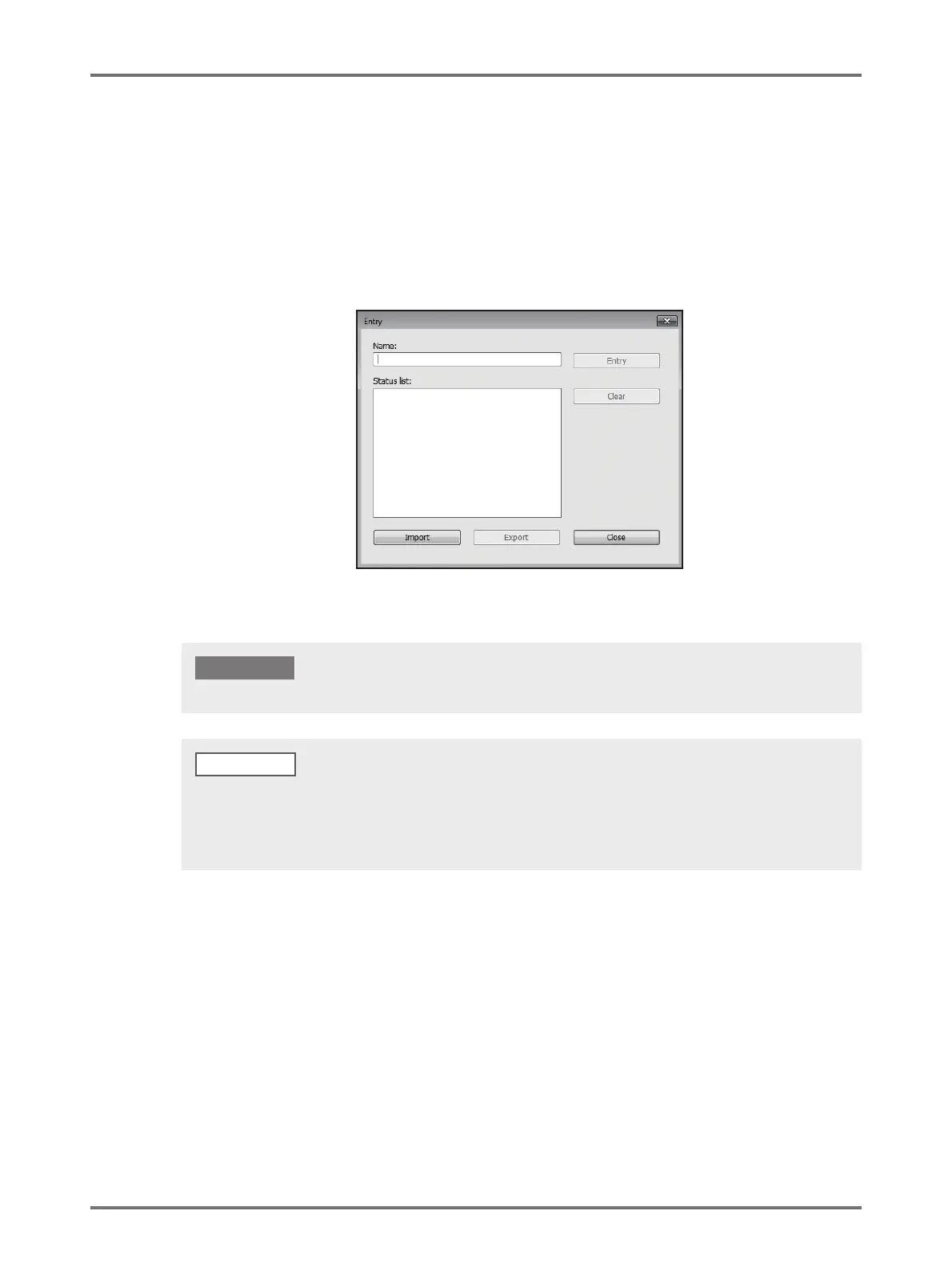
2) Clicking [Entry] displays the [Entry] dialog box.
3) The registered name appears in the [Status List] by entering the name in the column under [Name] and
clicking [Entry].
4) Click [Close].
(9) Restore default
Clicking [Restore default] changes the settings in the [Property] dialog box back to their defaults.
To register/delete the machine settings, you are required to have administrator’s privileges to log on to Windows.
• The registered machine settings can be saved as a machine settings entry file (with extension ".uds") by clicking
[Export].
To register the machine settings from the machine settings entry file, click [Import] and specify the file.
• To delete the registered machine settings, select the name to be deleted and click [Clear].
NOTE



 To Next Page