Application Examples
R&S
®
GP-E/GP-S
131User Manual v16.2.1 ─ 01
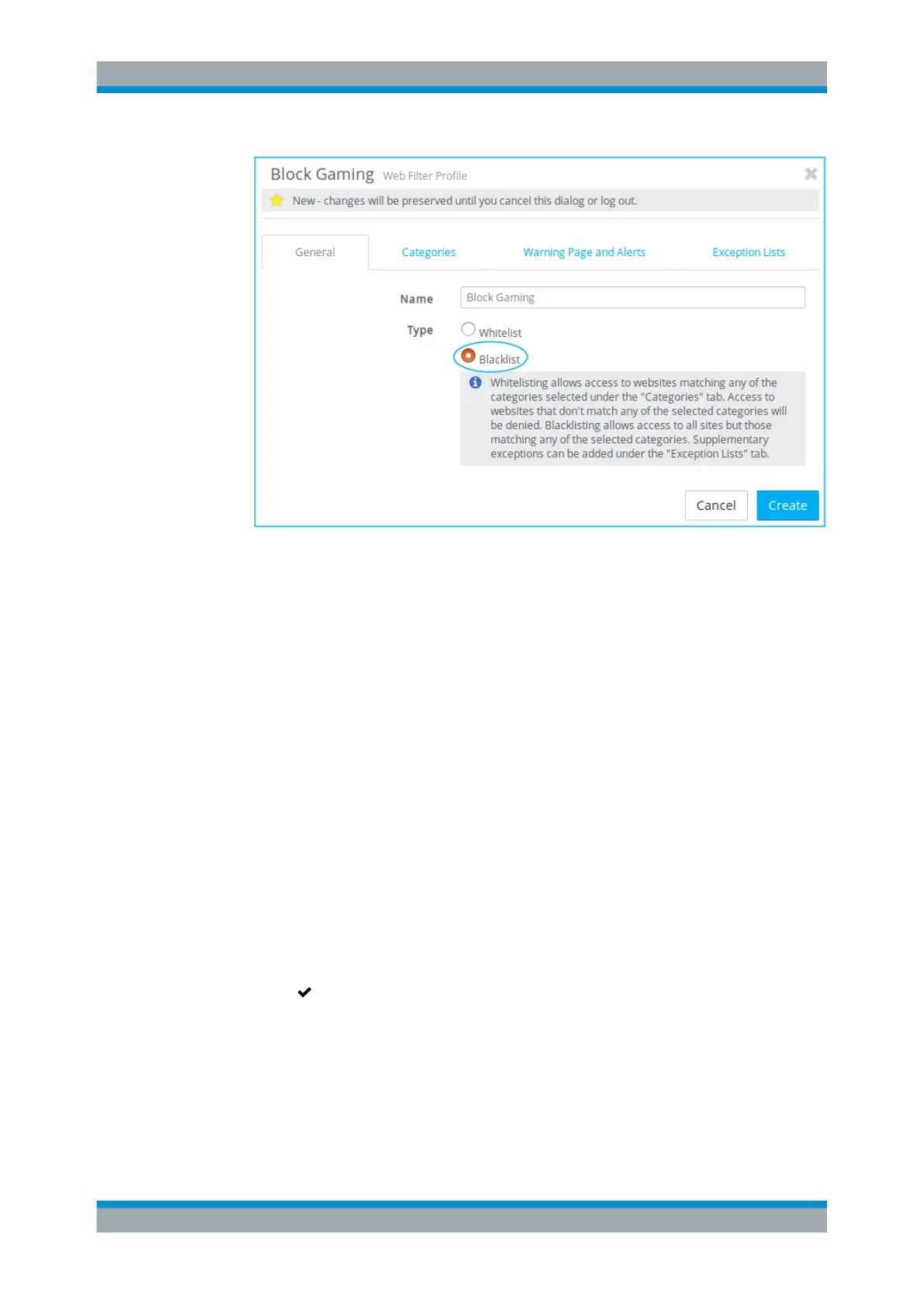
Figure 4-3: Sample General tab settings.
3. Enter a suitable name for the profile.
4. Go to the "Categories" tab and open the category Interests.
5. Select the subcategory Gaming.
6. Optional: If you wish to get an alert when the web filter is triggered, open the
"Warning Page and Alerts" tab. Select the desired "Alert Level" , such as info,
and enter an "Alert Message" . The alert will be displayed in the "Alert Log" .
7. Click "Create" to save your settings.
8. Create a new connection or open an existing connection and add two firewall rules
(refer to Chapter 3.3, "Firewall Rule Settings", on page 22 for more details):
a) The first rule permits DNS; specify a name for the rule and select DNS under
"Applications / Protocols" .
b) For the second rule, select HTTP under "Applications / Protocols" and activate
"SSL Inspection" . In the "Application Filters" section, select the created "Web
Filter Profile" .
9. Click "Save" to store the changes made to the connection.
10.
Click "
Activate" in the toolbar at the top of the desktop to apply your configura-
tion changes.
Firewall Rule Examples



 To Next Page