Application Examples
R&S
®
GP-E/GP-S
185User Manual v16.2.1 ─ 01
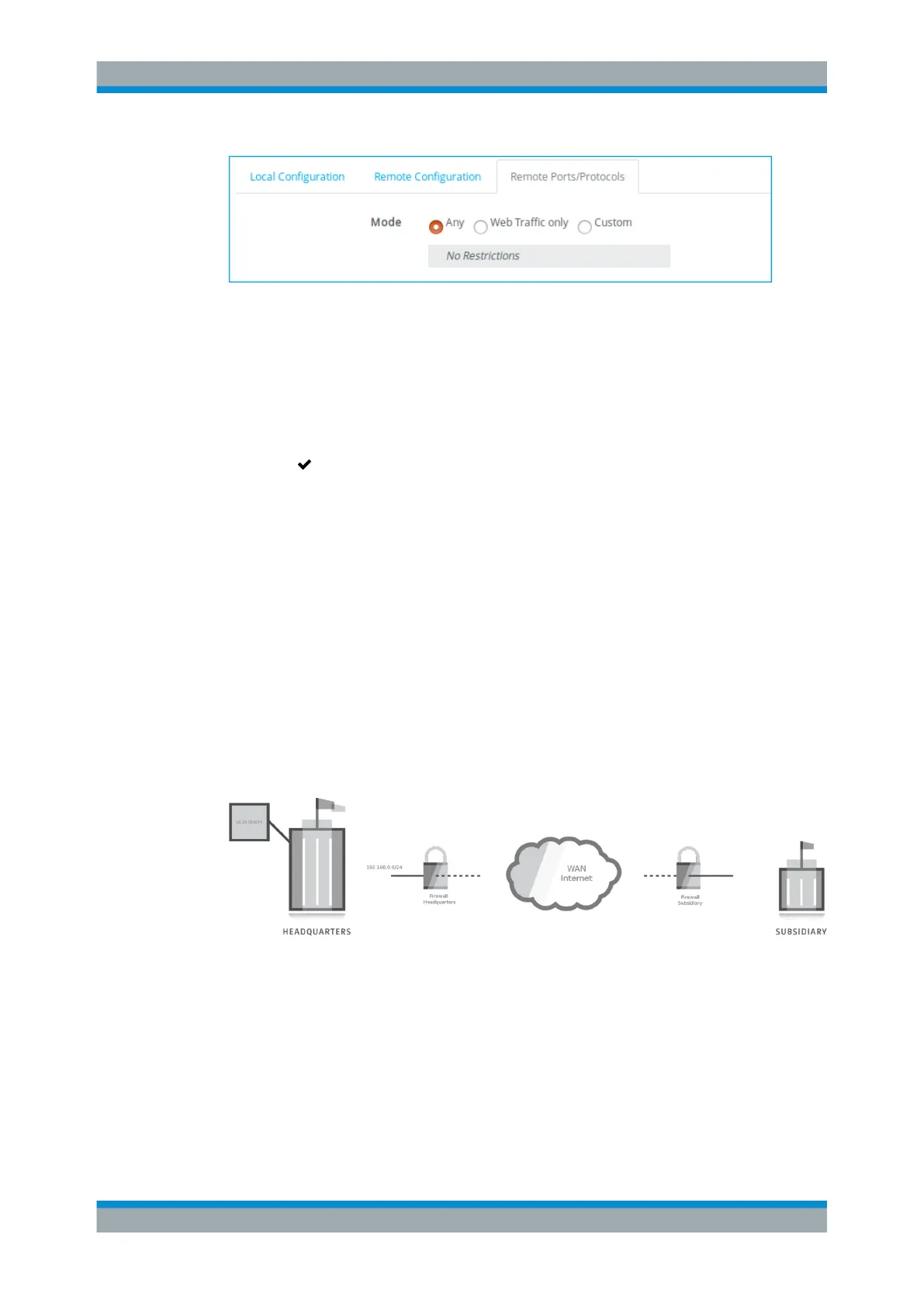
Figure 4-52: Sample Remote Ports/Protocols settings.
1. Specify any traffic restrictions you want to apply to the tunnel. For more informa-
tion, see "IPsec Site-to-Site Settings" on page 114.
2. Click "Create" to add the new VPN to the list of connections.
The new VPN setup appears in the list of available connections.
3.
Click " Activate" in the toolbar at the top of the desktop to apply your configura-
tion changes.
The IPsec S2S connection is now configured on gateprotect Firewall. To be able to
establish a connection, the remote side also needs to be properly configured and acti-
vated.
For more information, see "IPsec Site-to-Site" on page 113.
4.12.2.3 Setting Up IPsec Site-to-Site for Complex Networks
gateprotect Firewall can be used to connect complex networks across different loca-
tions using static routes.
The following example shows a complex network setup between subsidiary, headquar-
ters and a remote network using static routes. Set up the IPsec Site-to-Site connection
as described under Chapter 4.12.2.2, "Setting Up the VPN Connection", on page 181.
Figure 4-53: Connecting networks in two remote sites.
Setting up the Firewall of the Headquarters
Set up the firewall of the headquarters using custom networks and static routes to
route traffic between networks.
The following steps show how to set up the firewall of the headquarters.
1. Create a custom network for the remote network which you want to connect to.
VPN Setup Examples



 To Next Page