User Interface
R&S
®
GP-E/GP-S
42User Manual v16.2.1 ─ 01
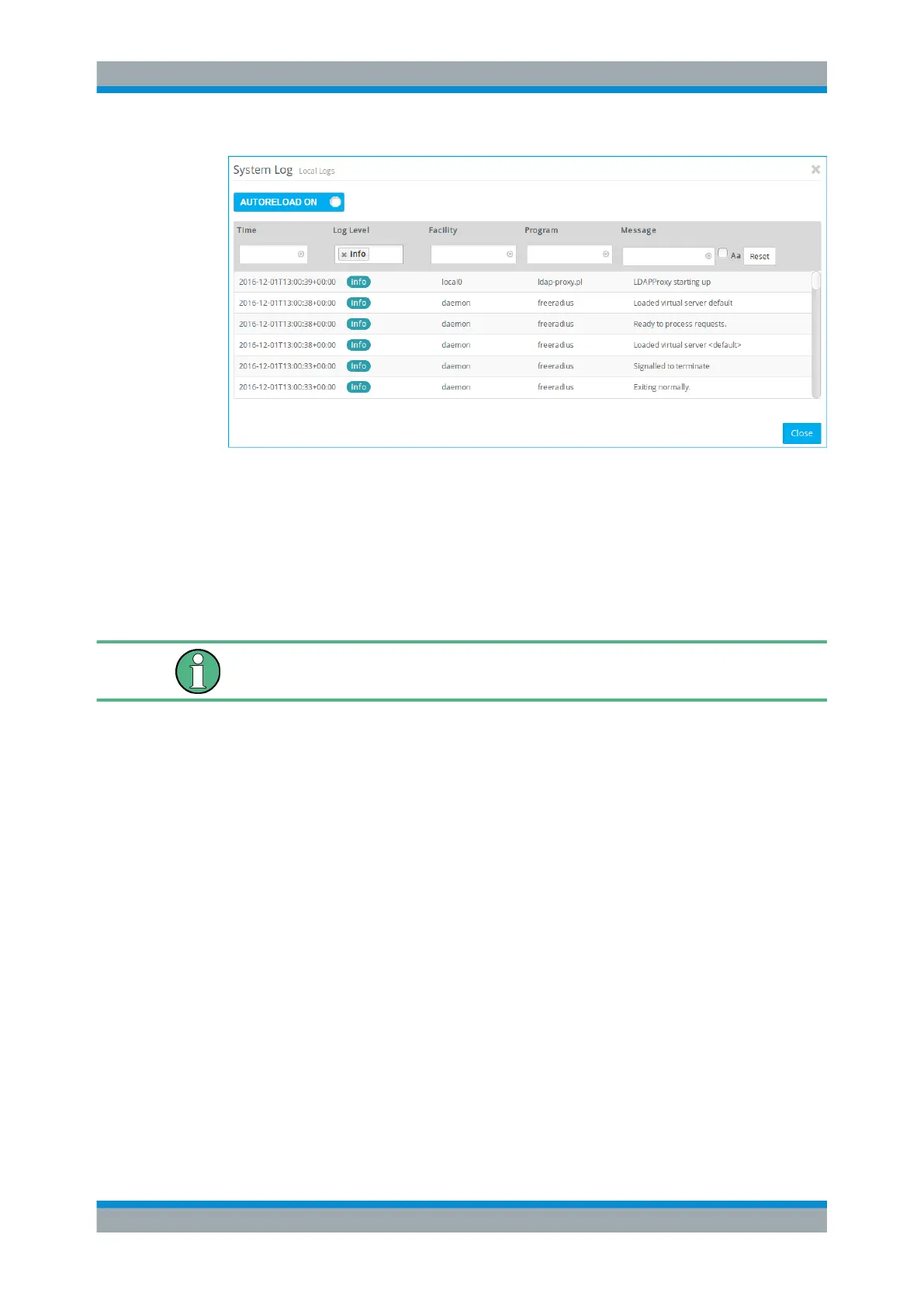
Figure 3-8: Sample filtered System log.
3.4.1.6 Network Diagnostics
Use the "Network Diagnostics" tools to verify whether gateprotect Firewall can commu-
nicate with a computer or other device at a specific network address (ping) or to follow
the path a message takes as it travels through the network (traceroute).
To allow diagnostic analysis between zones, a firewall rule with the ICMP protocol or
the ICMP Ping application has to be active in the appropriate direction.
Ping
Use the ping command to check if gateprotect Firewall can communicate with a com-
puter or other device at a specific network address.
Ping is a diagnostic tool that continuously sends ping signals to the target to check if it
is able to receive data.
Pinging can help you debug communication problems by verifying connectivity
between selected zones and the remote device.
To ping another device, adjust the following "Parameters" :
1. From the drop-down list, select the gateprotect Firewall "Source Zone" from which
you wish to test.
2. Enter the valid network address to ping under "Destination" .
3. Enter the "ICMP Time-to-live" , the value of the TTL field in the IP header that limits
the lifetime of a datagram. The value can be any integer from 1 to 255. The default
ICMP time-to-live is set to 64.
4. Specify the "Payload Size" (in bytes) of the ICMP payload. The default payload
size is set to 32 bytes. Any other integer from 1 to 1480 can be entered.
Menu Reference



 To Next Page