User Interface
R&S
®
GP-E/GP-S
41User Manual v16.2.1 ─ 01
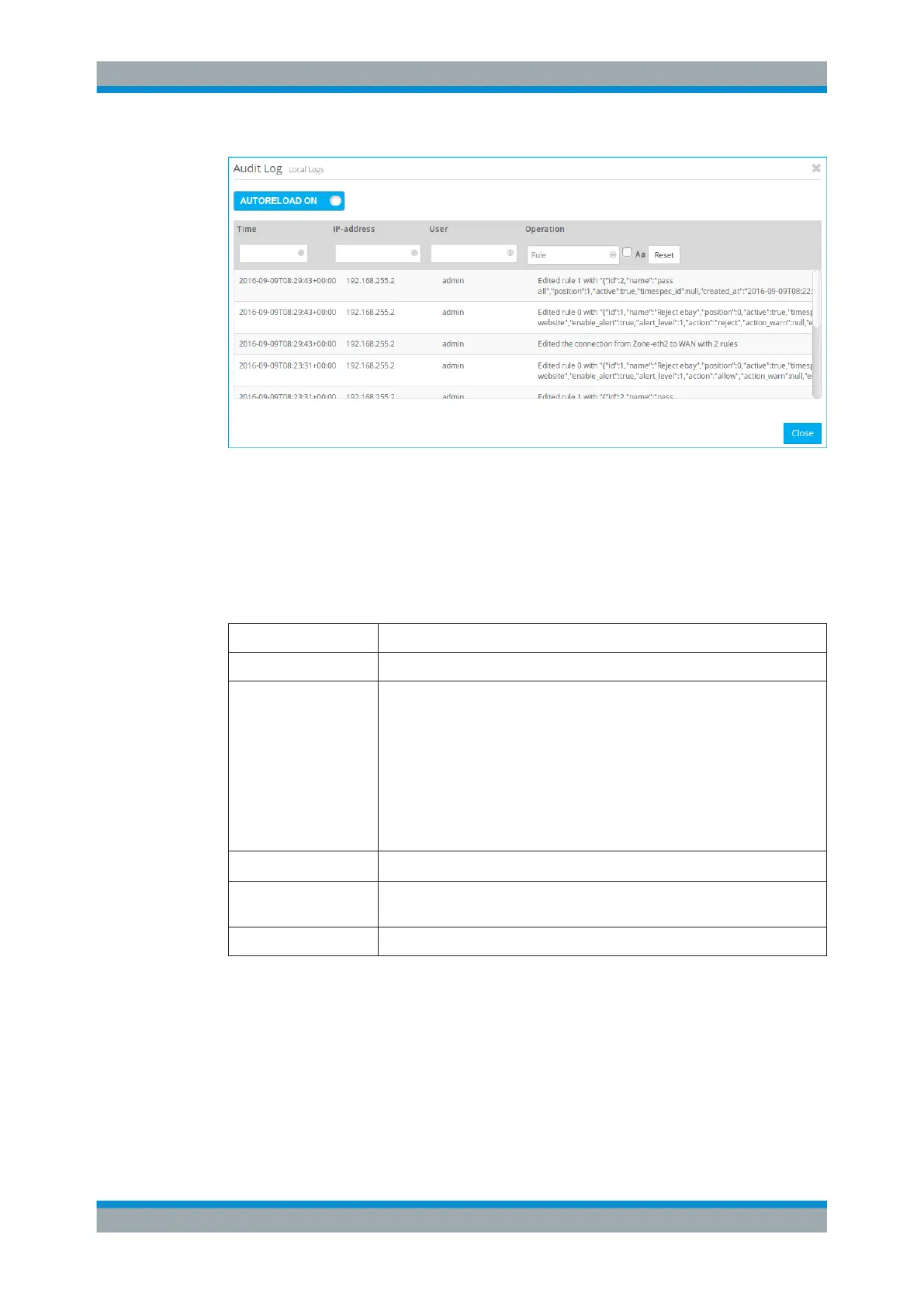
Figure 3-7: Sample filtered Audit log.
System Log
The "System Log" displays a list of recent system messages (e.g. from the kernel,
DHCP, DNS services, etc.).
The columns of the table contain the following information:
Column Description
"Time" The timestamp of the log entry.
"Log Level" The log level which can be one of the following:
●
emergency – system is unusable (highest priority)
●
alert – action must be taken immediately
●
critical – critical conditions
●
error – error conditions
●
warning – warning conditions
●
notice – normal but significant conditions
●
info – informational messages
●
debug – any messages that do not fit into the other log levels (lowest pri-
ority)
"Facility" The name of the facility that logged the entry, for example daemon.
"Program" The name of the program that created the entry, such as updater or
hwclockd.
"Message" The log message itself.
You can filter the contents of the System log. The "Message" filter returns all results
that contain the input string, whereas the remaining filter fields return exact matches
only.
The list of log messages will be adjusted to reflect your changes in the filter options.
Menu Reference



 To Next Page