Application Examples
R&S
®
GP-E/GP-S
196User Manual v16.2.1 ─ 01
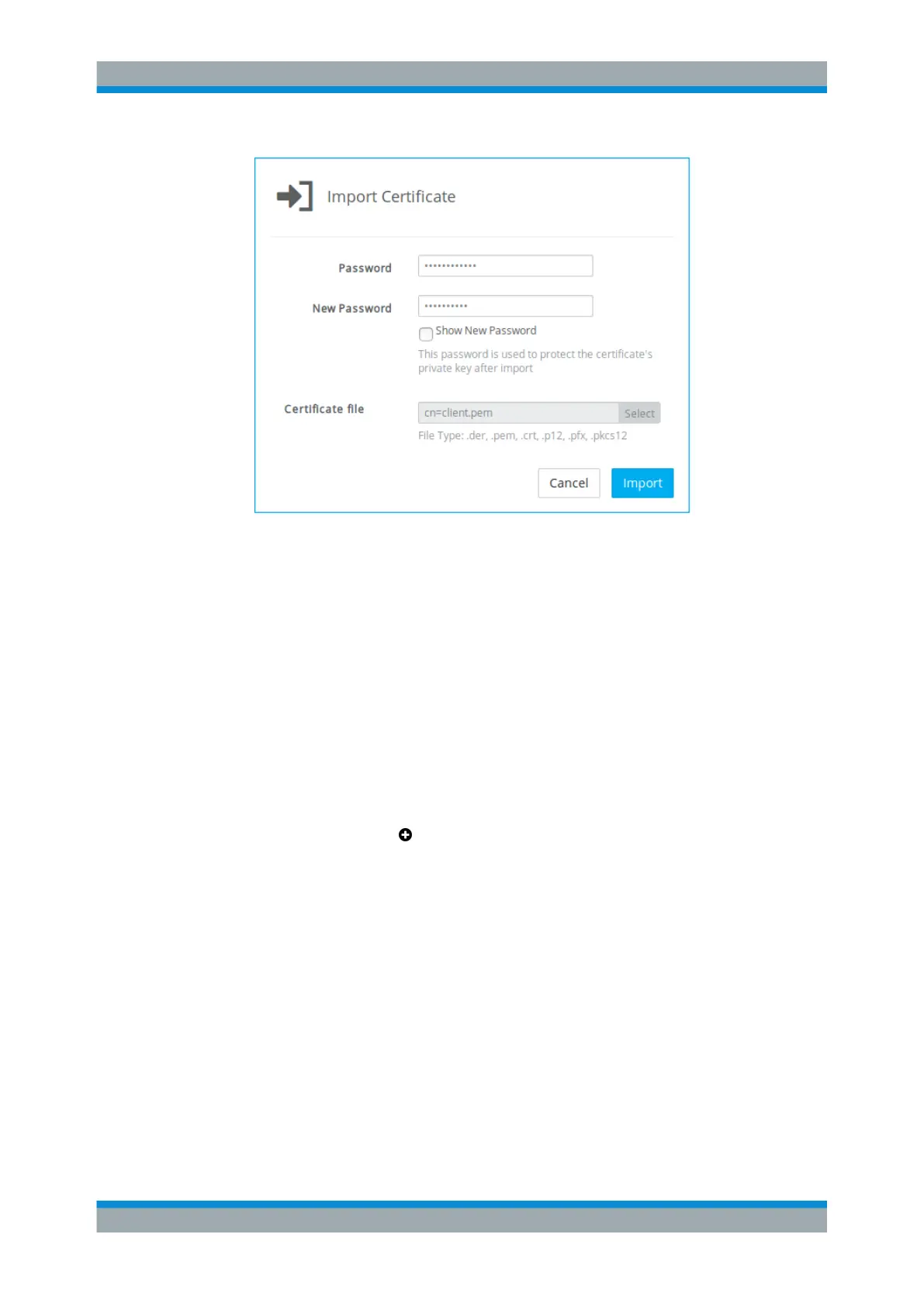
Figure 4-65: Importing the VPN certificate for the »subsidiary«.
For more information, see Chapter 3.4.8.1, "Certificates", on page 122.
4.12.4.2 Setting Up the Primary Box
To connect two remote site networks, one of the devices must be configured to initiate
the connection (the company »headquarters« in this example).
Configure the zone to which VPN users should be assigned (the access zone) to
ensure that gateprotect Firewall is available for them. For example, configure the WAN
zone to ensure that gateprotect Firewall is available from the Internet.
1. From the menu in the navigation pane, select "VPN > OpenVPN > Site-to-Site".
2.
Click the plus button
in the item list bar header to create a new virtual private
network connection.
VPN Setup Examples



 To Next Page